Skip to content
sudopicks
esc

BenQ GW2790QT vs MSI PRO MP251 E14L

Researched, not hands-on tested.How we review ›

all judged against monitors at a similar price

The BenQ GW2790QT scores 6.4/10 overall, ahead of the MSI PRO MP251 E14L at 4.9/10.

The BenQ GW2790QT leads on sharpness for text, connectivity and docking and ergonomics.

The MSI PRO MP251 E14L leads on panel quality, refresh rate and motion and build and warranty.

The biggest difference is connectivity and docking, where the BenQ GW2790QT scores 8/10 to the MSI PRO MP251 E14L's 3/10.

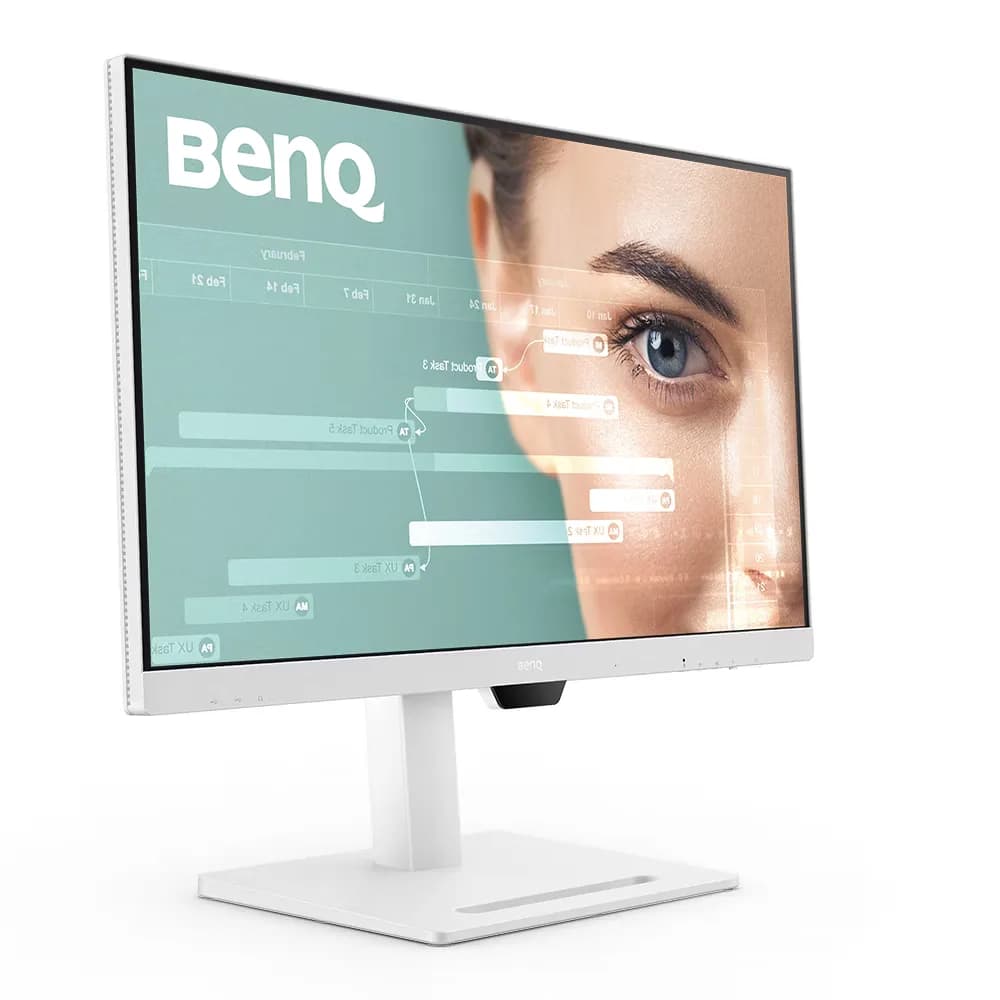
BenQ GW2790QT

BenQ GW2790QT

6.4/10verdict: good, not the best

The BenQ GW2790QT is a 27 inch 1440p IPS monitor for people who want to dock a laptop over a single USB-C cable. It suits desk setups that need a USB hub, 65W charging and an adjustable stand more than fast motion. It is a sensible fit for office, admin and development work on a laptop.

Typically about £275 in the UK when we researched itCheck price at Amazon UK (opens in a new tab, affiliate link)

Affiliate link. As an Amazon Associate I earn from qualifying purchases. Details
MSI PRO MP251 E14L

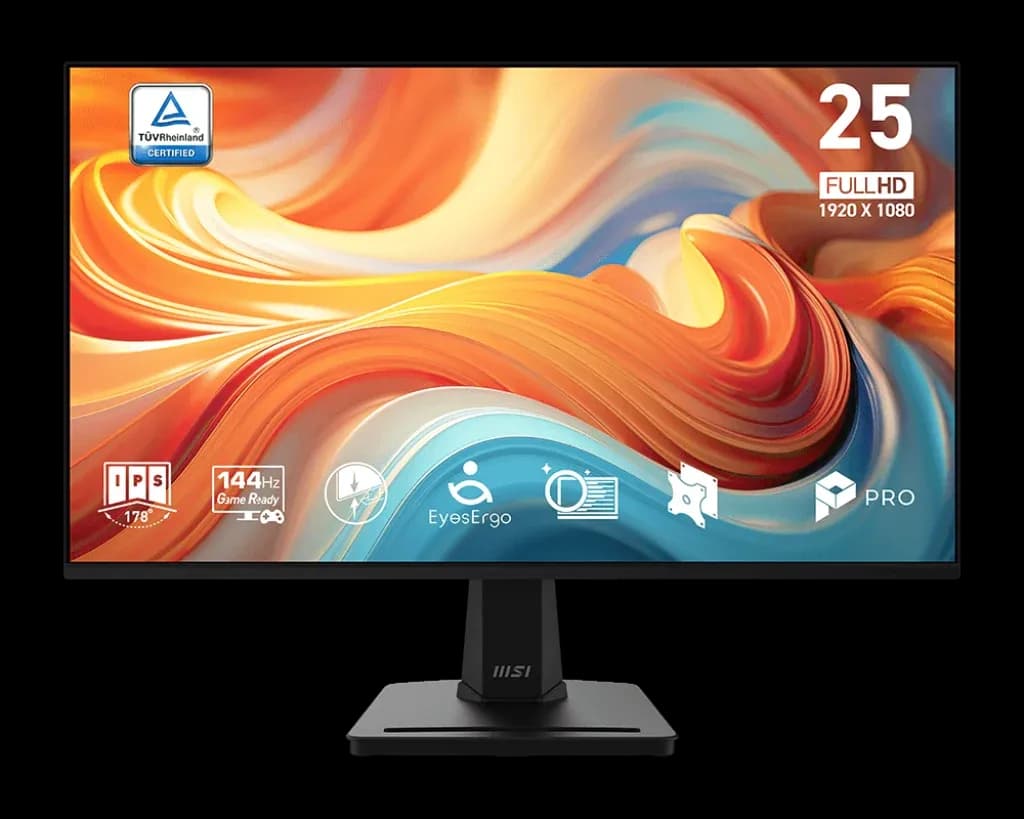
MSI PRO MP251 E14L

4.9/10verdict: skip

The MSI PRO MP251 E14L is a 24.5 inch 1080p IPS monitor with a 144Hz refresh rate. It suits buyers who want a fast second or main screen and will connect it over HDMI. It is less suited to anyone who needs a sharper picture, USB-C, DisplayPort or a flexible stand.

Typically about £68.99 in the UK when we researched itCheck price at Amazon UK (opens in a new tab, affiliate link)

Affiliate link. As an Amazon Associate I earn from qualifying purchases. Details

Scores, criterion by criterion

CriterionWeightBenQ GW2790QTMSI PRO MP251 E14L
Panel quality25%6/107/10
Sharpness for text20%6/103/10
Connectivity and docking20%8/103/10
Ergonomics15%8/103/10
Refresh rate and motion10%4/109/10
Build and warranty10%5/106/10
Overall6.4/104.9/10

Specifications

SpecBenQ GW2790QTMSI PRO MP251 E14L
Screen size27 inch24.5 inch
Resolution2560x1440 (native and max), 109 PPI1920 x 1080 (FHD), 16:9
Panel typeIPS, LED backlight, matte coating, 99% sRGB, 1000:1 native contrast, 350 nits typical, 178°/178° viewing angle, 5 ms GtGIPS, flat, anti-glare, 8-bit (6-bit + FRC), 178° / 178° viewing angles
Refresh rate75 Hz144Hz; Adaptive-Sync / FreeSync 48-144Hz; 1ms MPRT / 4ms GtG
Inputs and USB-CHDMI 1.4 (x1), DisplayPort 1.2 (x1), DisplayPort out (MST), one USB-C input with 65W Power Delivery, DisplayPort Alt Mode and data; three USB-A 3.2 Gen 1 downstream (4.5W charging) and one USB-C downstream (7.5W charging); no Ethernet listed1 x HDMI 1.4b (FHD@144Hz), 1 x D-Sub (VGA)
Stand adjustmentTilt -5° to 20°, swivel 20° left and right, pivot 90°, height adjustment 110 mmTilt -5° to 20°; no height, swivel or pivot adjustment; VESA 100 x 100 mm
HDRnot listedNot supported (HDR SUPPORT: N/A); 300 cd/m² SDR brightness

Strengths and weaknesses

BenQ GW2790QT

  • + Single USB-C cable carries video, data and 65W charging
  • + Stand adjusts for height, tilt, swivel and pivot
  • + Four downstream USB ports plus DisplayPort out
  • − 75 Hz refresh rate only
  • − No built-in KVM, no Ethernet listed
  • − Heavy, with a large base footprint

Skip it if:

  • Gamers who want 100 Hz or higher refresh rates
  • Buyers who need a built-in KVM or Ethernet in the monitor
  • Anyone with a shallow desk who dislikes large, heavy bases
Read the full BenQ GW2790QT review ›

MSI PRO MP251 E14L

  • + 144Hz refresh with FreeSync range of 48-144Hz
  • + IPS panel with 99% sRGB coverage
  • + Three-year warranty
  • − Only HDMI 1.4b and VGA inputs
  • − Tilt-only stand with no height adjustment
  • − About 90 PPI is soft for text

Skip it if:

  • Anyone who wants USB-C or DisplayPort connections, or one-cable laptop docking
  • Developers and writers who want sharp text from a higher pixel density
  • Buyers who need height, swivel or pivot adjustment without adding a VESA arm
Read the full MSI PRO MP251 E14L review ›

More comparisons

Compare all monitors · Best monitors