Best docking stations UK (2026)
Docking stations and USB-C hubs that turn a laptop into a desk setup with one cable. Ranked on display support, charging power, ports, bandwidth and how well they work with Windows, macOS and Linux. Compare all docking stations side by side or see which are cheaper than usual today.
Researched, not hands-on tested.How we review ›
updated 27 Oct 2026 · ranked by score; ties by value and ageNew to docking stations? What they are and what to look for
A docking station connects your laptop to your monitors, keyboard, network and charger with one cable.
Do you need a docking station? Worth it if you plug your laptop into the same desk every day and are tired of unplugging five cables.
What to look for
- Enough charging power for your laptop (check its charger's watts)
- Support for the number of screens you want on your laptop (Macs differ)
- Ethernet, and its own power supply for all-day use
Unsure about a word? Jargon explained
Our picks
The top 5 at a glance
| # | Docking stations and USB-C hubs | Score | Verdict | UK price |
|---|---|---|---|---|
| 1 | CalDigit TS4 Thunderbolt 4 Dock | 7.3 | verdict: buy | ~£369.99 |
| 2 | UGREEN Revodok Max 213 Thunderbolt 4 Dock | 7.0 | verdict: buy | ~£249.99 |
| 3 | UGREEN Revodok Pro 210 10-in-1 USB-C Hub | 5.6 | verdict: good, not the best | ~£31.53 |
| 4 | UGREEN Revodok Pro 207 | 5.6 | verdict: good, not the best | - |
| 5 | Lemorele TC94L USB-C Docking Station | 4.2 | verdict: skip | ~£27.99 |
~ typical UK price when researched.
- #1
CalDigit TS4 Thunderbolt 4 Dock
7.3/10verdict: buyThe CalDigit TS4 is for people who want one cable to connect a laptop to a large set of peripherals. It suits Windows laptops, Intel Macs and M1 Pro or M1 Max Macs that need two external screens and lots of fast USB. It is a poorer match for original M1 Mac owners who want two displays, or anyone who needs HDMI.
Thunderbolt 4 host portOne built-in DisplayPort 1.498W laptop charging from Thunderbolt…18 total: 3 x Thunderbolt 4~£369.99typical UK price when we researched itCheck price at Amazon UK (opens in a new tab, affiliate link)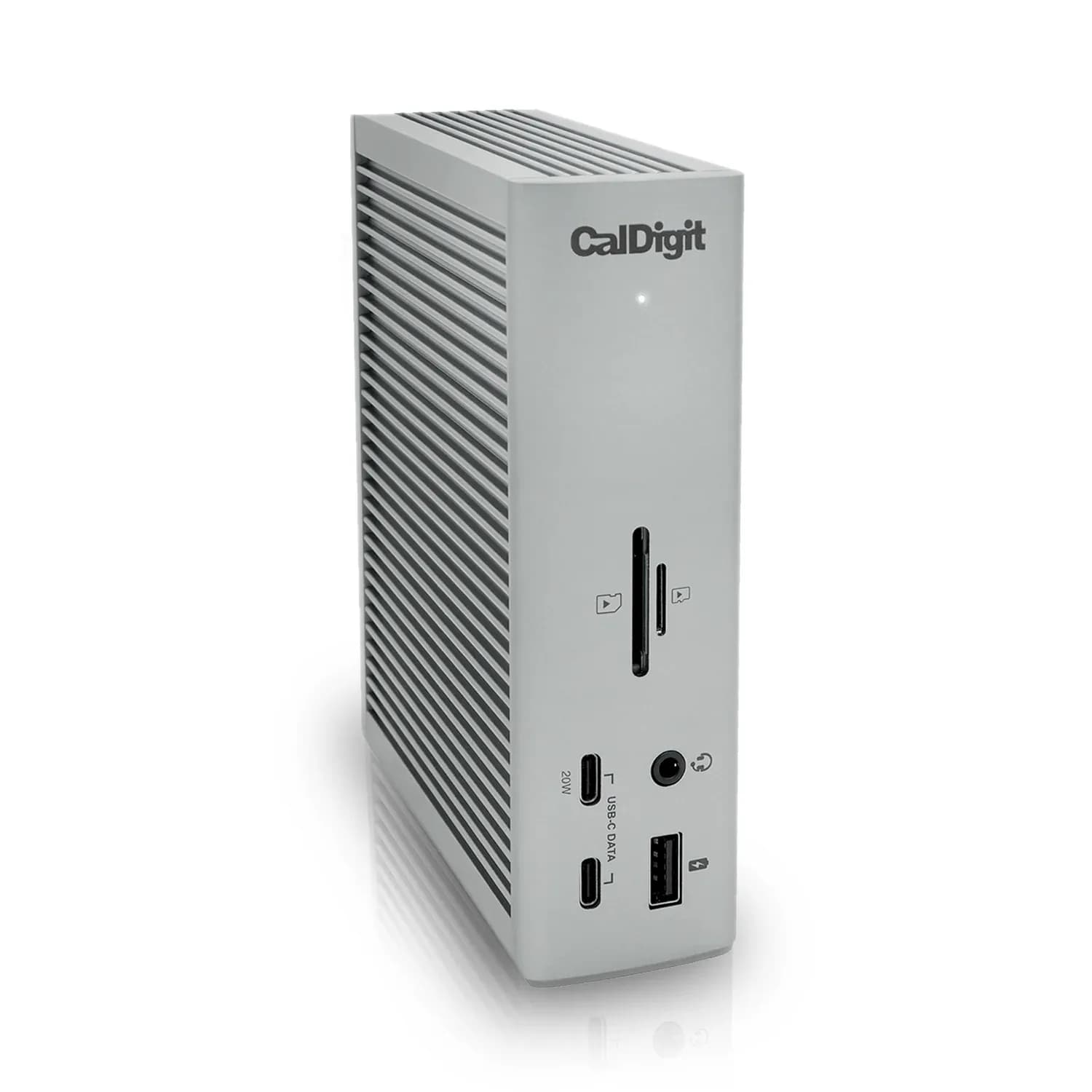
Affiliate link. As an Amazon Associate I earn from qualifying purchases. Details
- #2
UGREEN Revodok Max 213 Thunderbolt 4 Dock
7.0/10verdict: buyThe UGREEN Revodok Max 213 is a Thunderbolt 4 dock for people who want one cable to handle charging, displays, wired networking and storage at a desk. It suits Windows laptops and Pro, Max, Ultra or Intel Macs that need two 4K screens. It is less suited to base M-series Mac owners who want more than one display, or to anyone who needs a silent dock.
Thunderbolt 4 hostOne DisplayPort 1.4 output plus…90W to laptop over the Thunderbolt 4…3 TB4~£249.99typical UK price when we researched itCheck price at Amazon UK (opens in a new tab, affiliate link)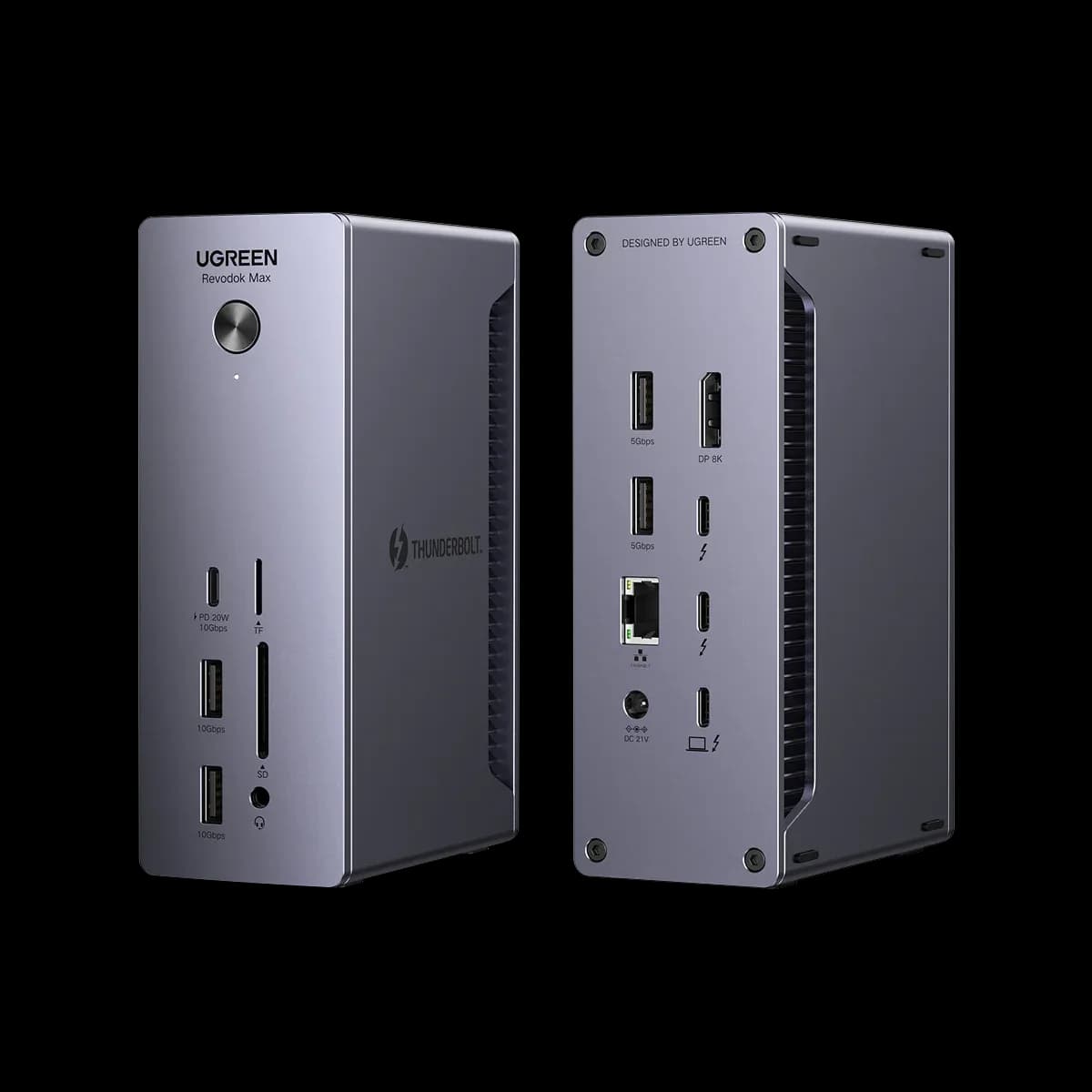
Affiliate link. As an Amazon Associate I earn from qualifying purchases. Details
- #3
UGREEN Revodok Pro 210 10-in-1 USB-C Hub
5.6/10verdict: good, not the bestThe Revodok Pro 210 is for people who want a single-cable desk setup with one external screen, Gigabit Ethernet and laptop charging up to 85W. It suits Windows and Mac users who mainly need extra ports and a card reader. Anyone who plans to run two monitors from a MacBook should read the owner reports first.
Single USB-C upstream inputSupports 2 external displays: dual HDMI at…100W PD inputTwo HDMI~£31.53typical UK price when we researched itCheck price at Amazon UK (opens in a new tab, affiliate link)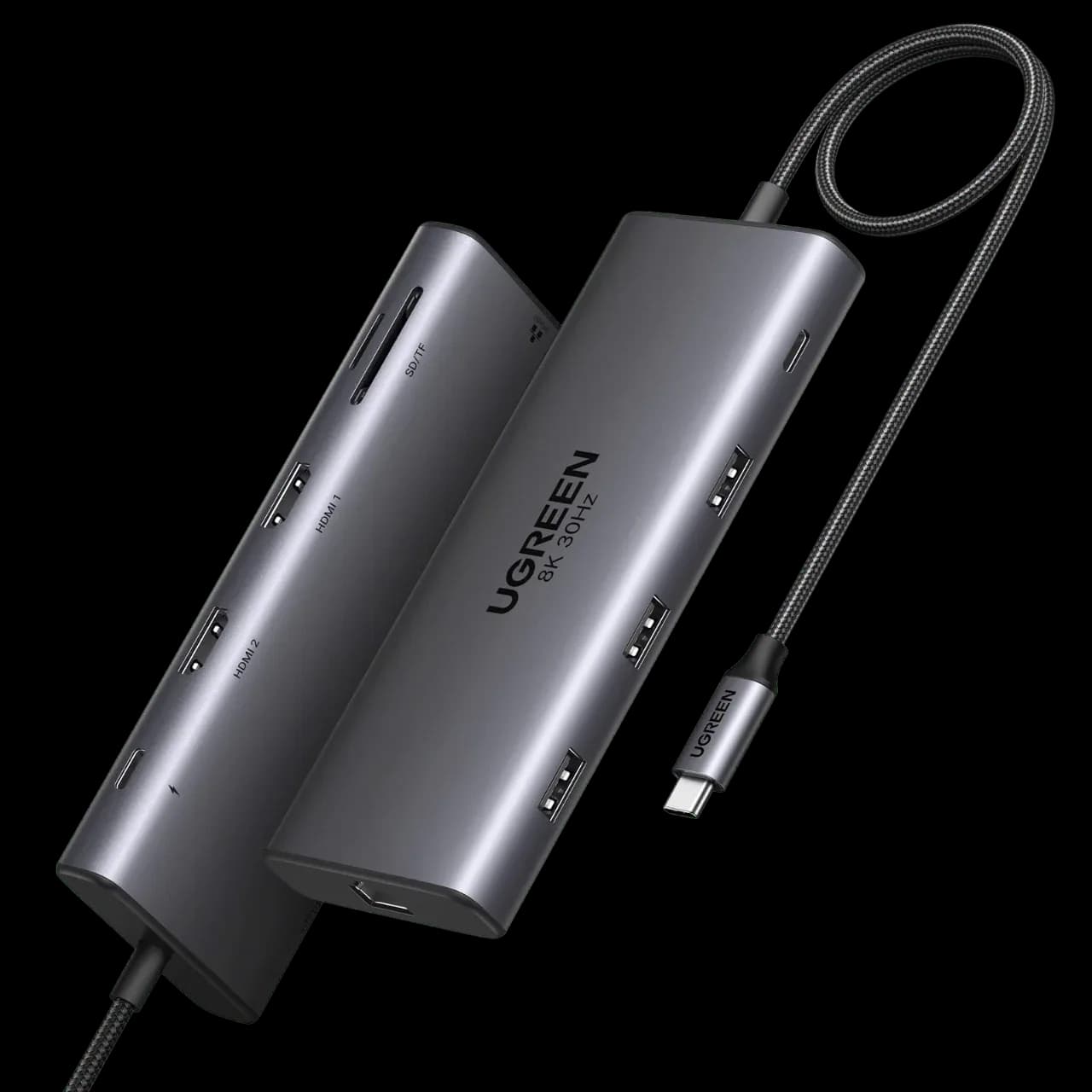
Affiliate link. As an Amazon Associate I earn from qualifying purchases. Details
- #4
UGREEN Revodok Pro 207
5.6/10verdict: good, not the bestThe Revodok Pro 207 is for people with a Windows or Chrome laptop who want two 4K monitors and fast USB ports from one USB-C cable. It suits a desk setup where the laptop needs up to 85W of charging through the dock. Mac owners who want two separate screens should check the display limits first.
USB-C upstream connection to the laptopTwo external displaysUp to 85W laptop charging through a 100W…2× HDMI, 2× USB-A 10Gbps, 2× USB-C 10Gbps…No live price yetCheck price at Amazon UK (opens in a new tab, affiliate link)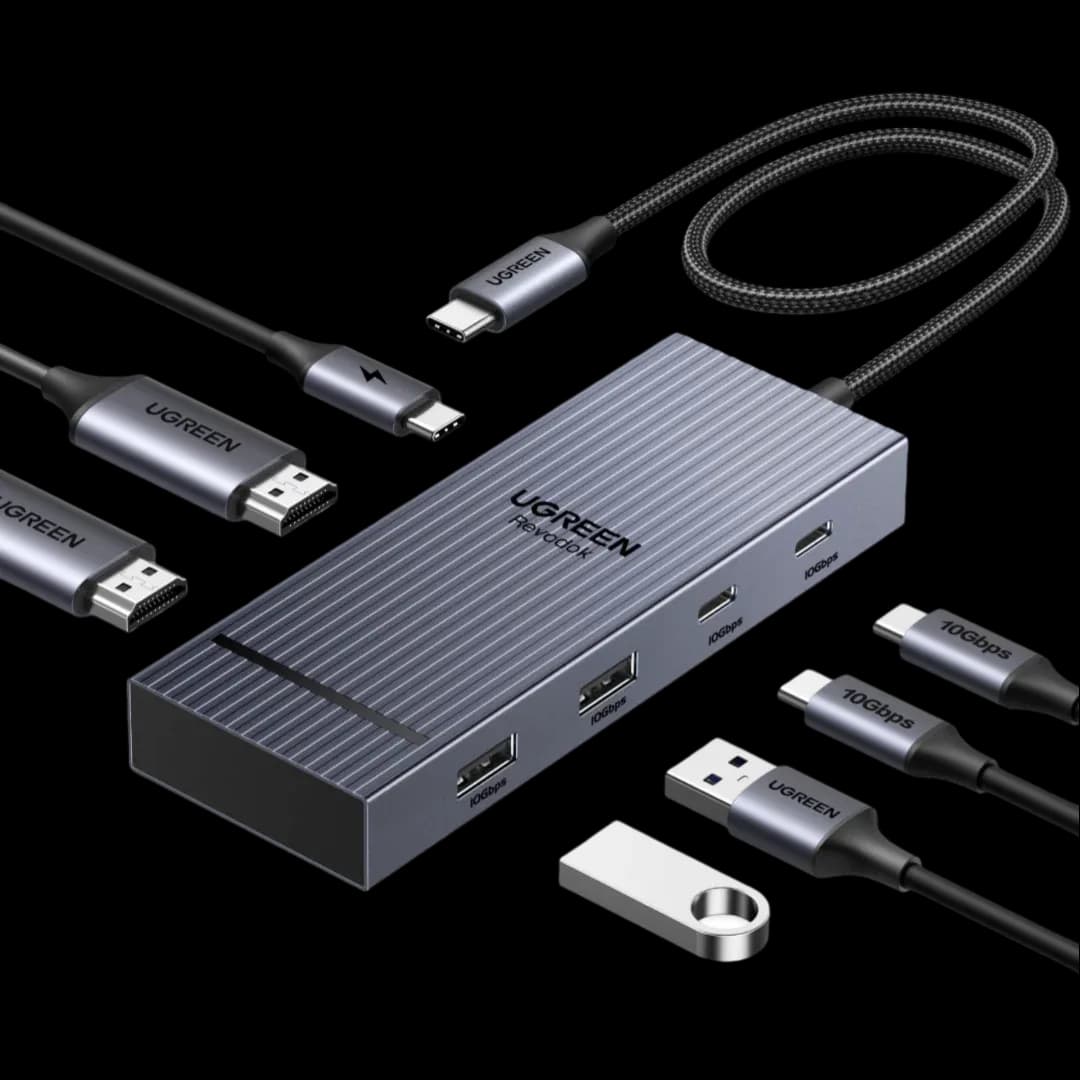
Affiliate link. As an Amazon Associate I earn from qualifying purchases. Details
- #5
Lemorele TC94L USB-C Docking Station
4.2/10verdict: skipThe Lemorele TC94L is for people who want to run two 1080p monitors from one USB-C laptop port. It suits home working with documents, email and browser windows rather than high-resolution displays or fast storage. Anyone who needs wired networking, 4K at 60Hz or strong laptop charging should check the limits carefully first.
USB-CTwo HDMI 2.0 ports and one VGA portUSB-C PD input up to 85W2x HDMI 2.0, 1x VGA, 1x USB-A 3.0~£27.99typical UK price when we researched itCheck price at Amazon UK (opens in a new tab, affiliate link)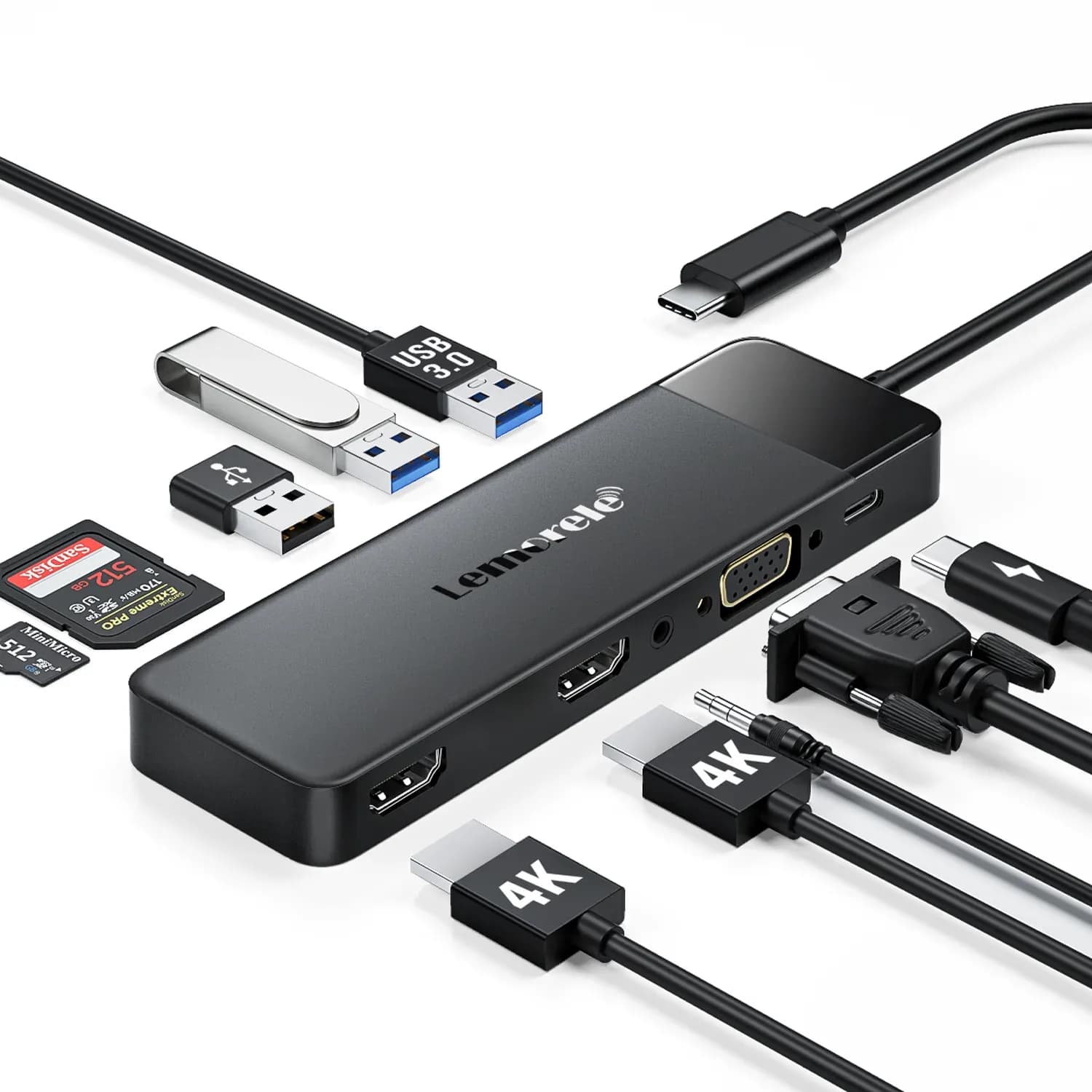
Affiliate link. As an Amazon Associate I earn from qualifying purchases. Details
Questions
Will it drive two monitors from my MacBook?
Base M1, M2 and M3 MacBooks drive only one external screen natively, so two screens need a DisplayLink dock (which needs a driver) or a Mac with a Pro or Max chip. M4 and later MacBook Airs drive two.
Thunderbolt dock or USB-C hub?
A USB-C hub is small and cheap for a few ports and one screen. A Thunderbolt or USB4 dock has its own power, more bandwidth and multiple screens, and suits a permanent desk.
Does it work with my laptop?
Check your laptop's USB-C port supports DisplayPort output and charging (a lightning or DP symbol, or Thunderbolt). Without it, a dock can only add USB ports.
What is DisplayLink?
A way to run extra screens over USB using a driver. It gets around the one-screen limit on base MacBooks, but the driver must be installed and video can stutter in games.