Skip to content
sudopicks
esc

Anker 568 USB-C Docking Station (11-in-1, USB4) vs Lenovo ThinkPad Hybrid USB-C with USB-A Dock

Researched, not hands-on tested.How we review ›

all judged against docking stations at a similar price

The Lenovo ThinkPad Hybrid USB-C with USB-A Dock scores 5.8/10 overall, ahead of the Anker 568 USB-C Docking Station (11-in-1, USB4) at 5.4/10.

The Anker 568 USB-C Docking Station (11-in-1, USB4) leads on charging and power.

The Lenovo ThinkPad Hybrid USB-C with USB-A Dock leads on displays, ports and bandwidth and ethernet and value.

They score the same on compatibility and reliability.

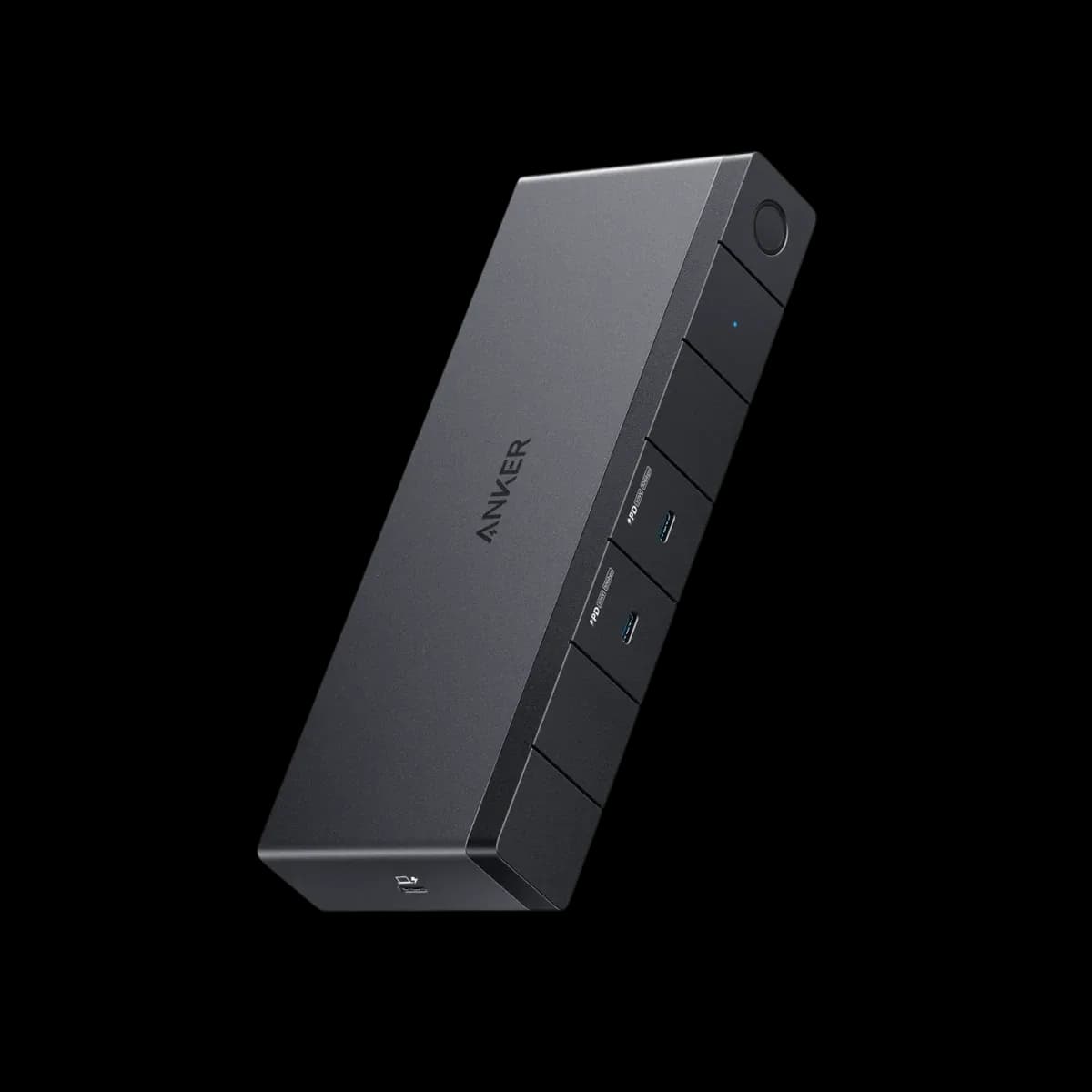
Anker 568 USB-C Docking Station (11-in-1, USB4)

Anker 568 USB-C Docking Station (11-in-1, USB4)

5.4/10verdict: good, not the best

The Anker 568 is a USB4 dock for Windows laptops that need up to three monitors and laptop charging over one cable. It gives the laptop up to 85W after its own draw and adds front USB-C ports with 30W each. It is a poor match for MacBooks, and owner reports of display and Ethernet drops make it a weaker choice for buyers who want a trouble-free desk.

Check price at Amazon UK (opens in a new tab, affiliate link)

Affiliate link. As an Amazon Associate I earn from qualifying purchases. Details
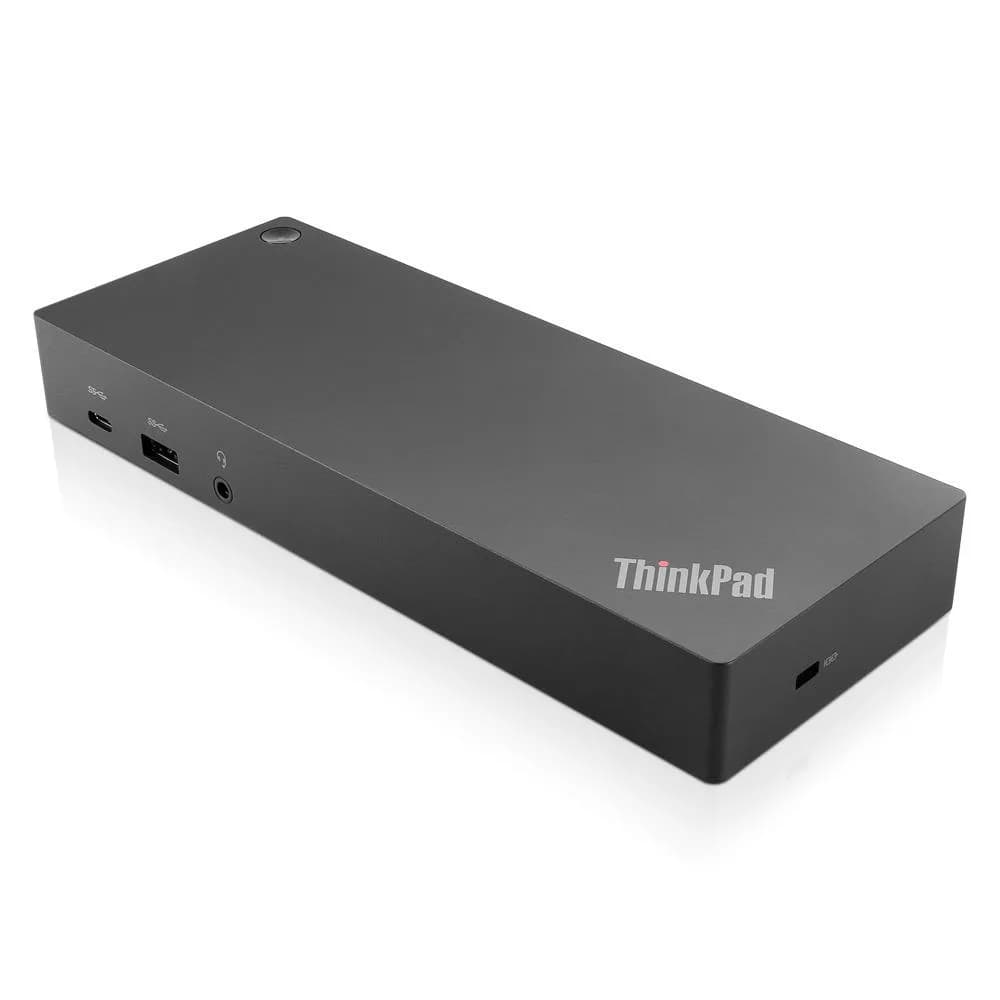
Lenovo ThinkPad Hybrid USB-C with USB-A Dock

Lenovo ThinkPad Hybrid USB-C with USB-A Dock

5.8/10verdict: good, not the best

This dock suits someone who wants one USB-C cable to run two 4K monitors, wired network and a batch of USB devices from a laptop. It fits desk setups, especially managed ones that use PXE boot, Wake-on-LAN or MAC pass-through. It is less suited to anyone who needs rock-solid video or 2.5GbE-class networking.

Typically about £118.99 in the UK when we researched itCheck price at Amazon UK (opens in a new tab, affiliate link)

Affiliate link. As an Amazon Associate I earn from qualifying purchases. Details

Scores, criterion by criterion

CriterionWeightAnker 568 USB-C Docking Station (11-in-1, USB4)Lenovo ThinkPad Hybrid USB-C with USB-A Dock
Displays25%5/106/10
Charging and power20%7/106/10
Ports and bandwidth20%6/107/10
Compatibility and reliability20%4/104/10
Ethernet and value15%5/106/10
Overall5.4/105.8/10

Specifications

SpecAnker 568 USB-C Docking Station (11-in-1, USB4)Lenovo ThinkPad Hybrid USB-C with USB-A Dock
Connects withUSB4 upstream host port, 40 Gbps, up to 100W to the laptopOne USB-C upstream port to laptop (10 Gbps, 5V/3A) with USB-C to USB-A dongle; supports USB-C, USB4, Thunderbolt 3, Thunderbolt 4 and USB-A laptops
External displaysUp to 3 external monitors: 1 HDMI 2.0 (4K@60Hz) and 2 DisplayPort (8K@30Hz or 4K@60Hz); with three connected, maximum 4K@30HzUp to two UHD displays via DisplayPort or HDMI; 3840x2160 @ 60 Hz per port, 5120x2880 @ 60 Hz when DP1 and DP2 drive one monitor
Laptop charging100W maximum to the laptop via the USB4 port; 85W for the laptop after the dock's own 15W drawnot listed
Ports1 USB4 upstream (PD in); 2 USB-C 3.2 Gen 2 front (10 Gbps, 30W each, no video); 2 USB-A 3.2 Gen 1 (5 Gbps); 2 USB-A 2.0 (480 Mbps); 1 HDMI 2.0; 2 DisplayPort; 1 RJ45; 11 ports totalUSB-C (10 Gbps, 5V/3A); USB-A 3.2 Gen 2 x3 at 10 Gbps (one always-on); USB-A 2.0 x2; DP 1.4 (4K @ 60 Hz); HDMI 2.0 (4K @ 60 Hz); RJ45; DC power-in; 3.5 mm combo audio
Ethernet1 x gigabit RJ45 (1 Gbps)Gigabit Ethernet
Display techNative video over DisplayPort and HDMI; no DisplayLink mentioned; no software or driver neededDisplayLink video connection, per owner review; datasheet footnote lists DisplayLink among supported laptop video modes
Power supplyExternal 180W DC adapter plus 1m USB4 cableSeparate ThinkPad Slim-tip 135 W AC power adapter shipped with the dock

Strengths and weaknesses

Anker 568 USB-C Docking Station (11-in-1, USB4)

  • + Native video on HDMI and DisplayPort, no driver needed
  • + Own 180W adapter with 100W maximum to the laptop
  • + Two front USB-C ports at 10Gbps and 30W each
  • − Three monitors drop to 4K@30Hz
  • − Not advised for MacBooks; no extended displays on macOS
  • − Owners report display flicker and Ethernet drops

Skip it if:

  • MacBook owners who want extended multi-monitor setups
  • Buyers who need an SD card reader or headphone jack
  • Anyone wanting 2.5GbE or a certified Thunderbolt dock
Read the full Anker 568 USB-C Docking Station (11-in-1, USB4) review ›

Lenovo ThinkPad Hybrid USB-C with USB-A Dock

  • + Two 4K 60 Hz outputs, with a 5K option
  • + Five USB-A ports, three at 10 Gbps
  • + Ships with its own 135 W power adapter
  • − Owners report display dropouts and black screens
  • − Reports of random disconnects and wake failures
  • − Gigabit Ethernet only, and no card reader

Skip it if:

  • Buyers who need rock-solid multi-monitor video with no driver fuss
  • Anyone who wants an SD card reader built into the dock
  • Users who need Ethernet faster than gigabit
Read the full Lenovo ThinkPad Hybrid USB-C with USB-A Dock review ›

More comparisons

Compare all docking stations · Best docking stations