Endgame Gear OP1w 4k Wireless Gaming Mouse
No live price yetAffiliate link. As an Amazon Associate I earn from qualifying purchases. Details
Endgame Gear OP1w 4k Wireless Gaming Mouse review
Researched, not hands-on tested.How we review ›
by SudoPicks Research · editor Paul HR · published 29 Oct 2026 · updated 29 Oct 2026
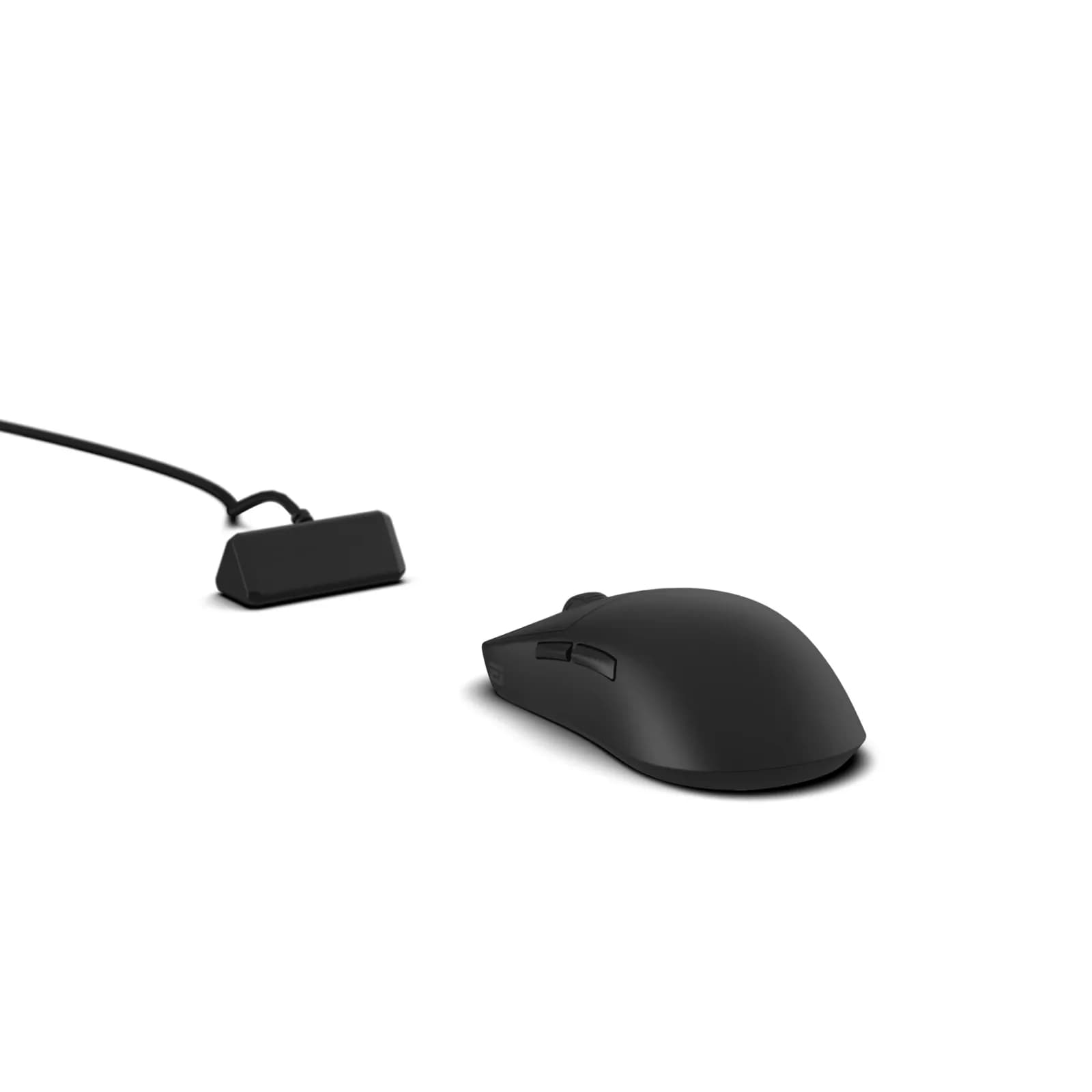
The Endgame Gear OP1w 4k is a small, right-handed wireless gaming mouse for people who use a claw grip. It suits players who want 4000 Hz polling and a solid build in a 58.5 g body.
joint 11th of 14 mice we've reviewedAffiliate link. As an Amazon Associate I earn from qualifying purchases. Details
New to mice? What they are and what to look for
A mouse is the pointer you move around your screen. A better one is more comfortable, more precise and can work with several computers.
Do you need a new mouse? Worth upgrading if your hand or wrist aches after long days, or you game and want quicker, lighter control.
What to look for
- Comfort: ergonomic shapes suit long workdays
- Both Bluetooth and a USB receiver, and USB-C charging
- Long battery life, and extra buttons if you'll use them
Unsure about a word? Jargon explained
How the 5.7 adds up
Our mice rubric- Comfort and shape25% of score
- Sensor and tracking20% of score
- Connectivity and battery25% of score
- Build and buttons15% of score
- Software and value15% of score
Against the 14 mice we've reviewed
bar = the range of all 14 · dot = this one · better →
- Overall score 5.7/10joint 11th of 14
Support and features
| Software updates | No end date announced; firmware updates are supported source |
|---|
Compatibility
| Linux | Partly works on Linux. Vendor configuration software is Windows-only, but an unofficial community tool lists the OP1w 4k v1 and v2 as verified on hardware, and the mouse's settings are stored onboard. source |
|---|
Pros and cons
+ pros
- Strong build quality praised by owners
- Switches and encoder well regarded
- 4000 Hz polling with PixArt PAW3395 sensor
− cons
- Battery life called short for the class
- Software described as dated
- Shape not suited to large hands
Price history
Price history appears here once we have tracked this product for a few days.
The full review
Where it fits
The OP1w 4k is a small wireless gaming mouse from Endgame Gear. It weighs 58.5 g and connects by 2.4 GHz receiver or wired USB. The "4k" refers to 4000 Hz polling, and the quoted battery figure is also given at that rate. It is built for players who want a compact body and a high polling rate, and who accept a short list of extras.
Shape and comfort6/10
The body is symmetrical and measures about 118 × 61 × 37 mm. It has a moderate rear hump that suits claw grip. It is right-handed, and the spec sheet lists no left-handed or alternative-size version.
Owner reports on shape are mixed. They say it works for claw grip but not for large hands. With those dimensions and that hump, it makes most sense for small to medium hands that already claw the mouse.
Weight gets mixed comments too. One reviewer calls it heavier than newer small mice. Another calls it lightweight. At 58.5 g, the figure itself is clear, so how it reads depends on what you are comparing it with.
Sensor and polling7/10
The V1 is listed with a PixArt PAW3395 sensor. The V2 page lists a PAW3950 instead, so check which version you are buying. Polling goes up to 4000 Hz, which is the point of the 4k name.
The default maximum DPI is 3200, and you change it in software. That is a plain starting point rather than a headline figure, and the spec sheet gives no other DPI numbers.
Connectivity and battery4/10
Connection options are the 2.4 GHz receiver and wired USB. Bluetooth is not listed among the verified connections, so treat this as a receiver-and-cable mouse.
Battery is the main complaint from owners, who call it short for the class. The quoted figure is up to 30 hours at 4000 Hz polling with default power saving. That power saving drops the mouse into a low-power mode after 1 minute idle, then deep sleep after 3 minutes. If you run 4000 Hz all day, expect to charge often. The wired USB option is there for those moments.
Build and buttons8/10
Build quality draws praise from owners, as do the switches and the scroll encoder. The V2 uses Kailh GX main switches, and they are hot-swappable. That suits people who like to change switches over time.
The button count is listed as five in the PC Gamer review and four in the V2 spec table. Either way, a scroll wheel is present and the layout is short on extras. With a small symmetrical body and that few buttons, it reads as a mouse built around clicking and aiming rather than macros.
Software4/10
Firmware updates are supported. Owners describe the software as dated. Since DPI adjustment happens there, you will meet it at least once.
Who it suits
This is a mouse for claw-grip players with smaller hands who value a sturdy body, good switches and 4000 Hz polling. The battery figure at that polling rate and the dated software are the trade-offs. If either one matters more to you than the build, look at other options.
What owners report
Recurring themes from public owner feedback, summarised in our own words.
- Owners say battery life is short for the class.
- Build quality, switches and the scroll encoder get consistent praise.
- The software is described as dated.
- Shape suits claw grip but not large hands, and weight opinions are split.
Who should skip it
- Left-handed users, as the shape is right-handed only
- Buyers with large hands who want a bigger body
- Anyone who wants long battery life at 4000 Hz polling
Full specifications
| Connection | 2.4 GHz wireless via receiver, plus wired USB; Bluetooth not verified |
|---|---|
| Sensor and DPI | PixArt PAW3395 (V1 per retailer and review; V2 page says PAW3950, sources conflict) |
| Battery life | Up to 30 hours at 4000 Hz polling with default power saving |
| Weight | 58.5 g |
| Buttons | 5 per pcgamer.com review (V2 spec table says 4); scroll wheel present |
| Shape and hand | Small symmetrical body, about 118 × 61 × 37 mm, moderate rear hump suited to claw grip; right-handed |
| Software | Firmware updates supported; software name not captured |
Sources
- Endgame Gear OP1w 4K V2 product page
- Endgame Gear OP1w 4k V1 product page (en-nl, snippet only)
- PC Gamer review
- ProSettings review
- ELOShapes review
- Vortex Gaming review
- Nookyyy review
- Digitrendz review
- PeriphPick V2 page
- MaxGaming listing
- AusModShop listing
- MechanicalKeyboards.com V2 listing
- Datablitz listing
- OneOfZero listing
Alternatives
Compare head to head
- Endgame Gear OP1w 4k Wireless Gaming Mouse vs Logitech G203 Prodigy Gaming Mouse ›
- Endgame Gear OP1w 4k Wireless Gaming Mouse vs GAMIAC PA50 ›
- Endgame Gear OP1w 4k Wireless Gaming Mouse vs Logitech Wireless Mouse M185 ›
- Endgame Gear OP1w 4k Wireless Gaming Mouse vs UGREEN Wireless Mouse, Silent Computer Mouse, 18-Month Battery ›
- Endgame Gear OP1w 4k Wireless Gaming Mouse vs TECKNET Wireless Mouse BT5.0/3.0 & 2.4G 4800 DPI Grey ›
- Endgame Gear OP1w 4k Wireless Gaming Mouse vs Logitech MX Anywhere 3S ›