Skip to content
sudopicks
esc

Logitech Brio 500 vs Logitech MX Brio

Researched, not hands-on tested.How we review ›

all judged against webcams at a similar price

The Logitech Brio 500 scores 6.8/10 overall, ahead of the Logitech MX Brio at 6.3/10.

The Logitech Brio 500 leads on features and privacy, microphone and compatibility and value.

The Logitech MX Brio leads on picture quality.

They score the same on low light.

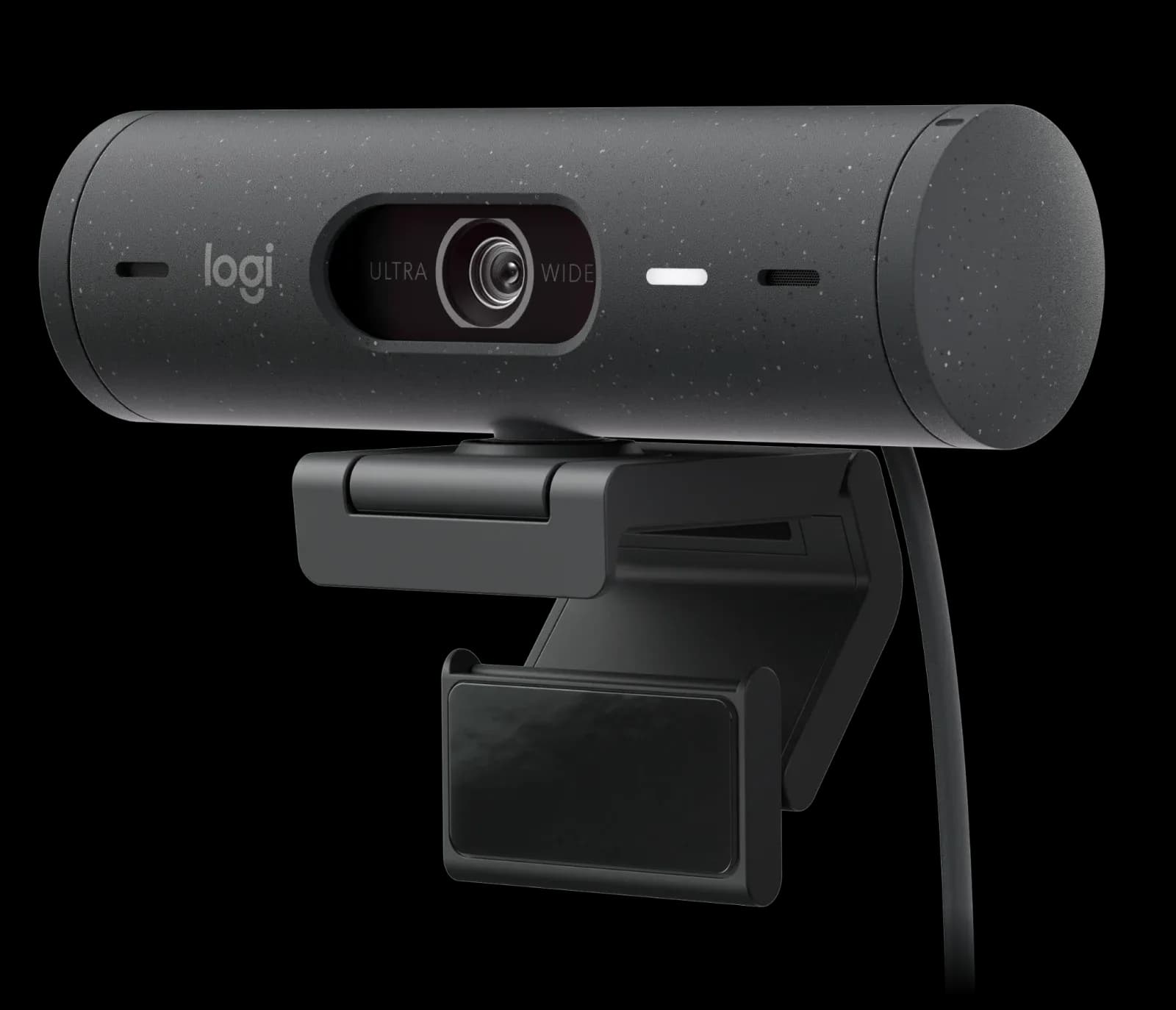
Logitech Brio 500

Logitech Brio 500

6.8/10verdict: buy

The Logitech Brio 500 is for people who take regular video calls from a desk and want a webcam with a built-in privacy shutter and decent microphones. It suits home workers who care about low-light and backlit performance more than resolution. Buyers who need 4K or 60fps at 1080p should look at other cameras.

Typically about £79.99 in the UK when we researched itCheck price at Amazon UK (opens in a new tab, affiliate link)

Affiliate link. As an Amazon Associate I earn from qualifying purchases. Details

Logitech MX Brio

Logitech MX Brio

6.3/10verdict: good, not the best

The MX Brio is for people who want a 4K webcam with a built-in privacy shutter for daily video calls. It suits buyers on Windows or macOS who are happy to install Logitech software for the full feature set. Owners who dislike paying a premium or need face login should read the limitations first.

Typically about £154 in the UK when we researched itCheck price at Amazon UK (opens in a new tab, affiliate link)

Affiliate link. As an Amazon Associate I earn from qualifying purchases. Details

Scores, criterion by criterion

CriterionWeightLogitech Brio 500Logitech MX Brio
Picture quality30%6/107/10
Low light20%7/107/10
Features and privacy20%8/107/10
Microphone15%7/105/10
Compatibility and value15%6/104/10
Overall6.8/106.3/10

Specifications

SpecLogitech Brio 500Logitech MX Brio
Resolution and frame rate1080p/30fps (1920x1080); 720p/60fps (1280x720)4K at 30 fps (3840×2160) and 1080p at 60 fps (1920×1080)
Field of viewDiagonal 90°/78°/65°Three presets: 90°, 78° and 65° diagonal (reviewer-reported)
Focus and framingAutofocusAdvanced Autofocus; 4x digital zoom
MicrophoneDual noise reduction microphonesDual beamforming, noise-reducing microphones
Privacy shutterIntegrated privacy shutterBuilt-in privacy shutter rotated by a ring around the lens; does not block the microphone
ConnectionUSB-C, 1.5 m attached cable, plug-and-playUSB-C, USB 3.0, detachable cable 1.5 m (5 ft)

Strengths and weaknesses

Logitech Brio 500

  • + Privacy shutter praised by owners as easy to use
  • + Low light and backlight handling praised over a C920
  • + Dual noise reduction mics with clear voice pickup
  • − Resolution tops out at 1080p, and 60fps only at 720p
  • − Auto-framing needs Logi Tune, which isn't on ChromeOS
  • − Adhesive mount complaints; one pad failed within weeks

Skip it if:

  • Buyers who want 4K video or 60fps at 1080p
  • ChromeOS users who want auto-framing through Logi Tune
  • Anyone who doesn't want to rely on a double-sided adhesive mount
Read the full Logitech Brio 500 review ›

Logitech MX Brio

  • + 4K at 30 fps and 1080p at 60 fps
  • + Built-in privacy shutter on a ring around the lens
  • + Owners praise image quality and low-light gains
  • − Owners find the price high for a webcam
  • − Software is a weak point and Windows/macOS only
  • − No Windows Hello face login

Skip it if:

  • Buyers who want face login with Windows Hello
  • Linux users who need confirmed driverless support
  • Buyers who want a low-cost webcam without extra software
Read the full Logitech MX Brio review ›

More comparisons

Compare all webcams · Best webcams