Skip to content
sudopicks
esc

GAMIAC PA50 vs Logitech Signature M650

Researched, not hands-on tested.How we review ›

all judged against mice at a similar price

The Logitech Signature M650 scores 7.1/10 overall, ahead of the GAMIAC PA50 at 5.6/10.

The GAMIAC PA50 leads on sensor and tracking.

The Logitech Signature M650 leads on comfort and shape, connectivity and battery and software and value.

They score the same on build and buttons.

The biggest difference is comfort and shape, where the Logitech Signature M650 scores 8/10 to the GAMIAC PA50's 5/10.

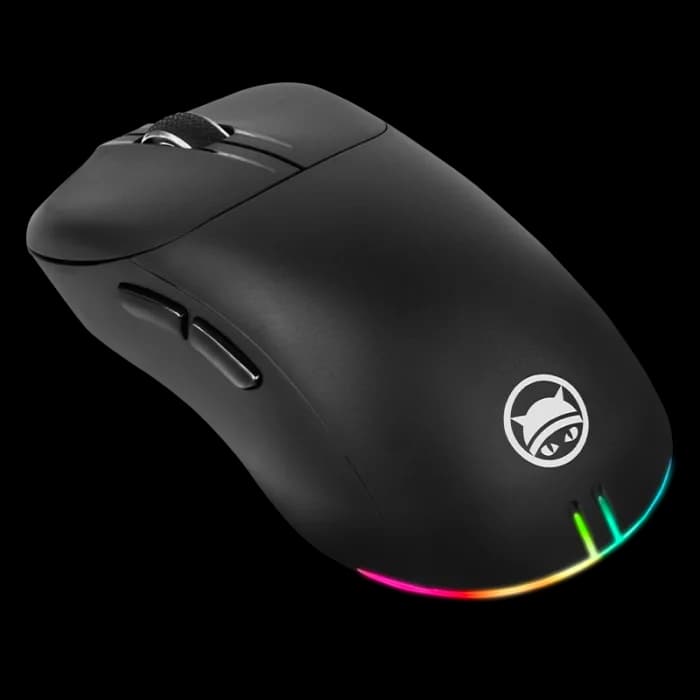
GAMIAC PA50

GAMIAC PA50

5.6/10verdict: good, not the best

The GAMIAC PA50 is for right-handed users who want a wired optical mouse with programmable buttons and a high-DPI sensor. It suits desk setups where a cable is no problem and batteries are unwelcome. It is a poor fit for anyone who needs wireless, Bluetooth or a left-handed shape.

Typically about £26.98 in the UK when we researched itCheck price at Amazon UK (opens in a new tab, affiliate link)

Affiliate link. As an Amazon Associate I earn from qualifying purchases. Details
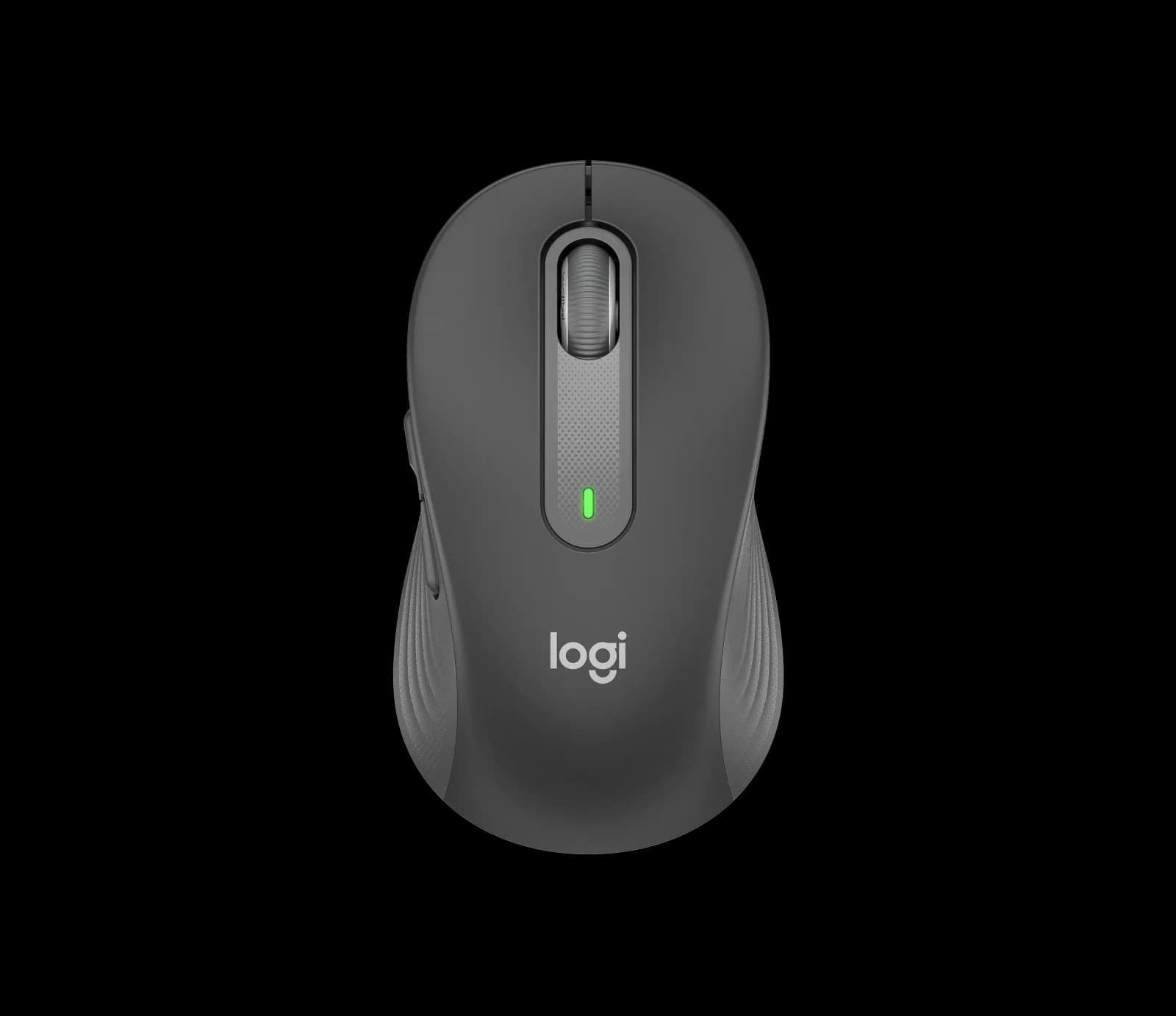
Logitech Signature M650

Logitech Signature M650

7.1/10verdict: buy

The Logitech Signature M650 is a wireless mouse for office and home desk work where comfort and low noise matter most. It comes in standard, large and left-handed versions, so more people can find a fit. It suits anyone who wants a quiet, long-lasting everyday mouse rather than a gaming or multi-computer one.

Typically about £25.99 in the UK when we researched itCheck price at Amazon UK (opens in a new tab, affiliate link)

Affiliate link. As an Amazon Associate I earn from qualifying purchases. Details

Scores, criterion by criterion

CriterionWeightGAMIAC PA50Logitech Signature M650
Comfort and shape25%5/108/10
Connectivity and battery25%4/107/10
Sensor and tracking20%7/106/10
Build and buttons15%7/107/10
Software and value15%6/107/10
Overall5.6/107.1/10

Specifications

SpecGAMIAC PA50Logitech Signature M650
ConnectionWired, 180 cm detachable braided cableLogi Bolt USB receiver or Bluetooth Low Energy; 10 m wireless range
Sensor and DPIPixArt PMW3327 optical, up to 12400 DPI, 220 IPS, 1000 Hz pollingLogitech Advanced Optical Tracking; 400 DPI nominal, up to 4000 DPI max
Battery lifeNone; wired and needs no batteries1 x AA included; up to 24 months with Logi Bolt receiver, up to 20 months with Bluetooth
Weight50 g101.4 g
Buttons6 buttons, 5 programmable, Huano switches rated for 20 million clicks5 (left/right click, back/forward, scroll wheel with middle click)
Shape and handRight-handed, ergonomicContoured with soft thumb area and rubber side grips; standard size for small-to-medium hands
SoftwarePA50 Software download; listed for Windows 8/10/11 and Mac OSSupported by Logi Options+ on Windows and macOS; page also lists Linux, iPadOS, Android and Chromebook

Strengths and weaknesses

GAMIAC PA50

  • + PMW3327 sensor with 12400 DPI and 220 IPS
  • + Five programmable buttons on Huano switches
  • + Detachable 180 cm braided cable
  • − Wired only, with no Bluetooth or receiver
  • − Right-handed shape, with no size options
  • − Software lists Windows and Mac OS, not Linux

Skip it if:

  • Left-handed users, as the shape is right-handed only
  • Buyers who want Bluetooth, a USB receiver or a battery
  • Linux users who need the vendor software for button programming
Read the full GAMIAC PA50 review ›

Logitech Signature M650

  • + Quiet clicks and a contoured, rubber-gripped shape
  • + Up to 24 months from one AA battery
  • + Size options include large and left-handed versions
  • − No multi-device switching on this model
  • − Standard size is aimed at small-to-medium hands

Skip it if:

  • Anyone who wants to switch one mouse between several computers
  • Gamers who want a published polling rate and high-DPI controls
  • People with large hands who would only consider the standard size
Read the full Logitech Signature M650 review ›

More comparisons

Compare all mice · Best mice