Skip to content
sudopicks
esc

Endgame Gear OP1w 4k Wireless Gaming Mouse vs Logitech MX Master 3S Bluetooth Edition

Researched, not hands-on tested.How we review ›

all judged against mice at a similar price

The Logitech MX Master 3S Bluetooth Edition scores 7.3/10 overall, ahead of the Endgame Gear OP1w 4k Wireless Gaming Mouse at 5.7/10.

The Logitech MX Master 3S Bluetooth Edition leads on comfort and shape, connectivity and battery, build and buttons and software and value.

They score the same on sensor and tracking.

The biggest difference is connectivity and battery, where the Logitech MX Master 3S Bluetooth Edition scores 7/10 to the Endgame Gear OP1w 4k Wireless Gaming Mouse's 4/10.

Endgame Gear OP1w 4k Wireless Gaming Mouse

Endgame Gear OP1w 4k Wireless Gaming Mouse

5.7/10verdict: good, not the best

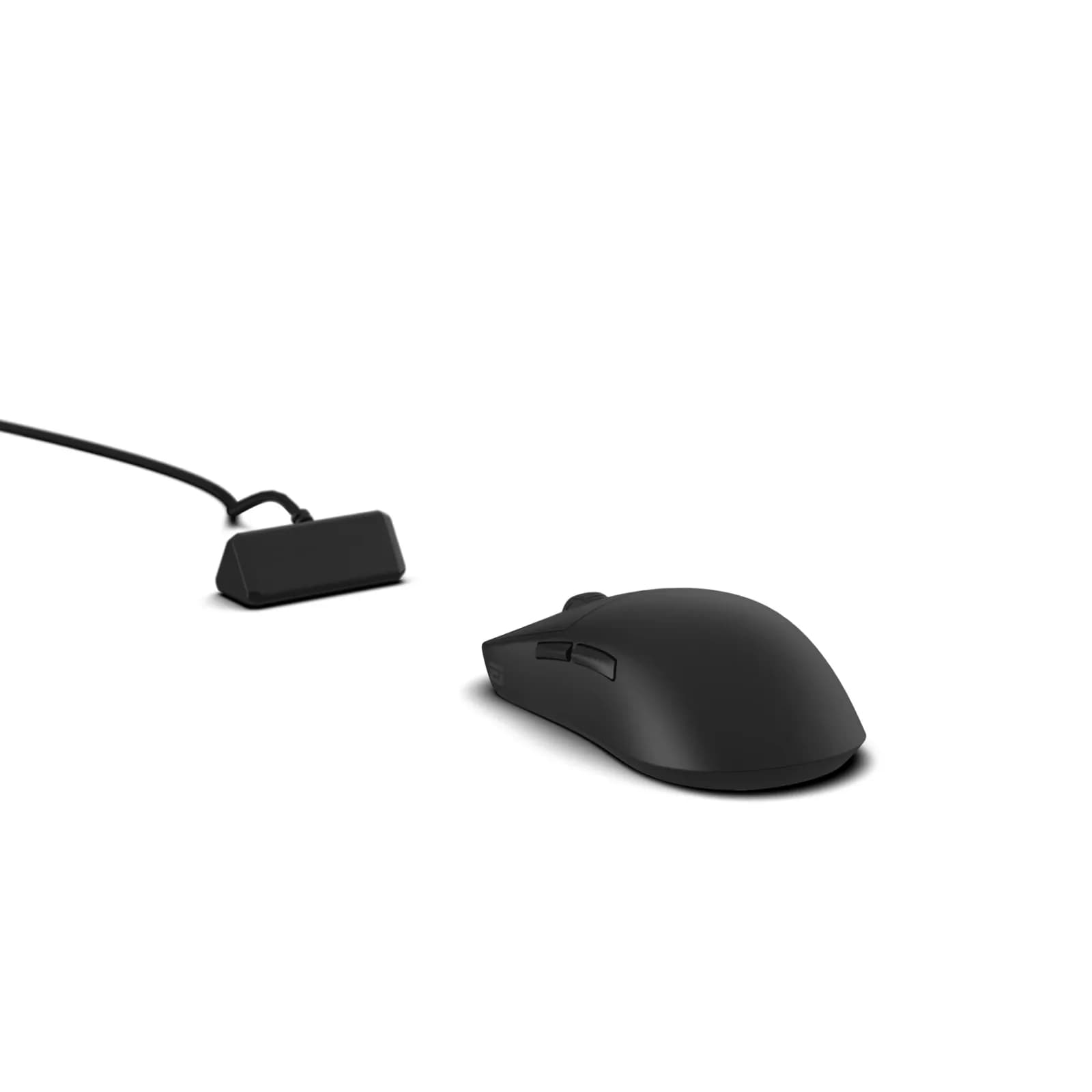
The Endgame Gear OP1w 4k is a small, right-handed wireless gaming mouse for people who use a claw grip. It suits players who want 4000 Hz polling and a solid build in a 58.5 g body. It is a weaker fit for large hands, long unplugged sessions at high polling, or anyone who wants polished software.

Check price at Amazon UK (opens in a new tab, affiliate link)

Affiliate link. As an Amazon Associate I earn from qualifying purchases. Details

Logitech MX Master 3S Bluetooth Edition

Logitech MX Master 3S Bluetooth Edition

7.3/10verdict: buy

The MX Master 3S Bluetooth Edition is for right-handed users who want a full-size productivity mouse with plenty of extra controls. It suits people who switch between a few Bluetooth devices and want quiet clicks. It is a poor fit for small hands, left-handed users or anyone who needs a light, travel-friendly mouse.

Typically about £69 in the UK when we researched itCheck price at Amazon UK (opens in a new tab, affiliate link)

Affiliate link. As an Amazon Associate I earn from qualifying purchases. Details

Scores, criterion by criterion

CriterionWeightEndgame Gear OP1w 4k Wireless Gaming MouseLogitech MX Master 3S Bluetooth Edition
Comfort and shape25%6/107/10
Connectivity and battery25%4/107/10
Sensor and tracking20%7/107/10
Build and buttons15%8/109/10
Software and value15%4/107/10
Overall5.7/107.3/10

Specifications

SpecEndgame Gear OP1w 4k Wireless Gaming MouseLogitech MX Master 3S Bluetooth Edition
Connection2.4 GHz wireless via receiver, plus wired USB; Bluetooth not verifiedBluetooth Low Energy; Logi Bolt USB receiver on the business variant; Easy-Switch across 3 channels
Sensor and DPIPixArt PAW3395 (V1 per retailer and review; V2 page says PAW3950, sources conflict)Darkfield optical sensor, 8,000 DPI on consumer pages (business spec sheet lists 200-4,000 DPI), tracks on glass
Battery lifeUp to 30 hours at 4000 Hz polling with default power saving500 mAh rechargeable Li-Po, not user-replaceable, USB-C charging, about 70 days per full charge
Weight58.5 g141 g (mouse only)
Buttons5 per pcgamer.com review (V2 spec table says 4); scroll wheel present7 buttons, plus thumbwheel and gesture button
Shape and handSmall symmetrical body, about 118 × 61 × 37 mm, moderate rear hump suited to claw grip; right-handedFull-size, sculpted, right-handed; 124.9 x 84.3 x 51 mm
SoftwareFirmware updates supported; software name not capturedLogi Options+ (Windows and macOS); Logitech Flow for cross-device control

Strengths and weaknesses

Endgame Gear OP1w 4k Wireless Gaming Mouse

  • + Strong build quality praised by owners
  • + Switches and encoder well regarded
  • + 4000 Hz polling with PixArt PAW3395 sensor
  • − Battery life called short for the class
  • − Software described as dated
  • − Shape not suited to large hands

Skip it if:

  • Left-handed users, as the shape is right-handed only
  • Buyers with large hands who want a bigger body
  • Anyone who wants long battery life at 4000 Hz polling
Read the full Endgame Gear OP1w 4k Wireless Gaming Mouse review ›

Logitech MX Master 3S Bluetooth Edition

  • + Sculpted shape praised by owners and reviewers
  • + Quiet clicks and a machined steel MagSpeed wheel
  • + Easy-Switch across three devices, USB-C charging, about 70 days per charge
  • − Right-handed only; left-handed use is not supported
  • − Large and heavy for some hands and bags
  • − Battery is not user-replaceable

Skip it if:

  • Left-handed users, as left-handed use is not supported
  • People with small hands or who want a light mouse for a laptop bag
  • Linux users who need vendor software, as only Windows and macOS are listed
Read the full Logitech MX Master 3S Bluetooth Edition review ›

More comparisons

Compare all mice · Best mice