Skip to content
sudopicks
esc

Anker Nano 13-in-1 Laptop Docking Station (A83C3) vs CalDigit TS4 Thunderbolt 4 Dock

Researched, not hands-on tested.How we review ›

all judged against docking stations at a similar price

The CalDigit TS4 Thunderbolt 4 Dock scores 7.3/10 overall, ahead of the Anker Nano 13-in-1 Laptop Docking Station (A83C3) at 5.1/10.

The CalDigit TS4 Thunderbolt 4 Dock leads on displays, charging and power, ports and bandwidth, compatibility and reliability and ethernet and value.

The biggest difference is ports and bandwidth, where the CalDigit TS4 Thunderbolt 4 Dock scores 9/10 to the Anker Nano 13-in-1 Laptop Docking Station (A83C3)'s 6/10.

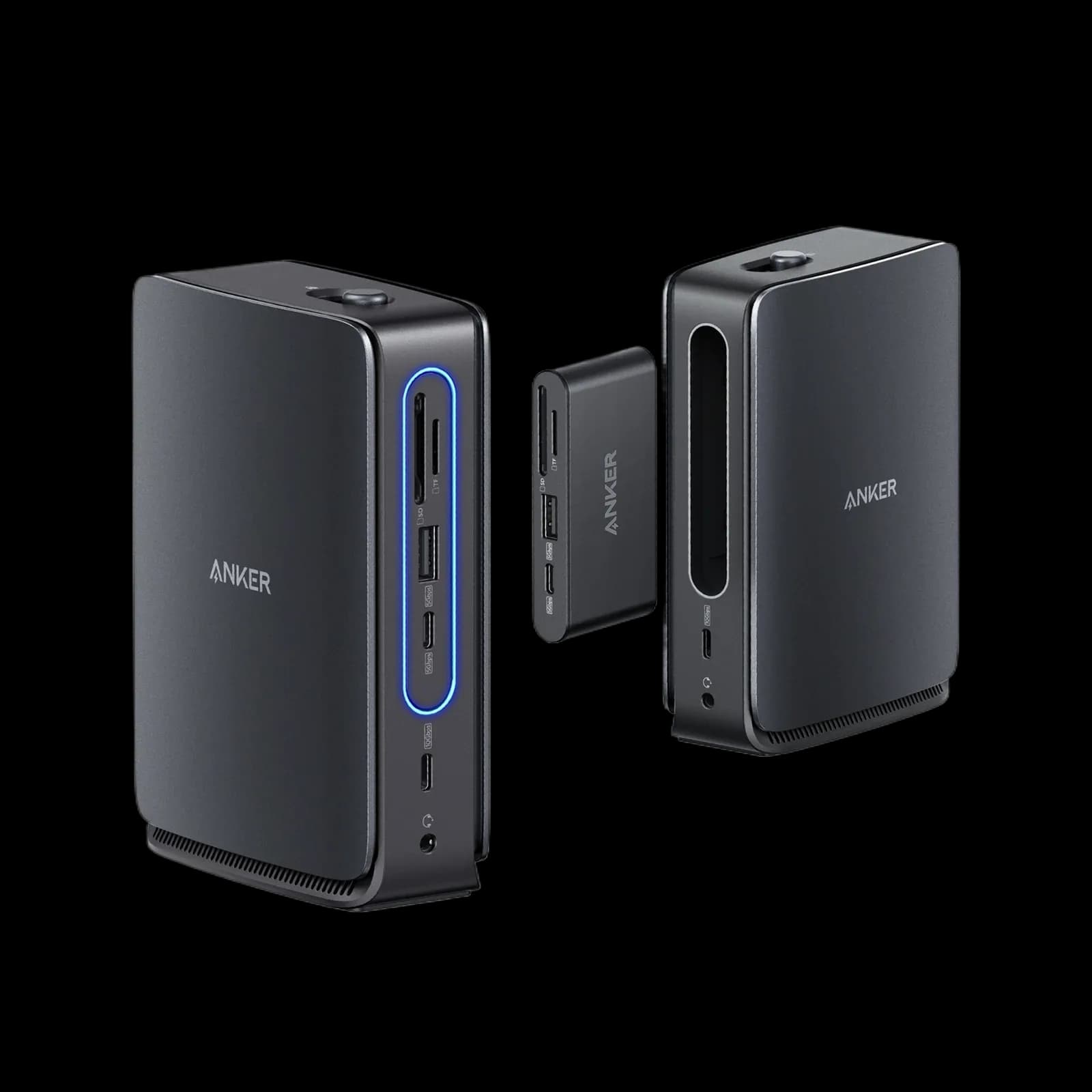
Anker Nano 13-in-1 Laptop Docking Station (A83C3)

Anker Nano 13-in-1 Laptop Docking Station (A83C3)

5.1/10verdict: good, not the best

The Anker Nano 13-in-1 suits Windows laptop owners who want a compact dock with a detachable travel hub. It handles up to three external displays and 100W charging from its own power supply. It is a weaker fit for Mac users who want extended desktops or anyone running Linux.

Typically about £99.99 in the UK when we researched itCheck price at Amazon UK (opens in a new tab, affiliate link)

Affiliate link. As an Amazon Associate I earn from qualifying purchases. Details
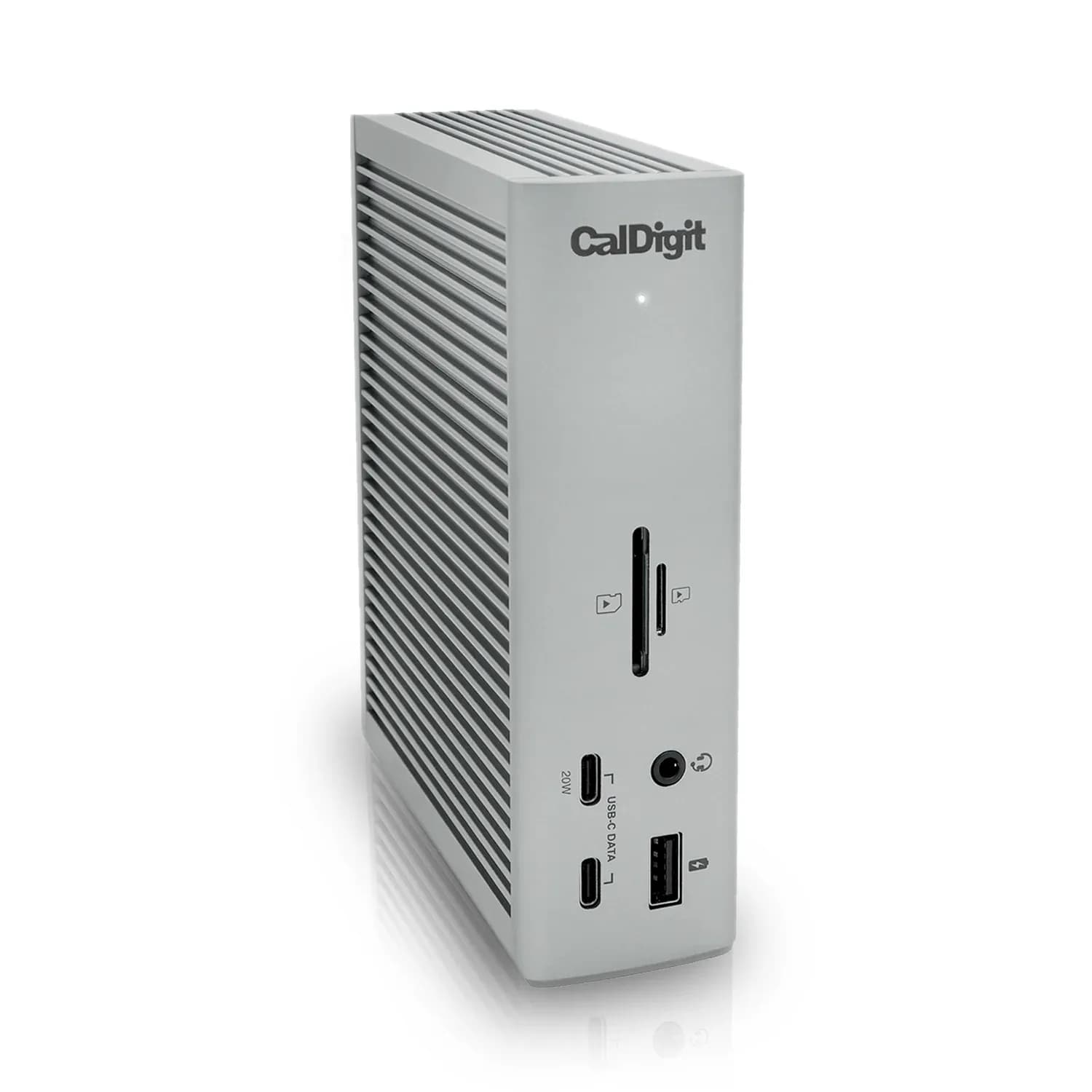
CalDigit TS4 Thunderbolt 4 Dock

CalDigit TS4 Thunderbolt 4 Dock

7.3/10verdict: buy

The CalDigit TS4 is for people who want one cable to connect a laptop to a large set of peripherals. It suits Windows laptops, Intel Macs and M1 Pro or M1 Max Macs that need two external screens and lots of fast USB. It is a poorer match for original M1 Mac owners who want two displays, or anyone who needs HDMI.

Typically about £369.99 in the UK when we researched itCheck price at Amazon UK (opens in a new tab, affiliate link)

Affiliate link. As an Amazon Associate I earn from qualifying purchases. Details

Scores, criterion by criterion

CriterionWeightAnker Nano 13-in-1 Laptop Docking Station (A83C3)CalDigit TS4 Thunderbolt 4 Dock
Displays25%5/107/10
Charging and power20%6/108/10
Ports and bandwidth20%6/109/10
Compatibility and reliability20%4/106/10
Ethernet and value15%4/106/10
Overall5.1/107.3/10

Specifications

SpecAnker Nano 13-in-1 Laptop Docking Station (A83C3)CalDigit TS4 Thunderbolt 4 Dock
Connects withUSB-C upstream port rated 10Gbps; laptop needs DP Alt Mode and Power Delivery; Windows 10/11 and macOS 13.5 or laterThunderbolt 4 host port; compatible with Thunderbolt 4, Thunderbolt 3, USB-C (USB4) and USB-C computers, Chromebook, iPad Pro/Air/mini, iPhone 15 (USB-C), Windows Tablet. Minimum OS: macOS 11.4 (Big Sur) or above, Windows 10 (20H2) or above
External displaysUp to three external displays: 2× HDMI (4K@60Hz) and 1× DisplayPort (4K@60Hz); dual 4K@60Hz requires DSC; removable hub adds one HDMIOne built-in DisplayPort 1.4; up to dual 4K 60Hz (Intel Macs, Windows, Chrome OS); up to dual 6K 60Hz (M1 Pro/M1 Max Macs); original M1 Macs do not support dual displays; single monitor up to 8K
Laptop charging100W max to laptop98W laptop charging from Thunderbolt 4/USB4 host port
Ports1× USB-C 100W PD, 1× USB-C upstream, 1× USB-C 10Gbps, 2× USB-A 480Mbps, 2× HDMI, 1× DisplayPort, 1× Gigabit Ethernet, 1× 3.5mm audio in/out; SD and TF/microSD slots; hub adds USB-C PD-in, USB-C 5Gbps, USB-A18 total: 3 x Thunderbolt 4 (40Gb/s), 3 x USB-C (10Gb/s), 5 x USB-A (10Gb/s), 1 x DisplayPort 1.4, 1 x SD 4.0 (UHS-II), 1 x microSD 4.0 (UHS-II), 1 x 2.5 Gigabit Ethernet, 1 x front combo audio in/out (3.5mm), 1 x rear audio out (3.5mm), 1 x rear audio in (3.5mm), 1 x DC in (19.5V 11.80A)
Ethernetnot listed2.5GbE RJ45
Display techNative video through HDMI and DisplayPort only; no DisplayLink or ThunderboltNative (no driver required)
Power supplyOwn supply; 140W DC-IN adapter includedExternal power supply (230W); DC input 19.5V 11.8A

Strengths and weaknesses

Anker Nano 13-in-1 Laptop Docking Station (A83C3)

  • + Detachable hub doubles as a travel hub
  • + Own 140W adapter and 100W power to the laptop
  • + Three external displays at 4K@60Hz
  • − macOS mirrors displays rather than extending them
  • − Anker's US page says Linux is not compatible
  • − Gigabit Ethernet and 480Mbps USB-A ports only

Skip it if:

  • Mac users who need extended desktops across external screens
  • Linux laptop users, given Anker's stated incompatibility
  • Buyers who need Thunderbolt, multi-gigabit Ethernet or fast USB-A ports
Read the full Anker Nano 13-in-1 Laptop Docking Station (A83C3) review ›

CalDigit TS4 Thunderbolt 4 Dock

  • + 98W laptop charging from its own 230W power supply
  • + 18 ports, with 10Gbps USB and 2.5GbE
  • + Native display output with no driver required
  • − Original M1 Macs cannot run dual displays
  • − No HDMI port; one DisplayPort 1.4 output
  • − Some owners report reconnecting cables after sleep

Skip it if:

  • Original M1 Mac owners who want two external displays
  • Anyone who needs an HDMI port on the dock
  • Buyers who want a compact travel dock
Read the full CalDigit TS4 Thunderbolt 4 Dock review ›

More comparisons

Compare all docking stations · Best docking stations