Skip to content
sudopicks
esc

TP-Link Omada EAP723 vs Zyxel NWA50AX PRO

Researched, not hands-on tested.How we review ›

all judged against Wi-Fi access points at a similar price

The Zyxel NWA50AX PRO scores 6.8/10 overall, ahead of the TP-Link Omada EAP723 at 6.6/10.

The Zyxel NWA50AX PRO leads on software and security.

They score the same on wi-Fi standard and bands, uplink and power, management and value.

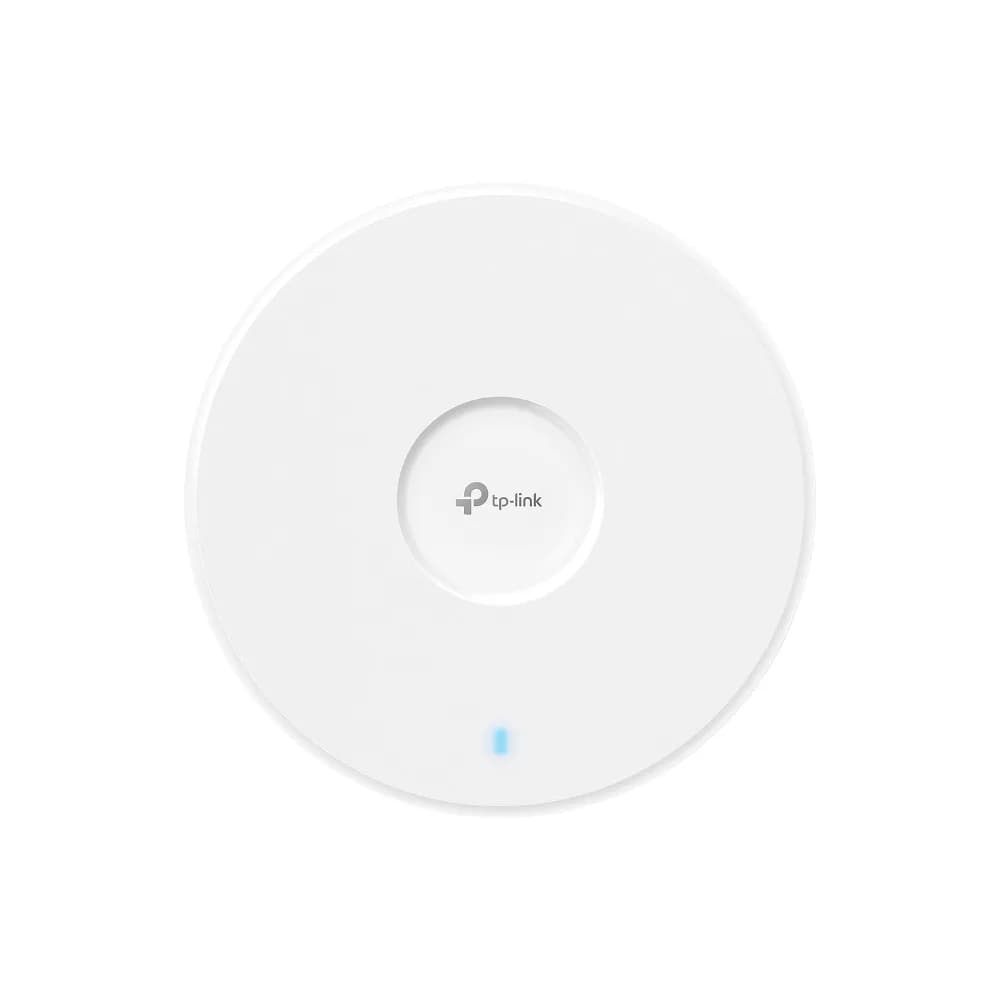
TP-Link Omada EAP723

TP-Link Omada EAP723

6.6/10verdict: buy

The Omada EAP723 is for buyers who want a Wi-Fi 7 access point managed through Omada tools. It suits buyers who already have PoE+ switching and want the easy deployment and low price that owners report. It is not aimed at anyone who needs a 6 GHz band.

Typically about £84.97 in the UK when we researched itCheck price at Amazon UK (opens in a new tab, affiliate link)

Affiliate link. As an Amazon Associate I earn from qualifying purchases. Details

Zyxel NWA50AX PRO

Zyxel NWA50AX PRO

6.8/10verdict: buy

The Zyxel NWA50AX PRO is a ceiling-mounted Wi-Fi 6 access point with a 2.5GbE uplink and PoE+ power. It suits buyers who have a PoE+ switch and want VLAN support with a choice of cloud or standalone management. It is less suited to anyone who needs 6 GHz or wants a quick setup with no configuration.

Typically about £67.31 in the UK when we researched itCheck price at Amazon UK (opens in a new tab, affiliate link)

Affiliate link. As an Amazon Associate I earn from qualifying purchases. Details

Scores, criterion by criterion

CriterionWeightTP-Link Omada EAP723Zyxel NWA50AX PRO
Wi-Fi standard and bands25%6/106/10
Uplink and power20%8/108/10
Management20%7/107/10
Software and security20%5/106/10
Value15%7/107/10
Overall6.6/106.8/10

Specifications

SpecTP-Link Omada EAP723Zyxel NWA50AX PRO
Wi-Fi standardIEEE 802.11 a/b/g/n/ac/ax/be (Wi-Fi 7)IEEE 802.11ax/ac/n/g/b/a (Wi-Fi 6)
Bands and speed classDual-band (2.4 GHz + 5 GHz); no 6 GHz radioDual-band 2.4 GHz (575 Mbps) and 5 GHz (2400 Mbps), marketed as AX3000; 20/40/80/160 MHz channel widths
Uplink port1x 2.5G Ethernet port1 x 1/2.5 Gbps LAN port (2.5GbE)
Power (PoE class)802.3at PoE (PoE+), or 12V/1.5A DC (adapter not included)IEEE 802.3at (PoE+), 20.5 W rated PoE draw
ManagementOmada App; Omada Cloud-Based Controller, Omada Hardware Controller or Omada Software Controller; web-based management; SNMP v1/v2c/v3; local/remote syslogNebula cloud-managed or standalone; web GUI and CLI
MountingCeiling / Wall / Junction Box mounting (kits included)Mounting plate and mounting screws included; 140 × 140 × 37.5 mm, 352 g

Strengths and weaknesses

TP-Link Omada EAP723

  • + Wi-Fi 7 with a 2.5G Ethernet uplink
  • + Standard 802.3at PoE+ power
  • + Owners report low price and easy setup
  • − Dual-band only, with no 6 GHz radio
  • − Owners describe Wi-Fi 7 performance as modest
  • − Power adapter not included for DC use

Skip it if:

  • Buyers who need a 6 GHz radio for client capacity
  • Anyone who needs confirmed guest isolation or VLAN-tagged SSID support
  • Buyers without PoE+ switching who don't want to buy a DC adapter
Read the full TP-Link Omada EAP723 review ›

Zyxel NWA50AX PRO

  • + 2.5GbE uplink with standard 802.3at PoE+
  • + Nebula cloud or standalone web GUI and CLI
  • + VLAN support and SNMP management
  • − No 6 GHz band; dual-band Wi-Fi 6 only
  • − Owners report Nebula-to-standalone setup is difficult
  • − Only one RJ-45 port

Skip it if:

  • Buyers who need a 6 GHz band for current devices
  • Buyers who want a no-configuration setup with an easy standalone switch-over
  • Buyers without a PoE+ switch who do not want to power it another way
Read the full Zyxel NWA50AX PRO review ›

More comparisons

Compare all Wi-Fi access points · Best Wi-Fi access points