
Skip to content
sudopicks
esc

TP-Link EAP610 vs TP-Link Omada EAP723

Researched, not hands-on tested.How we review ›

all judged against Wi-Fi access points at a similar price

The TP-Link Omada EAP723 scores 6.6/10 overall, ahead of the TP-Link EAP610 at 6.4/10.

The TP-Link EAP610 leads on software and security.

The TP-Link Omada EAP723 leads on uplink and power and value.

They score the same on wi-Fi standard and bands and management.

TP-Link EAP610

TP-Link EAP610

6.4/10verdict: good, not the best

The TP-Link EAP610 is a ceiling or wall-mounted Wi-Fi 6 access point for homelabbers and small offices that want VLAN support and controller management. It suits people already running, or planning to run, an Omada controller. It makes less sense for anyone who wants 6 GHz or a multi-gig uplink.

Typically about £86.39 in the UK when we researched itCheck price at Amazon UK (opens in a new tab, affiliate link)

Affiliate link. As an Amazon Associate I earn from qualifying purchases. Details
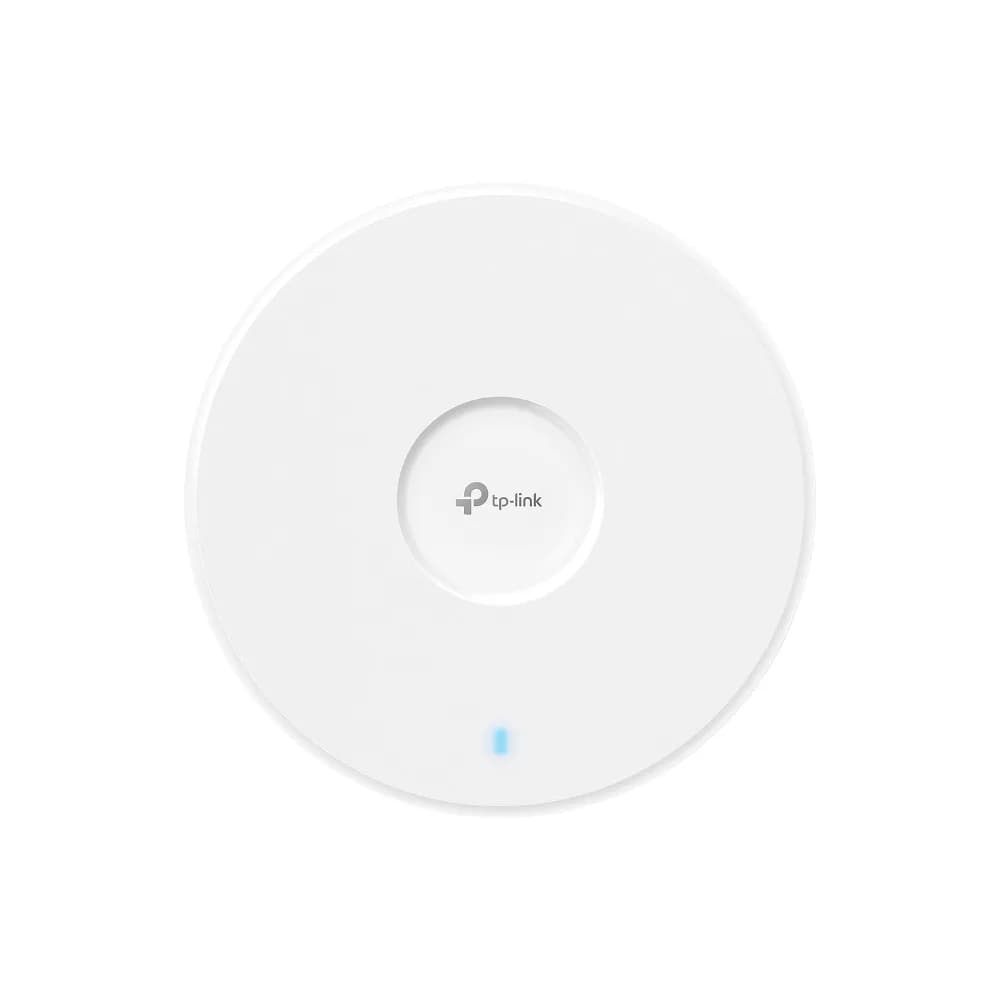
TP-Link Omada EAP723

TP-Link Omada EAP723

6.6/10verdict: buy

The Omada EAP723 is for buyers who want a Wi-Fi 7 access point managed through Omada tools. It suits buyers who already have PoE+ switching and want the easy deployment and low price that owners report. It is not aimed at anyone who needs a 6 GHz band.

Typically about £84.97 in the UK when we researched itCheck price at Amazon UK (opens in a new tab, affiliate link)

Affiliate link. As an Amazon Associate I earn from qualifying purchases. Details

Scores, criterion by criterion

CriterionWeightTP-Link EAP610TP-Link Omada EAP723
Wi-Fi standard and bands25%6/106/10
Uplink and power20%6/108/10
Management20%7/107/10
Software and security20%7/105/10
Value15%6/107/10
Overall6.4/106.6/10

Specifications

SpecTP-Link EAP610TP-Link Omada EAP723
Wi-Fi standardWi-Fi 6 (802.11ax), backward compatible with 802.11ac/n/g/b/aIEEE 802.11 a/b/g/n/ac/ax/be (Wi-Fi 7)
Bands and speed classDual-band 2.4 GHz and 5 GHz, AX1800 class (574 Mbps on 2.4 GHz + 1201 Mbps on 5 GHz)Dual-band (2.4 GHz + 5 GHz); no 6 GHz radio
Uplink port1× Gigabit Ethernet (RJ-45) port, supports 802.3at PoE and passive PoE1x 2.5G Ethernet port
Power (PoE class)802.3at PoE+, 48 V passive PoE, 12 V / 1.5 A DC input802.3at PoE (PoE+), or 12V/1.5A DC (adapter not included)
ManagementLocal web UI (HTTP/HTTPS) or Omada cloud controller via web UI or Omada app; Omada hardware controllers OC200/OC300 and software controller; cloud controller not supported on V3Omada App; Omada Cloud-Based Controller, Omada Hardware Controller or Omada Software Controller; web-based management; SNMP v1/v2c/v3; local/remote syslog
MountingCeiling or wall mount with mounting kit includedCeiling / Wall / Junction Box mounting (kits included)

Strengths and weaknesses

TP-Link EAP610

  • + Local web UI or Omada controller management
  • + WPA3, client isolation, ACL and VLAN support
  • + 802.3at PoE+, passive PoE or 12 V DC power
  • − Gigabit uplink only
  • − Dual-band; no 6 GHz
  • − Cloud controller not supported on V3 hardware

Skip it if:

  • Buyers who want a 6 GHz band or Wi-Fi 7.
  • Anyone who needs a multi-gig uplink from the access point.
  • Owners of thick-walled homes who expect one unit to cover every room on 5 GHz.
Read the full TP-Link EAP610 review ›

TP-Link Omada EAP723

  • + Wi-Fi 7 with a 2.5G Ethernet uplink
  • + Standard 802.3at PoE+ power
  • + Owners report low price and easy setup
  • − Dual-band only, with no 6 GHz radio
  • − Owners describe Wi-Fi 7 performance as modest
  • − Power adapter not included for DC use

Skip it if:

  • Buyers who need a 6 GHz radio for client capacity
  • Anyone who needs confirmed guest isolation or VLAN-tagged SSID support
  • Buyers without PoE+ switching who don't want to buy a DC adapter
Read the full TP-Link Omada EAP723 review ›

More comparisons

Compare all Wi-Fi access points · Best Wi-Fi access points