TP-Link Omada EAP723
Price unavailable right nowAffiliate link. As an Amazon Associate I earn from qualifying purchases. Details
TP-Link Omada EAP723 review
Researched, not hands-on tested.How we review ›
by SudoPicks Research · published 24 Oct 2026 · updated 24 Oct 2026
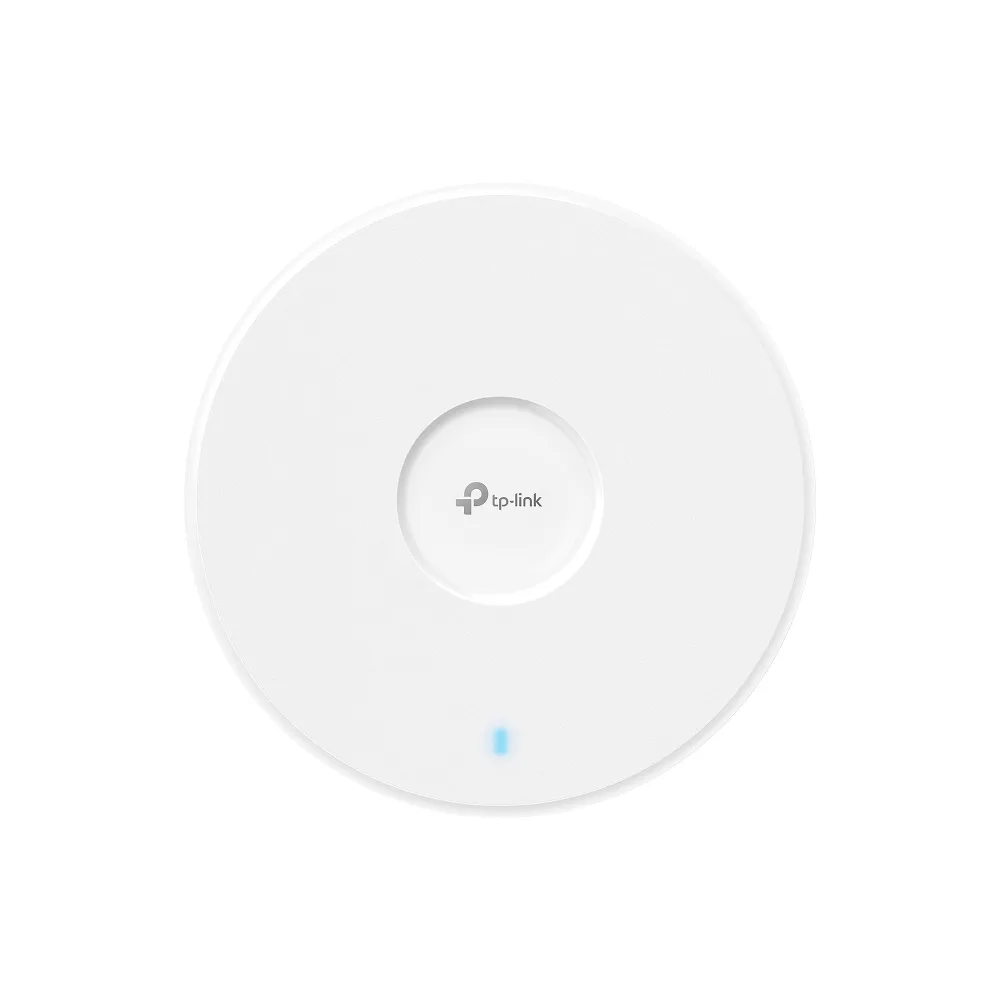
The Omada EAP723 is for buyers who want a Wi-Fi 7 access point managed through Omada tools. It suits buyers who already have PoE+ switching and want the easy deployment and low price that owners report.
2nd of 8 Wi-Fi access points we've reviewedAffiliate link. As an Amazon Associate I earn from qualifying purchases. Details
New to Wi-Fi access points? What they are and what to look for
An access point is a Wi-Fi transmitter that connects to your network with a cable, usually mounted on a ceiling or wall. Several of them give fast, even Wi-Fi throughout a building.
Do you need a Wi-Fi access point? Worth it if you can run Ethernet cables to where you need Wi-Fi. If you can't, a mesh router system is easier.
What to look for
- Wi-Fi 6 or newer
- Power over Ethernet (PoE), so it doesn't need a plug socket
- Whether it can be managed without the maker's cloud account
Unsure about a word? Jargon explained
How the 6.6 adds up
Our Wi-Fi access points rubric- Wi-Fi standard and bands25% of score
- Uplink and power20% of score
- Management20% of score
- Software and security20% of score
- Value15% of score
Against the 8 Wi-Fi access points we've reviewed
bar = the range of all 8 · dot = this one · better →
- Overall score 6.6/102nd of 8
- Price £84.977th cheapest
- Value for money 7.8 per £1006th of 8
Running costs and support
| Power draw | 16.8W under load (manufacturer's figure, source) |
|---|---|
| Software updates | End-of-support date not found in the sources read |
- Wi-Fi 7
- 2.5GbE uplink
- Works without the cloud
Security and compatibility
| Latest firmware or software | August 2026updated in the last year source |
|---|---|
| Known security issues |
|
| Maker's cloud account | Not needed: it can be run entirely locally |
| Update record | Download pages disagree on the latest build (20260828 vs 20260602), and no TP-Link advisory confirms whether CVE-2025-9290 is fixed. |
Pros and cons
+ pros
- Wi-Fi 7 with a 2.5G Ethernet uplink
- Standard 802.3at PoE+ power
- Owners report low price and easy setup
− cons
- Dual-band only, with no 6 GHz radio
- Owners describe Wi-Fi 7 performance as modest
- Power adapter not included for DC use
Price history
Price history appears here once we have tracked this product for a few days.
The full review
Where it fits
The EAP723 is a ceiling or wall-mounted access point from TP-Link's Omada range. It supports Wi-Fi 7 (802.11be) but runs on two bands only: 2.4 GHz and 5 GHz. There is no 6 GHz radio. Owner feedback centres on low price, easy setup and deployment, and a Wi-Fi 7 performance that they describe as modest.
Wi-Fi 7 without 6 GHz
The radio setup is the main limit. The specifications list antenna gain of 2x 4.0 dBi for 2.4 GHz and 2x 5.0 dBi for 5 GHz. Owners flag the missing 6 GHz radio as a drawback, and they also say the Wi-Fi 7 performance is modest. With only two bands, this access point suits buyers who want Wi-Fi 7 support and who value the low price that owners mention. If you need a 6 GHz band, the specifications rule it out.
Uplink and power8/10
The wired side is simple. There is one 2.5G Ethernet port for the uplink. Power comes from 802.3at PoE (PoE+), or from a 12V/1.5A DC supply. The power adapter is not included in the box, so a PoE+ switch or injector is the practical route unless you buy a DC supply separately.
TP-Link lists a maximum power consumption of 16.8 W on PoE and 13.0 W on DC. That figure is for the BE3600 (EU) version, and it is a maximum rating, not a measurement. It still gives you a number to use when working out the PoE budget on a switch.
Management7/10
Several management routes are listed. You can use the Omada App, the Omada Cloud-Based Controller, the Omada Hardware Controller or the Omada Software Controller. Web-based management is also listed. For monitoring, the specifications include SNMP v1, v2c and v3, plus local and remote syslog.
That range suits people who want a choice between cloud and self-hosted control, and who already collect logs or poll devices with existing tools. The listed specifications do not mention VLAN-tagged SSIDs, so check that against your network design before buying. Owners report easy setup and deployment, which fits the number of controller options on offer.
Software and security5/10
WPA3 is listed as supported. The listed specifications do not give a firmware update schedule or describe guest isolation. Without those details, the security picture is limited to the WPA3 support. If guest networks or a regular patch record matter to you, confirm them with TP-Link before you commit.
Mounting and build
The EAP723 measures 160 x 160 x 36.7 mm. Mounting kits are included for ceiling, wall and junction box installs. Because the kits are in the box, you do not need to source brackets separately for those three options.
Verdict
The EAP723 is a Wi-Fi 7 access point with a 2.5G uplink and standard PoE+ power, and owners cite its low price and good value. The Omada controller options, SNMP and syslog are all listed in the specifications, which gives a choice between cloud, hardware and software control, plus SNMP and syslog for monitoring. The trade-offs are clear. It has no 6 GHz radio, owners call its Wi-Fi 7 performance modest, and the research does not cover guest isolation or firmware history. It fits a small Omada-based network where price and easy deployment matter more than peak wireless speed.
What owners report
Recurring themes from public owner feedback, summarised in our own words.
- Owners praise the low price and good value.
- Setup and deployment are described as easy.
- Wi-Fi 7 performance is reported as modest.
- The lack of a 6 GHz radio is noted as a limit.
Who should skip it
- Buyers who need a 6 GHz radio for client capacity
- Anyone who needs confirmed guest isolation or VLAN-tagged SSID support
- Buyers without PoE+ switching who don't want to buy a DC adapter
Full specifications
| Wi-Fi standard | IEEE 802.11 a/b/g/n/ac/ax/be (Wi-Fi 7) |
|---|---|
| Bands and speed class | Dual-band (2.4 GHz + 5 GHz); no 6 GHz radio |
| Uplink port | 1x 2.5G Ethernet port |
| Power (PoE class) | 802.3at PoE (PoE+), or 12V/1.5A DC (adapter not included) |
| Management | Omada App; Omada Cloud-Based Controller, Omada Hardware Controller or Omada Software Controller; web-based management; SNMP v1/v2c/v3; local/remote syslog |
| Mounting | Ceiling / Wall / Junction Box mounting (kits included) |
Sources
- TP-Link Omada EAP723 UK product page
- Omada EAP723 UK ceiling mount page
- EAP723 datasheet
- EAP723 Malaysia regional page
- EAP723 support download page
- TP-Link community thread on EAP723 power injector
- PriceSpy EAP723 listing
- Broadbandbuyer EAP723
- Amazon UK EAP723 listing
- ITPro EAP723 review
- MiniPCReviewer EAP723 review
- Broadbandbuyer EAP723 reviews
Alternatives
Compare head to head
- TP-Link Omada EAP723 vs TP-Link Omada EAP653 AX3000 Ceiling Mount Wi-Fi 6 Access Point ›
- TP-Link Omada EAP723 vs TP-Link EAP225-Outdoor ›
- TP-Link Omada EAP723 vs UniFi U7 Pro ›
- TP-Link Omada EAP723 vs TP-Link TL-WA1201 ›
- TP-Link Omada EAP723 vs TP-Link Omada EAP225 ›
- TP-Link Omada EAP723 vs TP-Link TL-WA1801 ›