Skip to content
sudopicks
esc

Logitech C920 HD Pro Webcam vs Logitech MX Brio

Researched, not hands-on tested.How we review ›

all judged against webcams at a similar price

The Logitech MX Brio scores 6.3/10 overall, ahead of the Logitech C920 HD Pro Webcam at 5.4/10.

The Logitech C920 HD Pro Webcam leads on compatibility and value.

The Logitech MX Brio leads on picture quality, low light and features and privacy.

They score the same on microphone.

The biggest difference is low light, where the Logitech MX Brio scores 7/10 to the Logitech C920 HD Pro Webcam's 4/10.

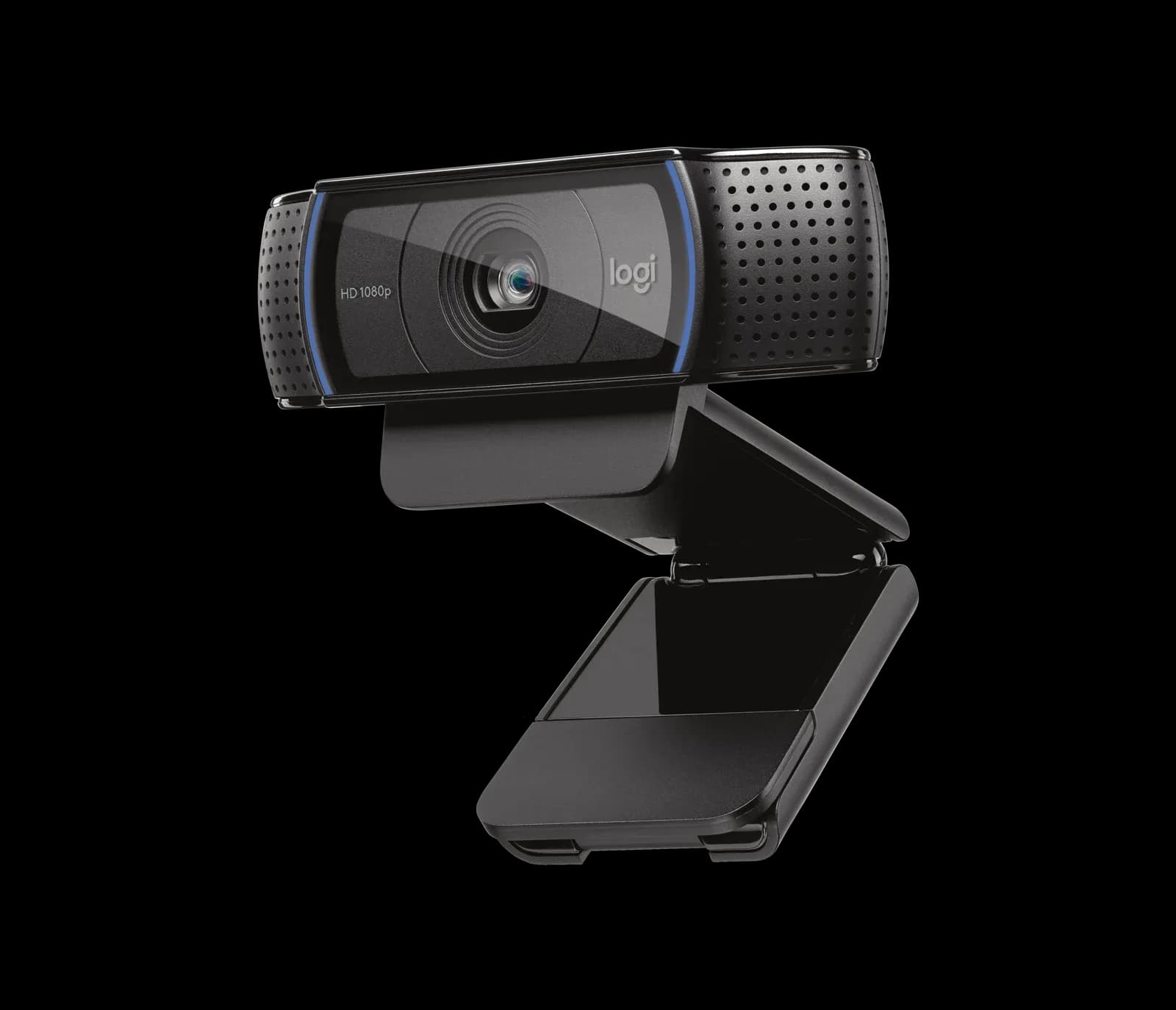
Logitech C920 HD Pro Webcam

Logitech C920 HD Pro Webcam

5.4/10verdict: good, not the best

The Logitech C920 is for people who want a simple USB webcam for video calls and streaming from a well-lit desk. It suits buyers who value easy setup and a sharp 1080p image over high frame rates. It is a weaker fit for dim rooms or anyone who wants to rely on the built-in microphones.

Typically about £49.99 in the UK when we researched itCheck price at Amazon UK (opens in a new tab, affiliate link)

Affiliate link. As an Amazon Associate I earn from qualifying purchases. Details

Logitech MX Brio

Logitech MX Brio

6.3/10verdict: good, not the best

The MX Brio is for people who want a 4K webcam with a built-in privacy shutter for daily video calls. It suits buyers on Windows or macOS who are happy to install Logitech software for the full feature set. Owners who dislike paying a premium or need face login should read the limitations first.

Typically about £154 in the UK when we researched itCheck price at Amazon UK (opens in a new tab, affiliate link)

Affiliate link. As an Amazon Associate I earn from qualifying purchases. Details

Scores, criterion by criterion

CriterionWeightLogitech C920 HD Pro WebcamLogitech MX Brio
Picture quality30%6/107/10
Low light20%4/107/10
Features and privacy20%5/107/10
Microphone15%5/105/10
Compatibility and value15%7/104/10
Overall5.4/106.3/10

Specifications

SpecLogitech C920 HD Pro WebcamLogitech MX Brio
Resolution and frame rate1080p at 30fps or 720p at 30fps4K at 30 fps (3840×2160) and 1080p at 60 fps (1920×1080)
Field of view78° diagonal, fixedThree presets: 90°, 78° and 65° diagonal (reviewer-reported)
Focus and framingAutofocusAdvanced Autofocus; 4x digital zoom
MicrophoneTwo microphones, one on either side of the camera, stereoDual beamforming, noise-reducing microphones
Privacy shutternot listedBuilt-in privacy shutter rotated by a ring around the lens; does not block the microphone
ConnectionUSB-A, 1.5 m (5 ft) cableUSB-C, USB 3.0, detachable cable 1.5 m (5 ft)

Strengths and weaknesses

Logitech C920 HD Pro Webcam

  • + Easy setup and works out of the box
  • + Sharp, colourful image in good light
  • + Autofocus on a 1080p sensor
  • − Weak in dim rooms
  • − Capped at 30fps
  • − Bundled software reported as buggy

Skip it if:

  • Anyone working in a dim room without extra lighting
  • Streamers who want frame rates above 30fps
  • Buyers who want to rely on the built-in mics for daily calls
Read the full Logitech C920 HD Pro Webcam review ›

Logitech MX Brio

  • + 4K at 30 fps and 1080p at 60 fps
  • + Built-in privacy shutter on a ring around the lens
  • + Owners praise image quality and low-light gains
  • − Owners find the price high for a webcam
  • − Software is a weak point and Windows/macOS only
  • − No Windows Hello face login

Skip it if:

  • Buyers who want face login with Windows Hello
  • Linux users who need confirmed driverless support
  • Buyers who want a low-cost webcam without extra software
Read the full Logitech MX Brio review ›

More comparisons

Compare all webcams · Best webcams