Skip to content
sudopicks
esc

AOC 24B3HA2 vs BenQ RD320UA

Researched, not hands-on tested.How we review ›

all judged against monitors at a similar price

The BenQ RD320UA scores 7.1/10 overall, ahead of the AOC 24B3HA2 at 5.9/10.

The AOC 24B3HA2 leads on refresh rate and motion and build and warranty.

The BenQ RD320UA leads on sharpness for text, connectivity and docking and ergonomics.

They score the same on panel quality.

The biggest difference is connectivity and docking, where the BenQ RD320UA scores 9/10 to the AOC 24B3HA2's 4/10.

AOC 24B3HA2

AOC 24B3HA2

5.9/10verdict: good, not the best

The AOC 24B3HA2 is a 23.8 inch 1080p IPS monitor for buyers who want a screen for office work, browsing or a second display. It suits people whose computer has an HDMI or VGA output and who don't need USB-C or a hub. Owners mention value for money and image quality, and they report weak speakers.

Typically about £52.50 in the UK when we researched itCheck price at Amazon UK (opens in a new tab, affiliate link)

Affiliate link. As an Amazon Associate I earn from qualifying purchases. Details
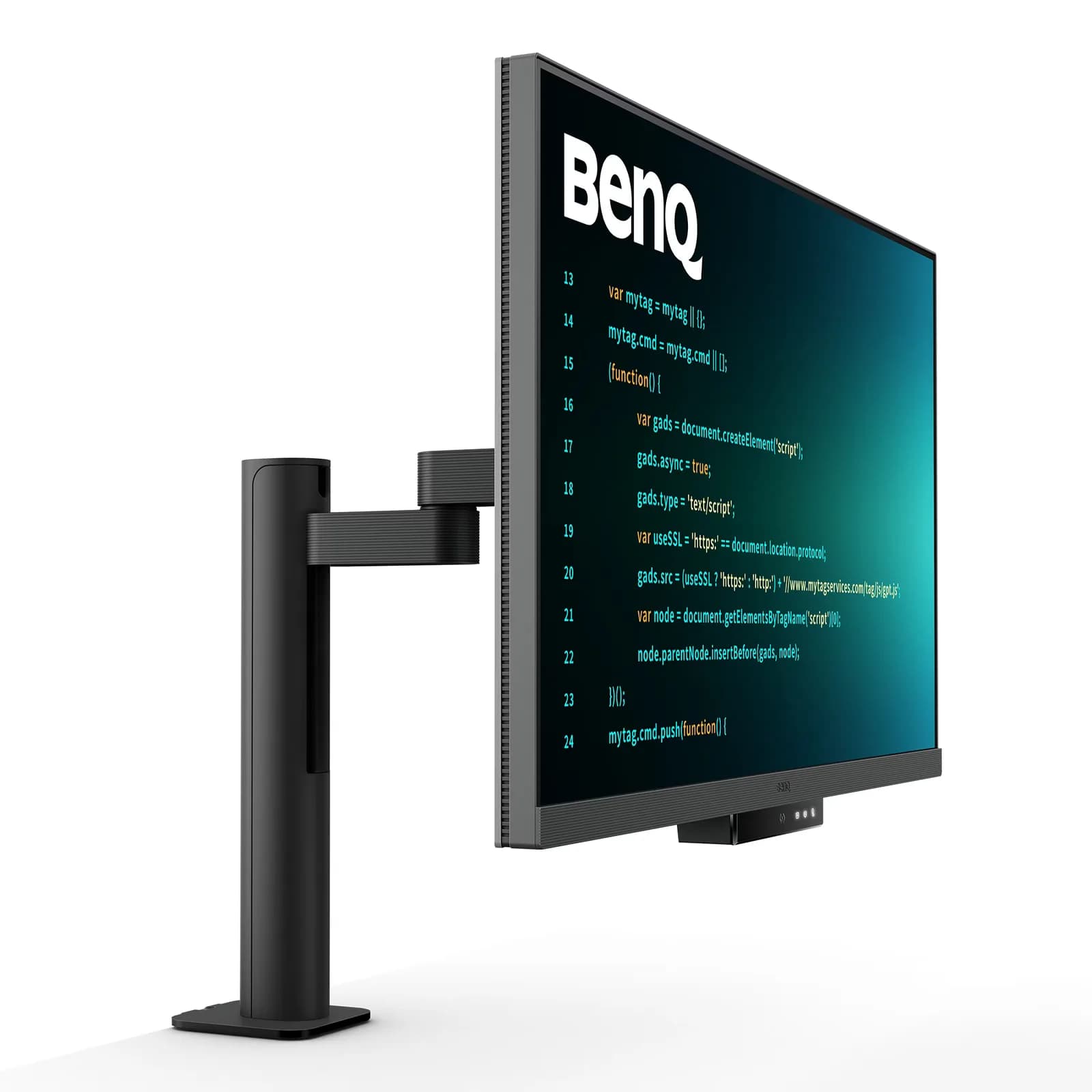
BenQ RD320UA

BenQ RD320UA

7.1/10verdict: good, not the best

The BenQ RD320UA is for people who want a large 4K IPS screen that docks a laptop over a single USB-C cable. It suits desks that share the monitor between two computers, thanks to the built-in KVM and 90W USB-C. It is a weaker fit for anyone who wants high refresh rates or convincing HDR.

Typically about £699.99 in the UK when we researched itSearch Amazon UK (opens in a new tab, affiliate link)

Affiliate link. As an Amazon Associate I earn from qualifying purchases. Details

Scores, criterion by criterion

CriterionWeightAOC 24B3HA2BenQ RD320UA
Panel quality25%7/107/10
Sharpness for text20%6/107/10
Connectivity and docking20%4/109/10
Ergonomics15%4/108/10
Refresh rate and motion10%8/104/10
Build and warranty10%7/105/10
Overall5.9/107.1/10

Specifications

SpecAOC 24B3HA2BenQ RD320UA
Screen size23.8 inch (60.5 cm)31.5 inch
Resolution1920x1080 (FHD), 16:9, 93.0 PPI3840x2160 max
Panel typeIPS, WLED backlight, antiglare, flat, 300 cd/m², static contrast 1500:1IPS
Refresh rate120 Hz max (UK page); 100Hz on regional pages and user manual60 Hz; 5 ms GtG response time
Inputs and USB-C1x HDMI 1.4, 1x VGA (D-sub), audio out; no USB-C, KVM, USB hub or EthernetUSB-C with 90W Power Delivery, DisplayPort Alt Mode and data; USB Type-A downstream; two USB-C downstream ports at 10 Gbps; built-in KVM; HDMI and DisplayPort video inputs
Stand adjustmentTilt -5° to 25°; removable stand; no height or swivel adjustment listedErgo Arm with height, tilt, swivel and pivot
HDRnot listedHDR10 and VESA DisplayHDR 400

Strengths and weaknesses

AOC 24B3HA2

  • + IPS panel with 100.1% sRGB coverage
  • + 100Hz or 120Hz refresh with Adaptive Sync
  • + 3-year warranty and VESA 100x100 mount
  • − Only HDMI 1.4 and VGA inputs
  • − Tilt-only stand; no height or swivel listed
  • − Owners report weak speakers

Skip it if:

  • Buyers who want USB-C docking, a hub, KVM or Ethernet from the monitor
  • People who need height or swivel adjustment without buying a VESA arm
  • Anyone who wants sharper text or more screen space than 1080p on 23.8 inches
Read the full AOC 24B3HA2 review ›

BenQ RD320UA

  • + USB-C with 90W Power Delivery and built-in KVM
  • + Anti-glare Nano Matte finish praised by owners
  • + Flexible Ergo Arm with height, tilt, swivel and pivot
  • − Only 60 Hz refresh rate
  • − HDR performance described as weak by owners
  • − Owners report plastic build and difficult setup

Skip it if:

  • Gamers who want a refresh rate above 60 Hz
  • Buyers who want convincing HDR for video or games
  • Anyone who wants a metal-feel build and an easy setup
Read the full BenQ RD320UA review ›

More comparisons

Compare all monitors · Best monitors