Skip to content
sudopicks
esc

Corsair K70 RGB PRO Mechanical Gaming Keyboard vs Keychron K10 HE Wireless Magnetic Switch Custom Keyboard

Researched, not hands-on tested.How we review ›

all judged against mechanical keyboards at a similar price

The Keychron K10 HE Wireless Magnetic Switch Custom Keyboard scores 7.4/10 overall, ahead of the Corsair K70 RGB PRO Mechanical Gaming Keyboard at 5.2/10.

The Corsair K70 RGB PRO Mechanical Gaming Keyboard leads on build quality.

The Keychron K10 HE Wireless Magnetic Switch Custom Keyboard leads on typing feel, customisation, connectivity, layout and ergonomics and battery and software.

The biggest difference is connectivity, where the Keychron K10 HE Wireless Magnetic Switch Custom Keyboard scores 9/10 to the Corsair K70 RGB PRO Mechanical Gaming Keyboard's 4/10.

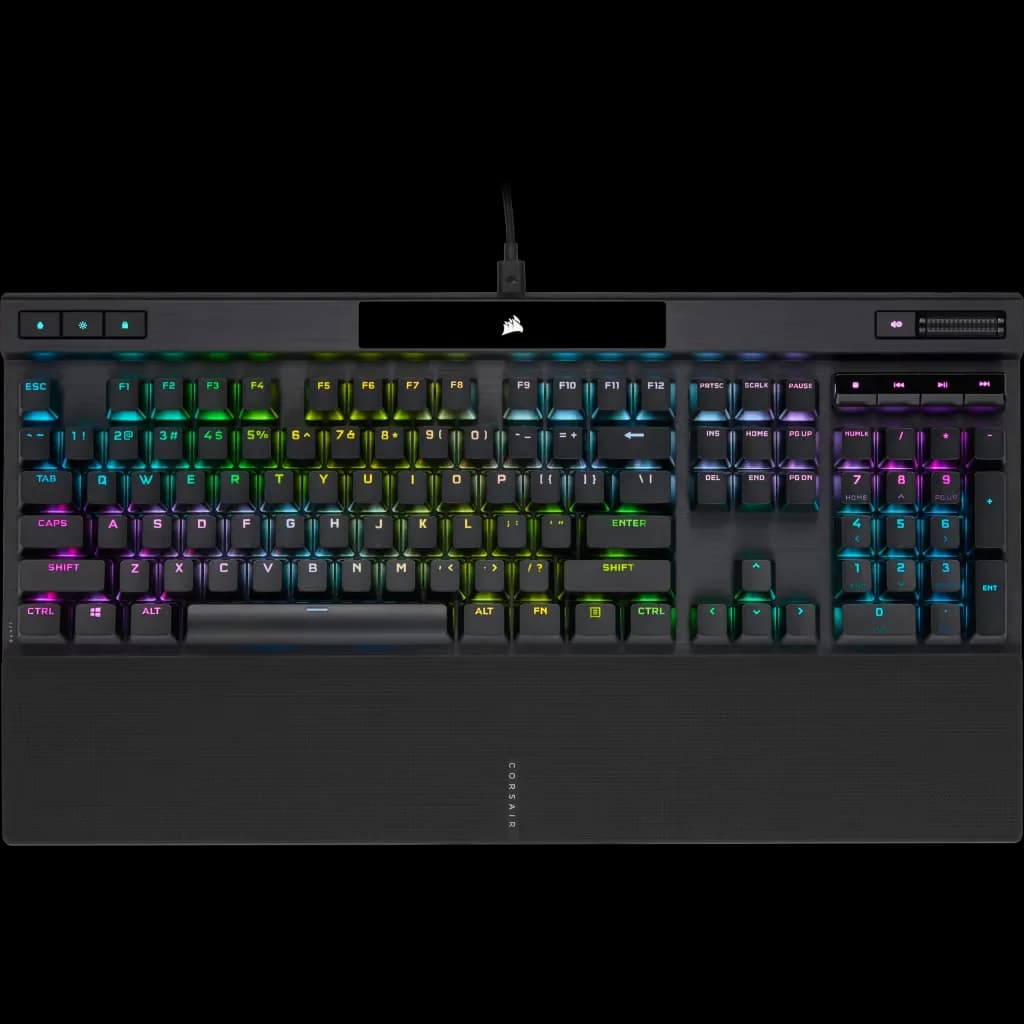
Corsair K70 RGB PRO Mechanical Gaming Keyboard

Corsair K70 RGB PRO Mechanical Gaming Keyboard

5.2/10verdict: good, not the best

The Corsair K70 RGB PRO is a wired, full-size gaming keyboard for players who want fast Cherry MX Speed Silver switches and a metal frame. It suits people who are happy to manage remaps and macros in iCUE on Windows or macOS. It is less suited to anyone who wants a quiet board, wireless connections or open firmware.

Check price at Amazon UK (opens in a new tab, affiliate link)

Affiliate link. As an Amazon Associate I earn from qualifying purchases. Details
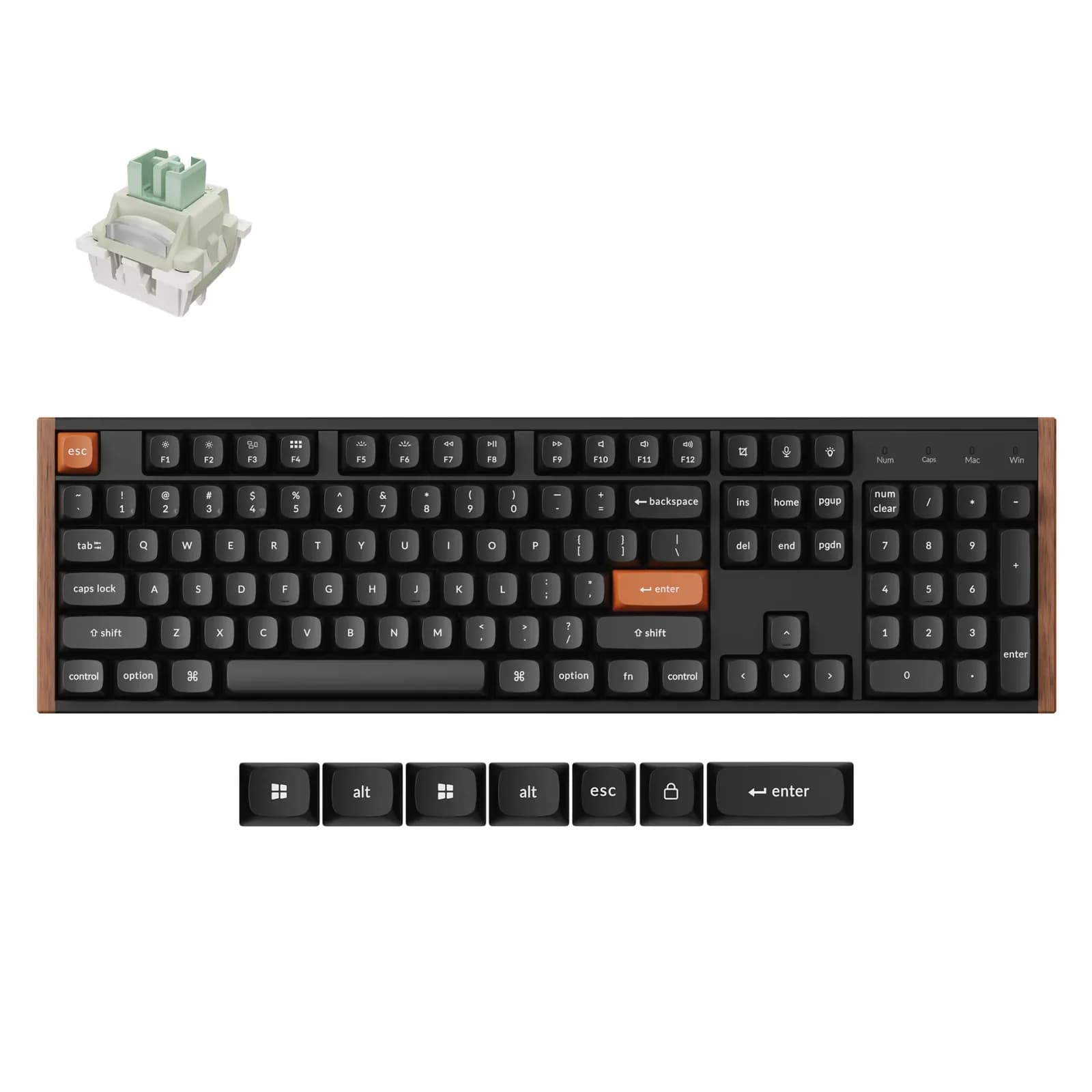
Keychron K10 HE Wireless Magnetic Switch Custom Keyboard

Keychron K10 HE Wireless Magnetic Switch Custom Keyboard

7.4/10verdict: buy

The Keychron K10 HE is for people who want a full-size keyboard with a number pad and adjustable magnetic switches. It suits desk users who move between Windows, macOS and Linux and want QMK firmware with wireless options. It is built for a fixed desk, not a bag.

Typically about £129.99 in the UK when we researched itSearch Amazon UK (opens in a new tab, affiliate link)

Affiliate link. As an Amazon Associate I earn from qualifying purchases. Details

Scores, criterion by criterion

CriterionWeightCorsair K70 RGB PRO Mechanical Gaming KeyboardKeychron K10 HE Wireless Magnetic Switch Custom Keyboard
Typing feel25%5/107/10
Build quality20%8/107/10
Customisation20%4/108/10
Connectivity15%4/109/10
Layout and ergonomics10%4/106/10
Battery and software10%5/107/10
Overall5.2/107.4/10

Specifications

SpecCorsair K70 RGB PRO Mechanical Gaming KeyboardKeychron K10 HE Wireless Magnetic Switch Custom Keyboard
LayoutFull size, 104 keys, US ANSI (NA)100% full size
SwitchesCHERRY MX SPEED RGB Silver, 1.2mm actuation (CHERRY MX SPEED variant)Gateron Double-rail Magnetic Switch / Keychron Ultra-Fast Lime Magnetic Switch; actuation adjustable 0.2-3.8 mm
Hot-swappablenot listedHot-swappable
ConnectivityWired only, detachable braided USB Type-C cable2.4 GHz, Bluetooth 5.2, wired USB-C; 1000 Hz polling rate (125 Hz over Bluetooth per user guide); switches between 3 devices
Firmware (QMK / VIA)iCUE software on Windows and macOS (key remaps and macros); no QMK or VIA support mentionedQMK firmware; Keychron Launcher web app for key remapping and macros; Windows, macOS, Linux
KeycapsPBT Double-Shot PRO, 1.5mm thicknessDouble-shot PBT; Standard: Cherry profile; Special Edition: OSA profile
Batterynot listed4000 mAh, up to 120 hours (backlight setting not stated); charging around 5 hours

Strengths and weaknesses

Corsair K70 RGB PRO Mechanical Gaming Keyboard

  • + Aluminium frame and PBT double-shot keycaps
  • + Fast 1.2mm actuation Cherry MX Speed Silver switches
  • + Onboard memory holds up to 50 profiles
  • − Owners find the Silver switches noisy
  • − Wired only, with no Bluetooth or 2.4GHz
  • − Listed layout is US ANSI, not UK ISO

Skip it if:

  • Anyone who needs quiet switches for shared rooms or calls
  • Buyers who want wireless or multi-device Bluetooth pairing
  • Users who want QMK or VIA remapping without vendor software
Read the full Corsair K70 RGB PRO Mechanical Gaming Keyboard review ›

Keychron K10 HE Wireless Magnetic Switch Custom Keyboard

  • + Actuation adjustable from 0.2 to 3.8 mm
  • + 2.4GHz, Bluetooth and wired, with three-device switching
  • + QMK firmware and a web app on all three platforms
  • − Heavy and large, so poor for travel
  • − Only Keychron's magnetic switches are supported
  • − Battery life falls with full RGB brightness

Skip it if:

  • Buyers who want to fit any switch type they like
  • Anyone who carries their keyboard between locations
  • Users who run full RGB brightness and want long wireless battery life
Read the full Keychron K10 HE Wireless Magnetic Switch Custom Keyboard review ›

More comparisons

Compare all mechanical keyboards · Best mechanical keyboards