Skip to content
sudopicks
esc

Lemorele TC94L USB-C Docking Station vs UGREEN Revodok Pro 207

Researched, not hands-on tested.How we review ›

all judged against docking stations at a similar price

The UGREEN Revodok Pro 207 scores 5.6/10 overall, ahead of the Lemorele TC94L USB-C Docking Station at 4.2/10.

The Lemorele TC94L USB-C Docking Station leads on ethernet and value.

The UGREEN Revodok Pro 207 leads on displays, charging and power, ports and bandwidth and compatibility and reliability.

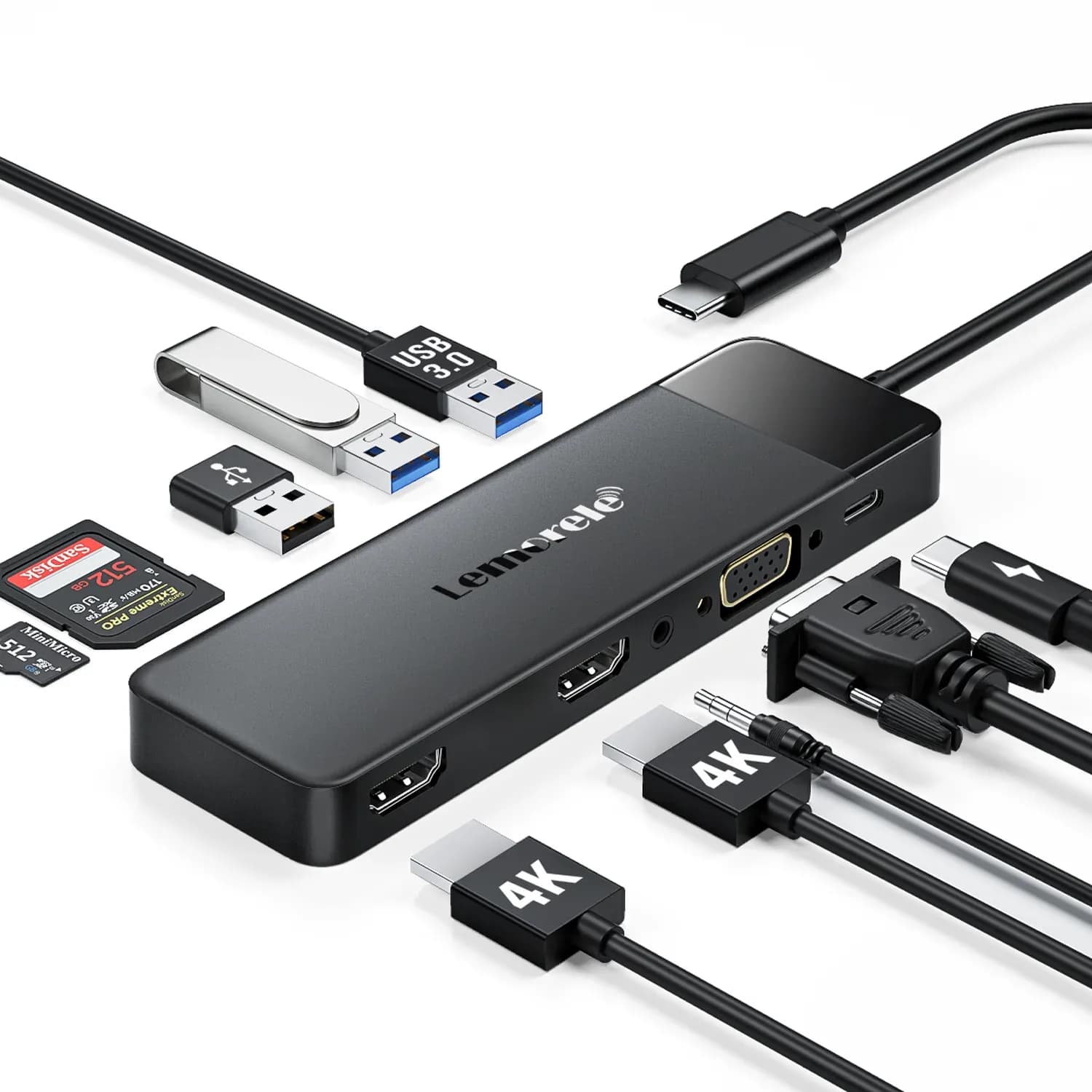
Lemorele TC94L USB-C Docking Station

Lemorele TC94L USB-C Docking Station

4.2/10verdict: skip

The Lemorele TC94L is for people who want to run two 1080p monitors from one USB-C laptop port. It suits home working with documents, email and browser windows rather than high-resolution displays or fast storage. Anyone who needs wired networking, 4K at 60Hz or strong laptop charging should check the limits carefully first.

Typically about £27.99 in the UK when we researched itCheck price at Amazon UK (opens in a new tab, affiliate link)

Affiliate link. As an Amazon Associate I earn from qualifying purchases. Details
UGREEN Revodok Pro 207

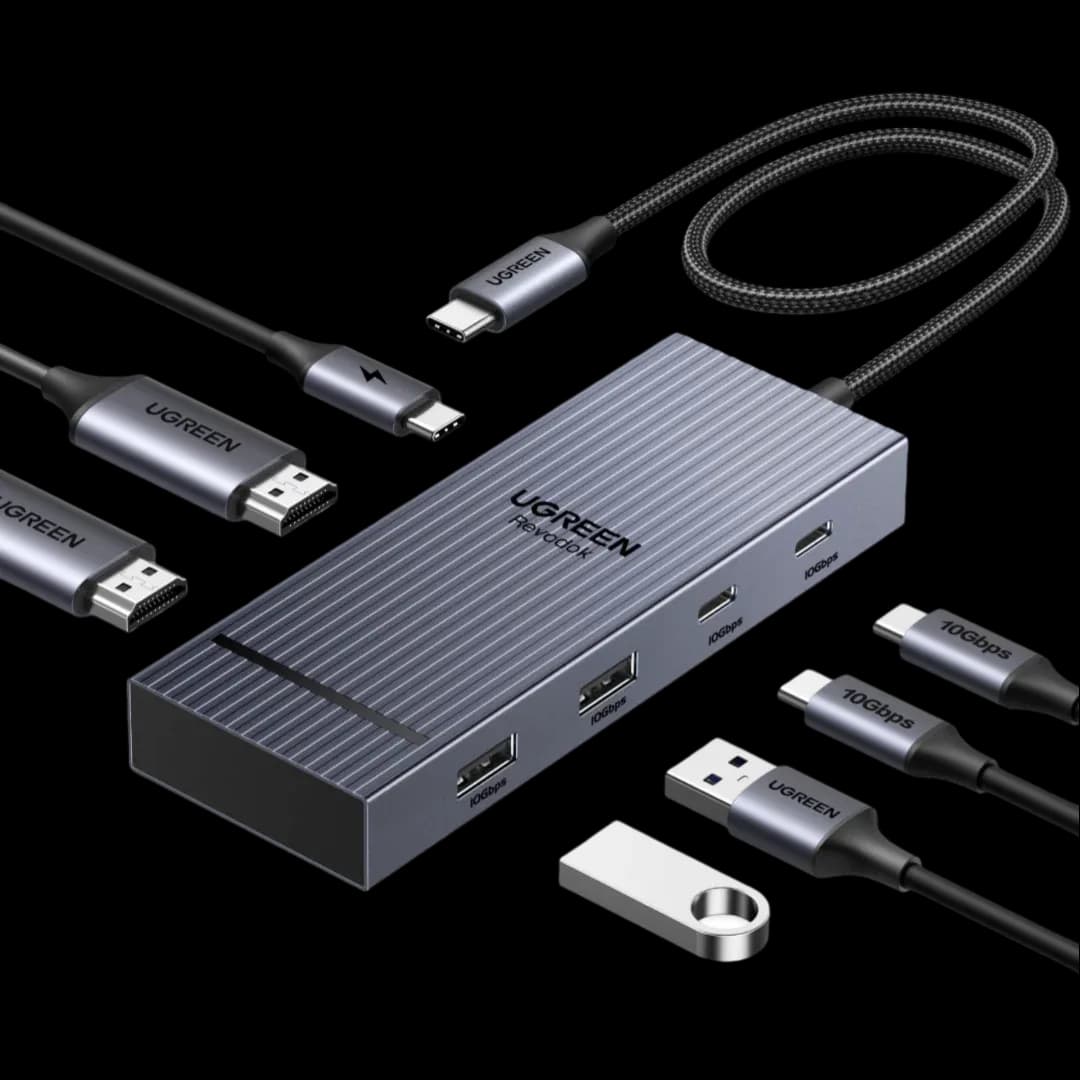
UGREEN Revodok Pro 207

5.6/10verdict: good, not the best

The Revodok Pro 207 is for people with a Windows or Chrome laptop who want two 4K monitors and fast USB ports from one USB-C cable. It suits a desk setup where the laptop needs up to 85W of charging through the dock. Mac owners who want two separate screens should check the display limits first.

Check price at Amazon UK (opens in a new tab, affiliate link)

Affiliate link. As an Amazon Associate I earn from qualifying purchases. Details

Scores, criterion by criterion

CriterionWeightLemorele TC94L USB-C Docking StationUGREEN Revodok Pro 207
Displays25%5/107/10
Charging and power20%4/106/10
Ports and bandwidth20%4/105/10
Compatibility and reliability20%4/106/10
Ethernet and value15%4/103/10
Overall4.2/105.6/10

Specifications

SpecLemorele TC94L USB-C Docking StationUGREEN Revodok Pro 207
Connects withUSB-C (Type-C) x1, USB-C 3.0 data with PD input; device must support DisplayPort Alt ModeUSB-C upstream connection to the laptop
External displaysTwo HDMI 2.0 ports and one VGA port; HDMI 4K@30Hz, dual HDMI 1080p@60Hz, VGA up to 1080p@60HzTwo external displays, each HDMI port rated 4K@60Hz
Laptop chargingUSB-C PD input up to 85W (charging only); manufacturer outputs list says up to 100WUp to 85W laptop charging through a 100W USB-C PD port
Ports2x HDMI 2.0, 1x VGA, 1x USB-A 3.0 (5Gbps), 2x USB-A 2.0 (480Mbps), 1x TF/SD slot pair (not simultaneous, 20MB/s), 1x 3.5mm audio out, 1x USB-C PD input2× HDMI, 2× USB-A 10Gbps, 2× USB-C 10Gbps, 100W PD port
EthernetNone on the TC94Lnot listed
Display technot listedNative HDMI video, not DisplayLink; MST on Windows/Chrome, SST on macOS
Power supplyLaptop charger connects through the dock's PD pass-through port; power adapter not includedRequires a separate 100W or higher power adapter and USB-C cable, not included

Strengths and weaknesses

Lemorele TC94L USB-C Docking Station

  • + Two HDMI ports plus VGA for extra screens
  • + Dual 1080p at 60Hz listed
  • + Owners mostly rate value for money positively
  • − No Ethernet port
  • − 4K limited to 30Hz
  • − Only one 5Gbps USB-A port

Skip it if:

  • Buyers who need wired Ethernet from the dock
  • Mac users who want two separate extended desktops
  • Anyone wanting 4K at 60Hz or fast USB and card transfers
Read the full Lemorele TC94L USB-C Docking Station review ›

UGREEN Revodok Pro 207

  • + Two native HDMI ports, each rated 4K at 60Hz
  • + Four 10Gbps data ports: two USB-A, two USB-C
  • + Owners say multi-screen and charging work together
  • − Mac displays show the same content on both screens
  • − Runs hot under full 100W charging
  • − Charger and cable are not included

Skip it if:

  • MacBook owners who want two independent extended screens
  • Buyers who need Ethernet, a card reader or audio from the dock
  • Anyone with a laptop that needs more than 85W of charging
Read the full UGREEN Revodok Pro 207 review ›

More comparisons

Compare all docking stations · Best docking stations