Skip to content
sudopicks
esc

Raspberry Pi 400 vs IceWhale ZimaBoard 2

Researched, not hands-on tested.How we review ›

all judged against single-board computers at a similar price

The Raspberry Pi 400 scores 7.2/10 overall, ahead of the IceWhale ZimaBoard 2 at 6.3/10.

The Raspberry Pi 400 leads on software support and value.

The IceWhale ZimaBoard 2 leads on performance, storage and I/O and networking.

The biggest difference is software support, where the Raspberry Pi 400 scores 10/10 to the IceWhale ZimaBoard 2's 5/10.

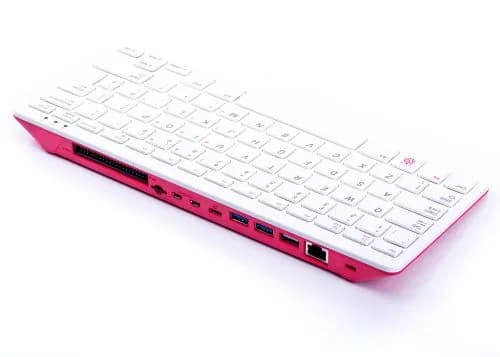
Raspberry Pi 400

Raspberry Pi 400

7.2/10verdict: buy

The Raspberry Pi 400 is for anyone who wants a complete, compact Raspberry Pi desktop with the keyboard built in and no assembly. It suits learners, classrooms and homelabbers who want a small terminal or light desktop machine running Raspberry Pi OS. It is a weaker fit for anyone who needs easy GPIO access or fast internal storage.

Typically about £57.60 in the UK when we researched itCheck price at Amazon UK (opens in a new tab, affiliate link)

Affiliate link. As an Amazon Associate I earn from qualifying purchases. Details
ZimaBoard 2

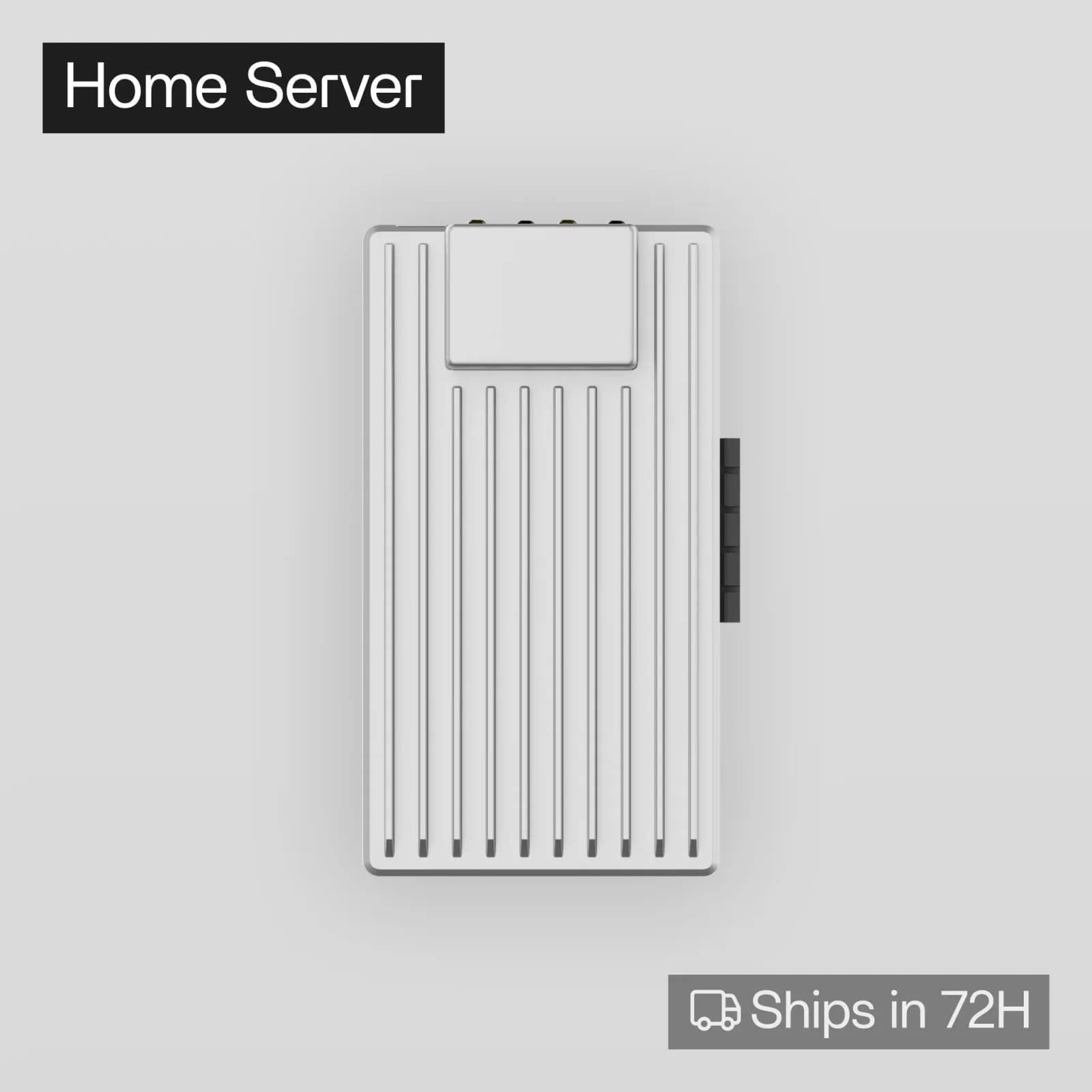
IceWhale ZimaBoard 2

6.3/10verdict: good, not the best

The ZimaBoard 2 is for homelabbers who want a compact x86 board for a small NAS or Docker host. It offers an Intel N150, dual 2.5GbE and two SATA ports, with 8GB or 16GB of soldered RAM. It suits people who value low power draw and quiet running over upgradeability.

Typically about £288.89 in the UK when we researched itCheck price at Amazon UK (opens in a new tab, affiliate link)

Affiliate link. As an Amazon Associate I earn from qualifying purchases. Details

Scores, criterion by criterion

CriterionWeightRaspberry Pi 400IceWhale ZimaBoard 2
Software support30%10/105/10
Performance25%6/107/10
Storage15%4/107/10
I/O and networking15%7/108/10
Value15%7/105/10
Overall7.2/106.3/10

Specifications

SpecRaspberry Pi 400IceWhale ZimaBoard 2
Processor (SoC)Broadcom BCM2711, quad-core Cortex-A72 64-bit, 1.8 GHzIntel N150 (4 cores, 4 threads, up to 3.6GHz)
Memory4GB LPDDR4-32008GB (832) or 16GB (1664) LPDDR5 4800 MHz, soldered and not upgradable
Storage optionsMicroSD card slot; no eMMC, SSD or M.2 slot32GB (832) or 64GB (1664) onboard eMMC; two SATA 6Gbps ports
NetworkingGigabit Ethernet; dual-band 2.4/5 GHz 802.11b/g/n/ac Wi-Fi; Bluetooth 5.0 and BLEDual 2.5GbE
GPIO40-pin horizontal GPIO header on the rear of the casenot listed
Video outputs2 × micro HDMI ports, up to 4Kp60; H.265 4Kp60 decode, H.264 1080p60 decode, OpenGL ES 3.1, Vulkan 1.0One Mini DisplayPort 1.4, up to 4K at 60Hz
Power input5V DC via USB Type-C power input12V DC barrel input, 60W adapter

Strengths and weaknesses

Raspberry Pi 400

  • + Keyboard and computer in one compact case
  • + Raspberry Pi OS preinstalled on the SD card
  • + Gigabit Ethernet and two USB 3.0 ports
  • − microSD only, with no M.2 or eMMC
  • − GPIO access is awkward and needs an adapter
  • − Keyboard feels cheap and spongy to some owners

Skip it if:

  • Buyers who want M.2, SSD or eMMC storage on the board.
  • Makers who will use the GPIO header often and want easy access.
  • Anyone who wants a separate bare board to mount in their own case.
Read the full Raspberry Pi 400 review ›

IceWhale ZimaBoard 2

  • + Dual 2.5GbE with about 275 to 280 MB/s reported real-world
  • + Low idle power draw, and silent without the fan
  • + Two SATA 6Gbps ports plus a PCIe 3.0 x2 lane
  • − RAM and eMMC are soldered and cannot be upgraded
  • − Throttling and 90s C package temperatures in passive tests
  • − UK buyers can only pay in US dollars on Zima's store

Skip it if:

  • Buyers who want to upgrade RAM or onboard storage later
  • Anyone planning sustained heavy load with passive cooling
  • Projects that need a Raspberry Pi-style GPIO header
Read the full IceWhale ZimaBoard 2 review ›

More comparisons

Compare all single-board computers · Best single-board computers