Skip to content
sudopicks
esc

eero Pro 6E vs TP-Link Deco X55 (3-pack)

Researched, not hands-on tested.How we review ›

all judged against Wi-Fi routers and mesh systems at a similar price

The TP-Link Deco X55 (3-pack) scores 5.7/10 overall, ahead of the eero Pro 6E at 5.4/10.

The eero Pro 6E leads on wi-Fi standard and bands.

The TP-Link Deco X55 (3-pack) leads on wired ports, coverage and value.

They score the same on software and security.

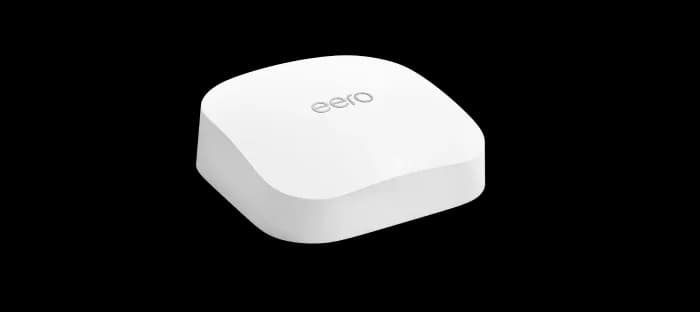
eero Pro 6E

eero Pro 6E

5.4/10verdict: good, not the best

The eero Pro 6E is for households that want a tri-band Wi-Fi 6E mesh system. It suits people with a modest number of wired devices and a single fast line into the home. It is a weaker fit for anyone who wants a VPN server, many Ethernet ports or a documented VLAN setup.

Typically about £336.99 in the UK when we researched itCheck price at Amazon UK (opens in a new tab, affiliate link)

Affiliate link. As an Amazon Associate I earn from qualifying purchases. Details
TP-Link Deco X55 (3-pack)

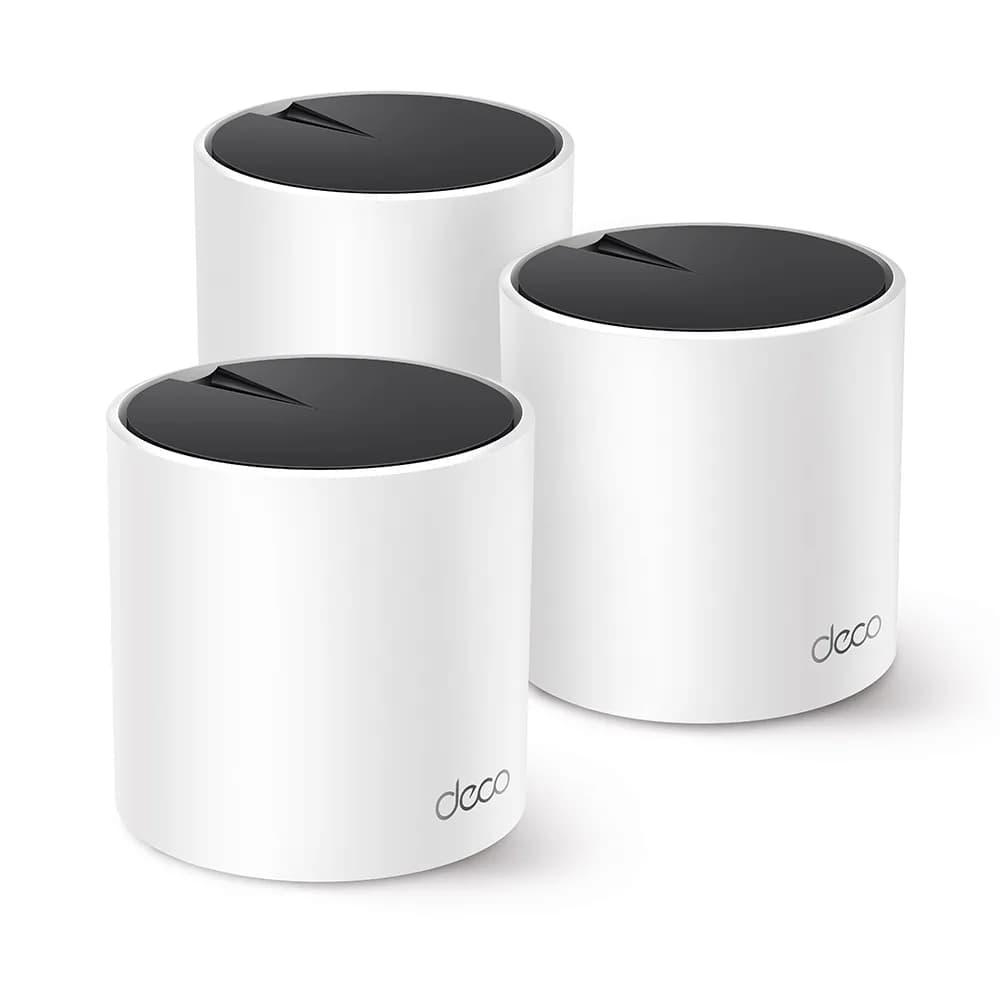
TP-Link Deco X55 (3-pack)

5.7/10verdict: good, not the best

The Deco X55 3-pack suits people covering a larger home with an app-managed Wi-Fi 6 mesh. It fits buyers whose wired devices and internet connection run at Gigabit speed or below. It is a weaker match for anyone who wants multi-gig ports or detailed manual control of the network.

Typically about £209.99 in the UK when we researched itCheck price at Amazon UK (opens in a new tab, affiliate link)

Affiliate link. As an Amazon Associate I earn from qualifying purchases. Details

Scores, criterion by criterion

CriterionWeighteero Pro 6ETP-Link Deco X55 (3-pack)
Wi-Fi standard and bands25%7/106/10
Software and security25%5/105/10
Wired ports20%4/105/10
Coverage15%6/107/10
Value15%5/106/10
Overall5.4/105.7/10

Specifications

Speceero Pro 6ETP-Link Deco X55 (3-pack)
Wi-Fi standardWi-Fi 6E tri-band 802.11ax, 2:2:2, with 160 MHz channels in 5 GHz and 6 GHzWi-Fi 6 (IEEE 802.11ax/ac/n/a 5 GHz, 802.11ax/n/b/g 2.4 GHz)
Bands and speed class2.4 GHz, 5 GHz and 6 GHzDual-band AX3000: 5 GHz 2402 Mbps, 2.4 GHz 574 Mbps
WAN port1 x 2.5 GbE auto-sensing (WAN or LAN)No dedicated WAN port; each unit has 3 Gigabit ports that auto-sense WAN or LAN
LAN ports1 x Gigabit Ethernet auto-sensing (WAN or LAN)3 Gigabit Ethernet ports per unit (9 across the 3-pack), shared with WAN auto-sensing
Mesh nodes in the box1, 2 or 3 units depending on pack (1-, 2- and 3-pack)3 Deco X55 units
Rated coverageUp to 2,000 sq ft per unit; up to 6,000 sq ft for a 3-packUp to 6,500 ft² for the 3-pack (marketing rating; wireless coverage not guaranteed)
Security and VPN featuresProfiles, WPA3, WPA2, TLS v1.2+, VPN passthrough, IPv6, NAT, UPnP, port forwarding, DHCP, static IP, cloud connectivityWPA/WPA2/WPA3, SPI firewall, parental controls, QoS, guest networks for 2.4 GHz and 5 GHz, HomeShield (free Basic tier)

Strengths and weaknesses

eero Pro 6E

  • + Tri-band Wi-Fi 6E with 6 GHz and 160 MHz channels
  • + 2.5GbE port that works as either WAN or LAN
  • + Rated up to 6,000 sq ft in a 3-pack
  • − Only two Ethernet ports per unit
  • − VPN passthrough only, no VPN server

Skip it if:

  • Homelabbers who need a built-in VPN server or documented VLANs
  • Buyers with several wired devices who want many LAN ports per unit
  • Anyone whose devices lack 6E support and who wants no 6 GHz band
Read the full eero Pro 6E review ›

TP-Link Deco X55 (3-pack)

  • + Three units with a 6,500 ft² rating and 150-device support
  • + WPA3, guest networks, tagged VLAN and a free HomeShield Basic tier
  • + Owners describe setup and the app as easy
  • − Gigabit-only ports, with no multi-gig option
  • − Owners report dropouts and devices falling off the mesh
  • − Management is app-only, with limited firewall and radio tuning

Skip it if:

  • Buyers who need 2.5GbE or 10GbE ports on the router or nodes
  • Anyone who wants detailed firewall and radio settings beyond the app
  • Buyers who want a Wi-Fi 6E or Wi-Fi 7 system
Read the full TP-Link Deco X55 (3-pack) review ›

More comparisons

Compare all Wi-Fi routers and mesh systems · Best Wi-Fi routers and mesh systems