Logitech C920s PRO HD Webcam
~£84.99typical UK price when we researched itAffiliate link. As an Amazon Associate I earn from qualifying purchases. Details
Logitech C920s PRO HD Webcam review
Researched, not hands-on tested.How we review ›
by SudoPicks Research · editor Paul HR · published 24 Oct 2026 · updated 24 Oct 2026
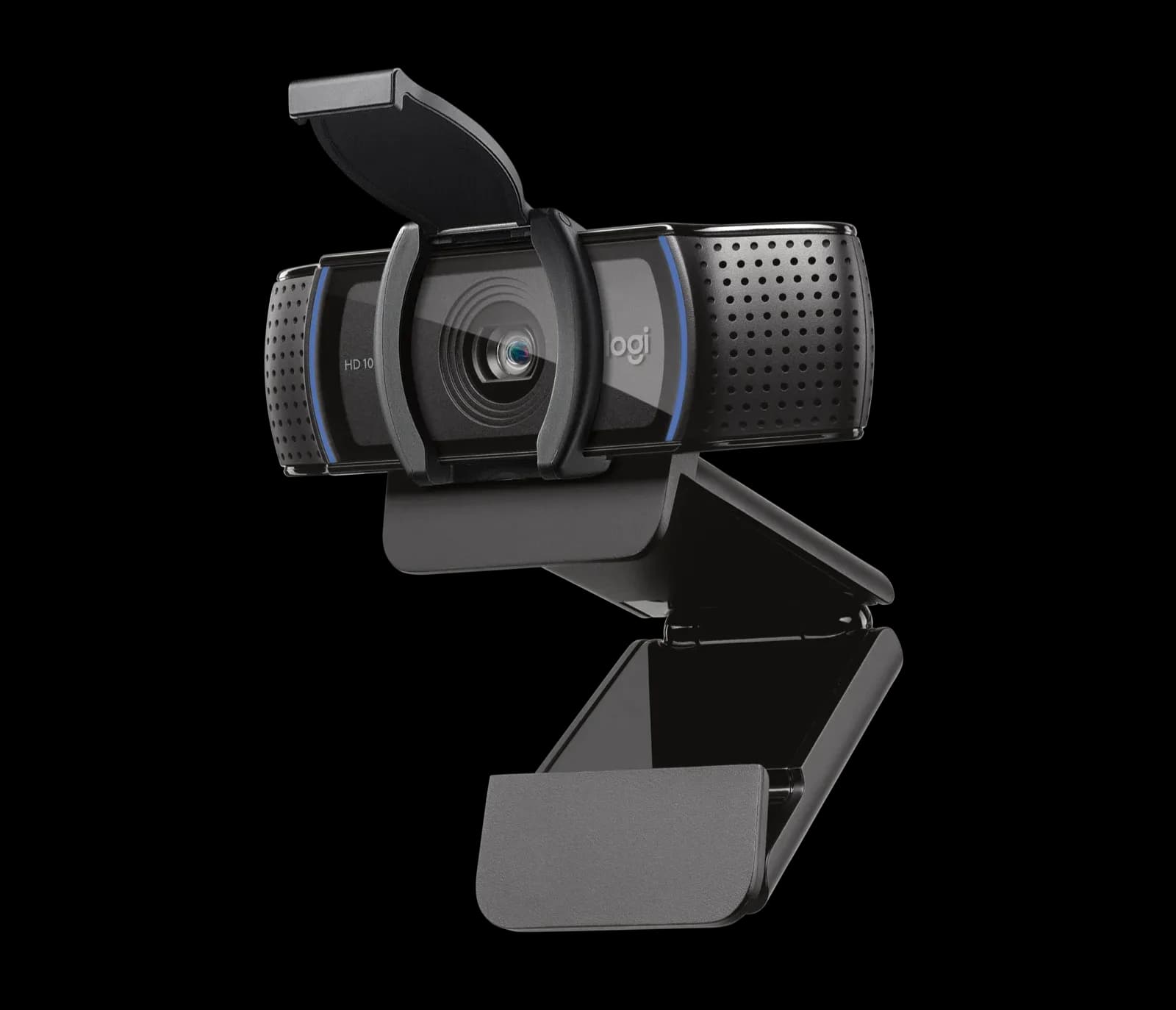
The Logitech C920s is a plain 1080p USB webcam for people who want a camera for calls and basic streaming. It suits anyone who wants a physical privacy shutter and simple setup on Windows, macOS or ChromeOS.
5th of 8 webcams we've reviewedAffiliate link. As an Amazon Associate I earn from qualifying purchases. Details
New to webcams? What they are and what to look for
A webcam is a small camera that sits on your monitor for video calls and streaming.
Do you need a webcam? Worth it if your laptop's built-in camera looks grainy, or you use a desktop PC without one.
What to look for
- 1080p is enough for calls; good low-light performance matters more than 4K
- Autofocus and a built-in privacy shutter
- Works without extra software on your computer
Unsure about a word? Jargon explained
How the 5.6 adds up
Our webcams rubric- Picture quality30% of score
- Low light20% of score
- Microphone15% of score
- Features and privacy20% of score
- Compatibility and value15% of score
Against the 8 webcams we've reviewed
bar = the range of all 8 · dot = this one · better →
- Overall score 5.6/105th of 8
- Price £84.995th cheapest
- Value for money About average5th best of 8
Support and features
| Software updates | No end-of-support date found for the C920s; the end-of-life notices found concern other Logitech products. |
|---|
Compatibility
| Linux | Partly works on Linux. Logitech does not support Linux for the C920s, but it is UVC compliant and most guides report it works out of the box on common distributions, though one Mint 22 upgrade report and one Cheese complaint describe problems. source |
|---|
Pros and cons
+ pros
- Physical privacy shutter over the lens
- Easy setup across Windows, macOS and ChromeOS
- Owners praise the clear picture
− cons
- Owners report grain in low light
- Capped at 30fps in both modes
- Software described as limited or unreliable
Price history
Price history appears here once we have tracked this product for a few days.
The full review
Where it fits
The C920s is a USB webcam for a desk or monitor mount. It records 1080p at 30fps or 720p at 30fps. It has a five-element glass lens with autofocus and a fixed 78° diagonal field of view. It connects over USB-A on a 1.5 m cable. The specification lists no auto-framing and no zoom, so it is a simple camera for calls and basic streaming.
Picture quality6/10
Owners praise the picture as clear. Logitech adds RightLight 2, which it describes as automatic light correction. The field of view is fixed at 78°, so framing depends on where you place the camera and where you sit. There's no wider or narrower setting listed.
The main complaint here is frame rate. Both the 1080p and 720p modes top out at 30fps, and some owners point that out. If you want smoother motion for streaming, the specification gives no higher mode to switch to. For standard video calls, 1080p at 30fps is what the camera is built around.
Low light4/10
This is the weakest area in the owner reports. Owners complain about grain and poor performance in low light. RightLight 2 is the only light-handling feature listed, and the grain complaints show it does not remove the problem for those owners. Given that feedback, the C920s suits a room with decent lighting more than a dim home office.
Microphone5/10
Two built-in stereo mics sit either side of the lens, with a range of up to 1 m. That range matches someone sitting at a monitor. They give you audio on calls without extra hardware, and that is as far as the specification goes.
Privacy and software6/10
A privacy shutter covers the lens, and owners praise it. It is a physical cover, so the lens is blocked whatever the software is doing. That matters for anyone who keeps a webcam plugged in all day.
Software is a mixed point. Owners describe it as limited or unreliable. The camera is listed as working with Windows 8 or later, macOS 10.10 or later and ChromeOS, and owners praise easy setup, so the camera itself does not seem to depend on the software for basic use. The spec sheet gives no software support end date. Logitech lists a two-year limited hardware warranty.
Compatibility7/10
The C920s connects through USB-A. Owners report easy setup and praise the cross-platform support. The cable is listed at 1.5 m, so its length sets how far the camera can sit from the USB port it plugs into.
Who it suits
The C920s fits people who want a clear 1080p picture, a shutter they can close, and little setup. It matches a desk with good lighting. It is a weaker match for dim rooms, where owners report grain, and for anyone who wants more than 30fps. If you plan to tune settings through Logitech software, the owner complaints about it are worth weighing first.
What owners report
Recurring themes from public owner feedback, summarised in our own words.
- Owners praise the clear picture and the physical privacy shutter.
- Owners find setup easy and report it working across platforms.
- Some owners complain of grain and weak performance in low light.
- Some owners find the software limited or unreliable, and others dislike the 30fps ceiling.
Who should skip it
- Buyers who work in dim rooms and can't add lighting
- Streamers who want frame rates above 30fps
- Buyers who want auto-framing or a variable field of view
Full specifications
| Resolution and frame rate | 1080p at 30fps, 720p at 30fps |
|---|---|
| Field of view | 78° diagonal, fixed |
| Focus and framing | Autofocus, five-element glass lens |
| Microphone | Two built-in stereo mics, one on either side of the lens, range up to 1 m |
| Privacy shutter | Privacy shutter over the lens |
| Connection | USB-A, 1.5 m cable |
Sources
- Logitech C920s PRO HD Webcam (US)
- Logitech C920 PRO HD Webcam (EU)
- Logitech C920 PRO HD Webcam (AE)
- Logitech C920s quick-start guide
- Logitech C920s PRO HD Webcam (test subdomain)
- Best Buy owner reviews
- Tom's Guide review
- AllReviews webcam review
- Layer3 Labs review
- Reddit recommendations aggregator
- PCMena review
- MiniPC Reviewer review
- StreamTech Reviews C920 blog
Compare head to head
- Logitech C920s PRO HD Webcam vs Logitech Brio 100 Full HD Webcam ›
- Logitech C920s PRO HD Webcam vs Logitech C922 PRO HD STREAM WEBCAM ›
- Logitech C920s PRO HD Webcam vs Logitech MX Brio ›
- Logitech C920s PRO HD Webcam vs Insta360 Link 2 ›
- Logitech C920s PRO HD Webcam vs Logitech C270 HD Webcam ›
- Logitech C920s PRO HD Webcam vs Anker PowerConf C200 2K Webcam ›