Skip to content
sudopicks
esc

TP-Link TL-SG1005LP vs TP-Link TL-SG3210XHP-M2

Researched, not hands-on tested.How we review ›

all judged against network switches at a similar price

The TP-Link TL-SG3210XHP-M2 scores 6.8/10 overall, ahead of the TP-Link TL-SG1005LP at 6.1/10.

The TP-Link TL-SG1005LP leads on noise and efficiency.

The TP-Link TL-SG3210XHP-M2 leads on port speeds, management, port count and uplinks and poE.

They score the same on firmware and support.

The biggest difference is noise and efficiency, where the TP-Link TL-SG1005LP scores 9/10 to the TP-Link TL-SG3210XHP-M2's 3/10.

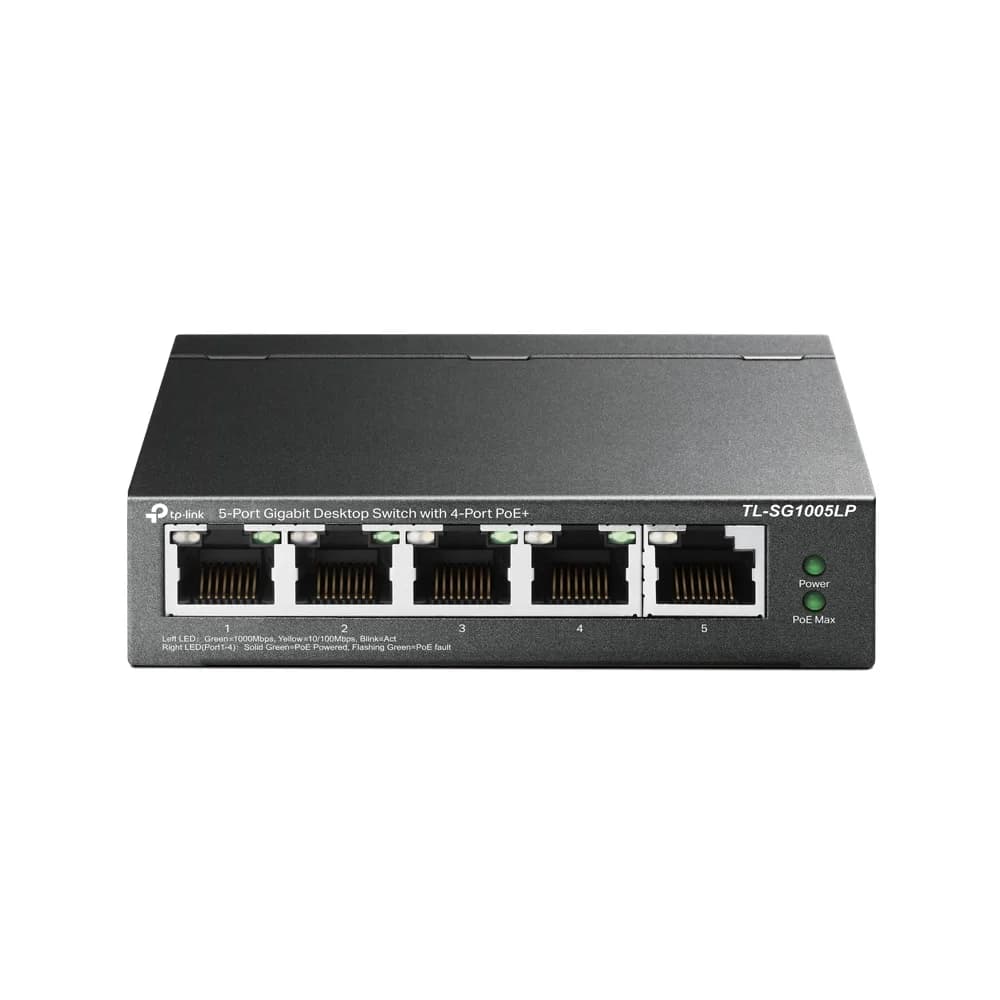
TL-SG1005LP

TP-Link TL-SG1005LP

6.1/10verdict: good, not the best

The TL-SG1005LP is for anyone who wants a small, unmanaged Gigabit switch that also powers a few PoE devices. It suits a desk, shelf or cupboard setup where silence matters and VLANs are not needed. It is less suited to anyone who needs management features, faster ports or fibre uplinks.

Typically about £29.99 in the UK when we researched itCheck price at Amazon UK (opens in a new tab, affiliate link)

Affiliate link. As an Amazon Associate I earn from qualifying purchases. Details
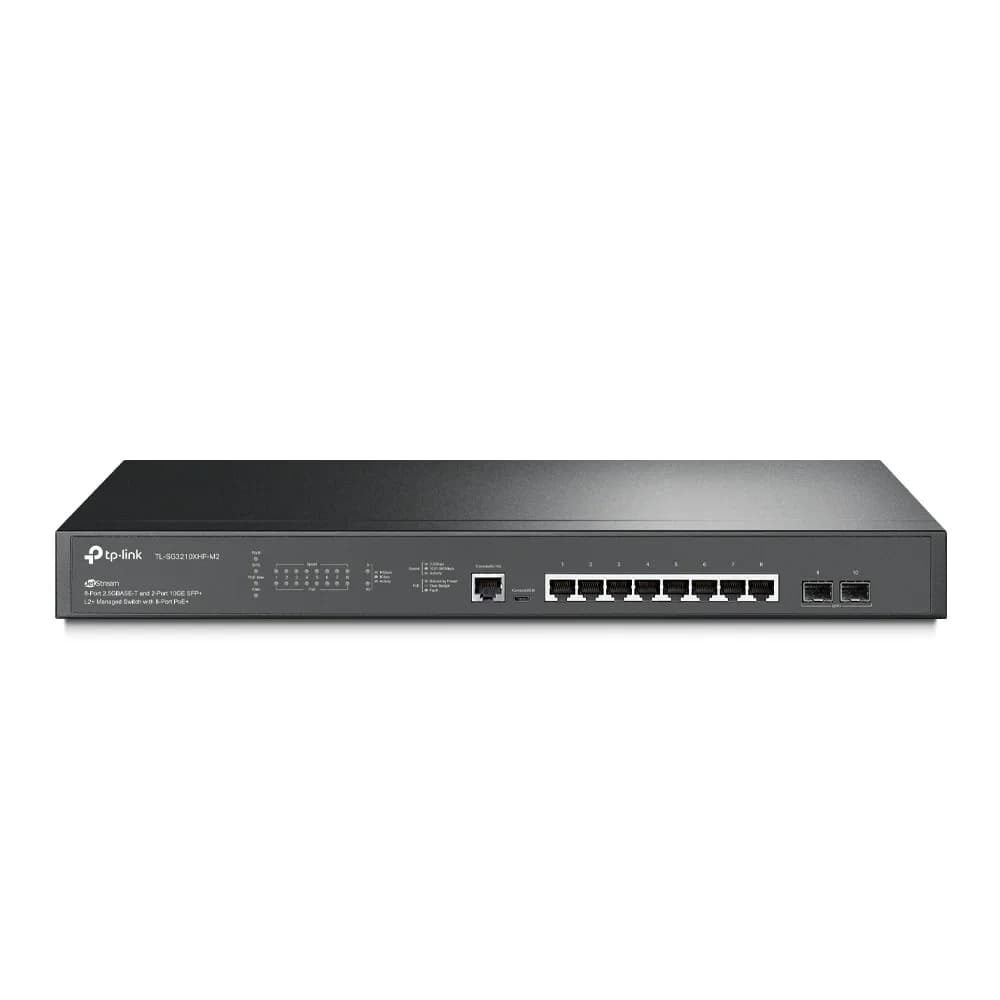
TP-Link TL-SG3210XHP-M2

TP-Link TL-SG3210XHP-M2

6.8/10verdict: buy

The TL-SG3210XHP-M2 is for people building a small rack-based network who need PoE+ and real managed-switch features. It suits setups with 2.5GbE access points or cameras and 10G SFP+ uplinks. It is a poor fit for quiet rooms because it has two fans.

Typically about £340 in the UK when we researched itSearch Amazon UK (opens in a new tab, affiliate link)

Affiliate link. As an Amazon Associate I earn from qualifying purchases. Details

Scores, criterion by criterion

CriterionWeightTP-Link TL-SG1005LPTP-Link TL-SG3210XHP-M2
Port speeds30%6/108/10
Management20%5/108/10
Port count and uplinks15%5/107/10
Noise and efficiency15%9/103/10
PoE10%7/108/10
Firmware and support10%5/105/10
Overall6.1/106.8/10

Specifications

SpecTP-Link TL-SG1005LPTP-Link TL-SG3210XHP-M2
Ports5x 10/100/1000 Mbps RJ45; ports 1-4 are PoE+8x 2.5GbE RJ45 PoE+ ports, 2x 10G SFP+ slots, plus one RJ45 and one Micro-USB console port (not data ports)
Port speeds10/100/1000 Mbps on all five ports; no 2.5GbE or 10GbE port listedRJ45 ports 100/1000/2500 Mbps; SFP+ slots 10 Gbps
ManagementUnmanaged, plug-and-play; no web UI, VLAN or SNMP listedL2+ managed; web management, Omada app, cloud or hardware/software controllers; 802.1Q VLAN, static routing, ACLs, 802.1X
PoE budget802.3af/at on ports 1-4, up to 30 W per port, 40 W total budget240 W total PoE budget; 8 PoE+ ports (802.3af/at); 30 W per port
Uplinks (SFP/SFP+)None listed; all five ports are RJ452x 10 Gbps SFP+
Switching capacitySwitch capacity 10 Gbps; MAC table 2K; packet buffer 1 Mbit; jumbo frame 9 KB (V4) or 16 KB (V3)80 Gbps switching capacity; 59.52 Mpps forwarding rate; 16K MAC table
CoolingFanless; max heat dissipation 159.46 BTU/hTwo fans (Fan Quantity: 2), not fanless

Strengths and weaknesses

TP-Link TL-SG1005LP

  • + Four PoE+ ports at up to 30 W each
  • + Fanless design
  • + Plug-and-play with no setup
  • − Gigabit only; no 2.5GbE or 10GbE
  • − 40 W total PoE budget is shared
  • − No web UI, VLAN or SNMP

Skip it if:

  • Buyers who need VLANs, a web UI or SNMP monitoring
  • Anyone who needs 2.5GbE, 10GbE or SFP uplinks
  • Buyers whose PoE devices draw more than 40 W combined
Read the full TP-Link TL-SG1005LP review ›

TP-Link TL-SG3210XHP-M2

  • + Eight 2.5GbE PoE+ ports with a 240 W total budget
  • + L2+ management with VLANs, static routing, ACLs and 802.1X
  • + Two 10 Gbps SFP+ uplinks
  • − Two fans; one owner report calls it too loud for offices
  • − Cloud management needs a hardware controller or dedicated computer
  • − Update history and warranty terms aren't stated

Skip it if:

  • Buyers who need a silent or fanless switch for an office or desk
  • Anyone needing more than ten data ports on one switch
  • Buyers wanting cloud management without a hardware controller or dedicated computer
Read the full TP-Link TL-SG3210XHP-M2 review ›

More comparisons

Compare all network switches · Best network switches