Skip to content
sudopicks
esc

DiskStation DS423 vs Synology DiskStation DS225+

Researched, not hands-on tested.How we review ›

both judged against NAS at a similar price

The DiskStation DS423 scores 4.8/10 overall, ahead of the Synology DiskStation DS225+ at 4.5/10.

The DiskStation DS423 leads on storage capacity (bays, M.2), CPU and transcoding and openness.

The Synology DiskStation DS225+ leads on networking and software and ecosystem.

They score the same on memory ceiling.

The biggest difference is storage capacity (bays, M.2), where the DiskStation DS423 scores 6/10 to the Synology DiskStation DS225+'s 3/10.

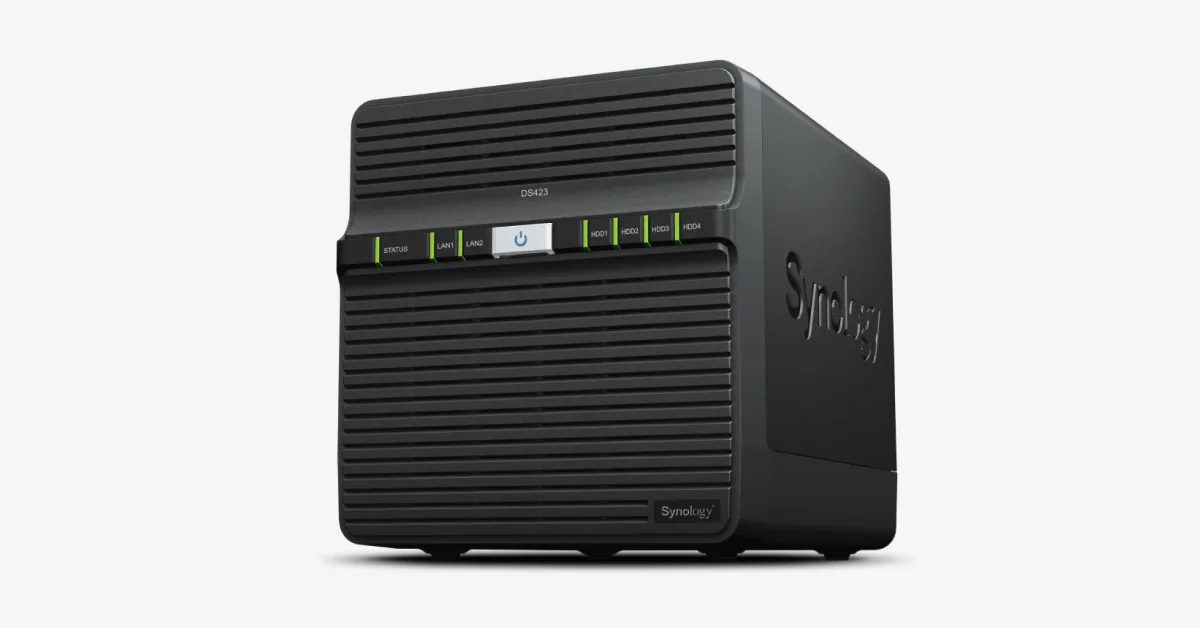
DiskStation DS423

DiskStation DS423

4.8/10verdict: skip

The DS423 is for people who want a four-bay Synology NAS for file storage, shared folders and backups. It suits those who value DSM and Btrfs more than raw hardware power. It is less suited to anyone planning containers, virtual machines or video transcoding.

Typically about £351 in the UK when we researched itCheck price at Amazon UK (opens in a new tab, affiliate link)

Affiliate link. As an Amazon Associate I earn from qualifying purchases. Details
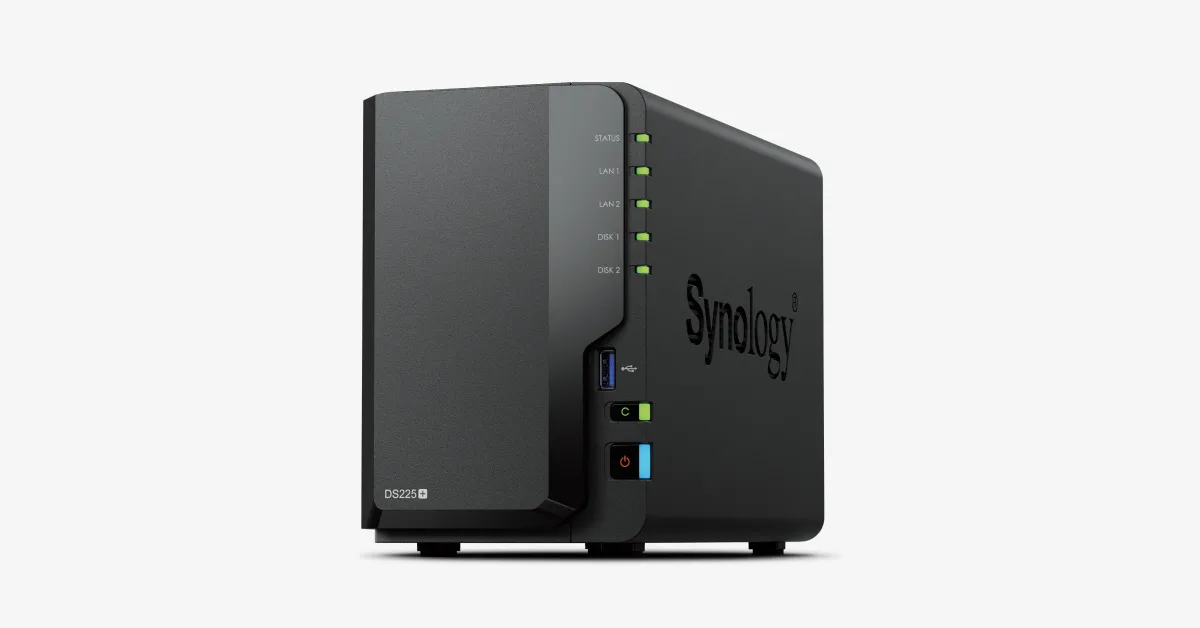
Synology DiskStation DS225+

Synology DiskStation DS225+

4.5/10verdict: skip

The DS225+ suits home and small-office buyers who want Synology's DSM software for file sharing, backups, photos and a few cameras on two drives. Its 2.5GbE port and mature app set fit light, dependable storage duties. Media servers that need hardware transcoding, heavy container or VM use, and anyone wanting NVMe cache are poorly served by its 2019-era CPU, 6 GB RAM ceiling and lack of M.2 slots.

Typically about £339.98 in the UK when we researched itCheck price at Amazon UK (opens in a new tab, affiliate link)

Affiliate link. As an Amazon Associate I earn from qualifying purchases. Details

Scores, criterion by criterion

CriterionWeightDiskStation DS423Synology DiskStation DS225+
Storage capacity (bays, M.2)20%6/103/10
CPU and transcoding20%4/103/10
Networking20%4/106/10
Memory ceiling15%3/103/10
Software and ecosystem15%7/108/10
Openness10%5/104/10
Overall4.8/104.5/10

Specifications

SpecDiskStation DS423Synology DiskStation DS225+
Drive bays4 x 3.5-inch SATA HDD or 2.5-inch SATA SSD, hot-swappable2 × 3.5" SATA HDD / 2.5" SATA SSD, hot-swappable
CPURealtek RTD1619B, 4 cores, 4 threads, 64-bit, 1.7 GHz, with hardware encryption engineIntel Celeron J4125, 4 cores / 4 threads, 64-bit, 2.0 GHz base / 2.7 GHz turbo, hardware encryption engine
Memory2 GB DDR4 non-ECC2 GB DDR4 non-ECC installed, 1 slot, max 6 GB (2 GB + 4 GB)
Networking2 x RJ-45 1GbE LAN ports1 × 1GbE RJ-45 + 1 × 2.5GbE RJ-45
M.2 slotsnot listedNone
Expansion2 x USB 3.2 Gen 1 portsNo expansion unit or PCIe slot; 2 × USB 3.2 Gen 1
Operating systemSynology DiskStation Manager (DSM), Btrfs file systemSynology DSM

Strengths and weaknesses

DiskStation DS423

  • + Four hot-swappable bays for 3.5-inch HDDs or 2.5-inch SSDs
  • + Runs DSM with the Btrfs file system
  • + Lists 4.97 W power draw with drives hibernating
  • − Only 2 GB of RAM, and no maximum listed
  • − 1GbE ports only, with nothing faster listed
  • − No M.2 slot or hardware transcoding listed

Skip it if:

  • Buyers who want hardware video transcoding for a media server
  • Anyone planning several containers or virtual machines on limited RAM
  • Users who need faster-than-1GbE networking or M.2 cache slots
Read the full DiskStation DS423 review ›

Synology DiskStation DS225+

  • + 2.5GbE port alongside a 1GbE port
  • + Mature DSM with SHR, snapshots and Hyper Backup
  • + Third-party drives supported again since DSM 7.3
  • − Quick Sync not enabled for Plex or Jellyfin
  • − Only 2 GB RAM installed, 6 GB maximum
  • − No M.2 slots, PCIe slot or expansion unit

Skip it if:

  • Plex or Jellyfin users who need supported hardware transcoding
  • Homelabbers wanting several VMs or many containers within a 6 GB limit
  • Buyers who want M.2 cache, PCIe expansion or a path to 10GbE
Read the full Synology DiskStation DS225+ review ›

More comparisons

Compare all NAS · Best NAS