Skip to content
sudopicks
esc

Logitech MX Master 3S Bluetooth Edition vs Razer DeathAdder Essential

Researched, not hands-on tested.How we review ›

all judged against mice at a similar price

The Logitech MX Master 3S Bluetooth Edition scores 7.3/10 overall, ahead of the Razer DeathAdder Essential at 6.3/10.

The Logitech MX Master 3S Bluetooth Edition leads on connectivity and battery, sensor and tracking and build and buttons.

They score the same on comfort and shape and software and value.

The biggest difference is build and buttons, where the Logitech MX Master 3S Bluetooth Edition scores 9/10 to the Razer DeathAdder Essential's 5/10.

Logitech MX Master 3S Bluetooth Edition

Logitech MX Master 3S Bluetooth Edition

7.3/10verdict: buy

The MX Master 3S Bluetooth Edition is for right-handed users who want a full-size productivity mouse with plenty of extra controls. It suits people who switch between a few Bluetooth devices and want quiet clicks. It is a poor fit for small hands, left-handed users or anyone who needs a light, travel-friendly mouse.

Typically about £69 in the UK when we researched itSearch Amazon UK (opens in a new tab, affiliate link)

Affiliate link. As an Amazon Associate I earn from qualifying purchases. Details
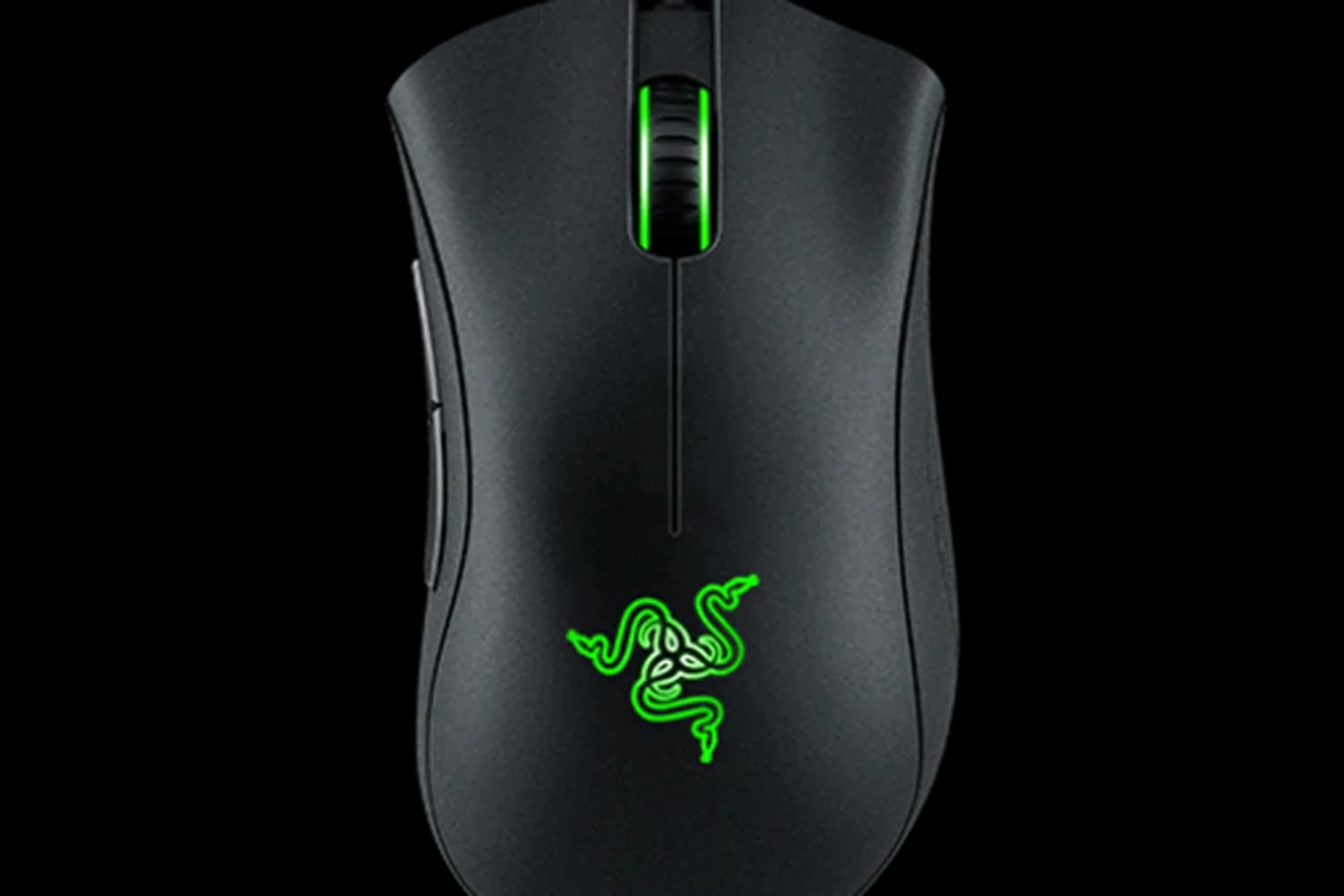
Razer DeathAdder Essential

Razer DeathAdder Essential

6.3/10verdict: good, not the best

The Razer DeathAdder Essential is for right-handed users with medium to large hands who want a wired mouse with a comfortable shape. It suits desk setups where a 1.8 m cable is fine and wireless is not needed. It is a sensible pick for anyone who values owner-praised comfort and value over long-term switch reliability.

Typically about £18 in the UK when we researched itCheck price at Amazon UK (opens in a new tab, affiliate link)

Affiliate link. As an Amazon Associate I earn from qualifying purchases. Details

Scores, criterion by criterion

CriterionWeightLogitech MX Master 3S Bluetooth EditionRazer DeathAdder Essential
Comfort and shape25%7/107/10
Connectivity and battery25%7/106/10
Sensor and tracking20%7/106/10
Build and buttons15%9/105/10
Software and value15%7/107/10
Overall7.3/106.3/10

Specifications

SpecLogitech MX Master 3S Bluetooth EditionRazer DeathAdder Essential
ConnectionBluetooth Low Energy; Logi Bolt USB receiver on the business variant; Easy-Switch across 3 channelsWired, 1.8 m cable, USB
Sensor and DPIDarkfield optical sensor, 8,000 DPI on consumer pages (business spec sheet lists 200-4,000 DPI), tracks on glassTrue 6,400 DPI optical sensor, 1000 Hz Ultrapolling, up to 220 IPS / 30 G acceleration
Battery life500 mAh rechargeable Li-Po, not user-replaceable, USB-C charging, about 70 days per full chargeNot applicable (wired)
Weight141 g (mouse only)96 g (excluding cable)
Buttons7 buttons, plus thumbwheel and gesture button5 independently programmable Hyperesponse buttons, Razer mechanical switches rated to 10 million clicks, tactile scroll wheel
Shape and handFull-size, sculpted, right-handed; 124.9 x 84.3 x 51 mmRight-handed ergonomic design, 127 x 73 x 44 mm, for medium to large hands, palm, claw and fingertip grip
SoftwareLogi Options+ (Windows and macOS); Logitech Flow for cross-device controlRazer Synapse 3

Strengths and weaknesses

Logitech MX Master 3S Bluetooth Edition

  • + Sculpted shape praised by owners and reviewers
  • + Quiet clicks and a machined steel MagSpeed wheel
  • + Easy-Switch across three devices, USB-C charging, about 70 days per charge
  • − Right-handed only; left-handed use is not supported
  • − Large and heavy for some hands and bags
  • − Battery is not user-replaceable

Skip it if:

  • Left-handed users, as left-handed use is not supported
  • People with small hands or who want a light mouse for a laptop bag
  • Linux users who need vendor software, as only Windows and macOS are listed
Read the full Logitech MX Master 3S Bluetooth Edition review ›

Razer DeathAdder Essential

  • + Owners praise the comfortable shape
  • + Supports palm, claw and fingertip grips
  • + Owners praise its value
  • − Owners report switch and double-click failures
  • − Right-handed design only
  • − Razer labels it Legacy

Skip it if:

  • Left-handed users, because the shape is right-handed only.
  • Anyone who wants a wireless or Bluetooth mouse.
  • Buyers who want a lightweight mouse or a switch that lasts for years.
Read the full Razer DeathAdder Essential review ›

More comparisons

Compare all mice · Best mice