Skip to content
sudopicks
esc

TP-Link LS1005G 5-Port Gigabit Switch vs TP-Link TL-SG3210XHP-M2

Researched, not hands-on tested.How we review ›

all judged against network switches at a similar price

The TP-Link TL-SG3210XHP-M2 scores 6.8/10 overall, ahead of the TP-Link LS1005G 5-Port Gigabit Switch at 6.2/10.

The TP-Link LS1005G 5-Port Gigabit Switch leads on noise and efficiency and firmware and support.

The TP-Link TL-SG3210XHP-M2 leads on port speeds, management, port count and uplinks and poE.

The biggest difference is noise and efficiency, where the TP-Link LS1005G 5-Port Gigabit Switch scores 8/10 to the TP-Link TL-SG3210XHP-M2's 3/10.

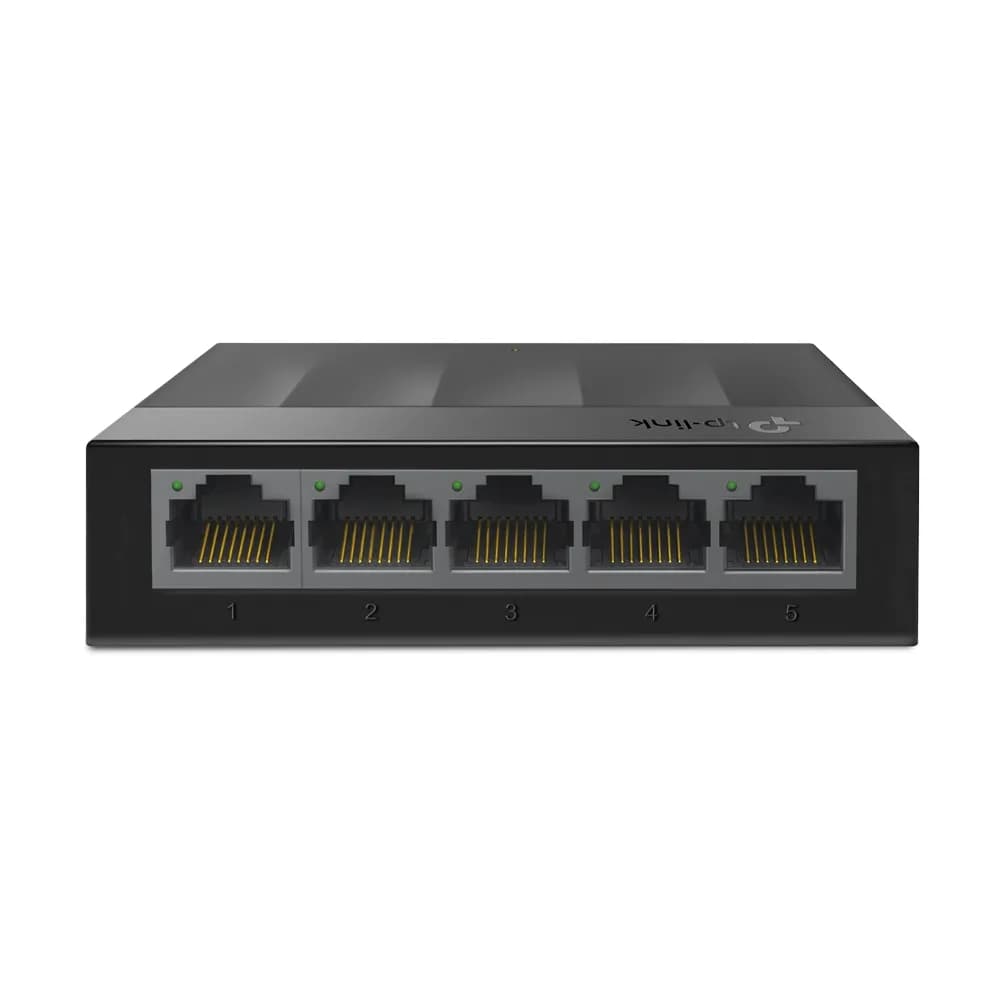
TP-Link LS1005G 5-Port Gigabit Switch

TP-Link LS1005G 5-Port Gigabit Switch

6.2/10verdict: good, not the best

The TP-Link LS1005G is for anyone who needs a few more wired Ethernet ports without any setup. It suits a desk, media cabinet or small homelab corner where gigabit is enough and VLANs are not needed. Buyers who want management features, PoE or faster links should look at other switches.

Typically about £9.99 in the UK when we researched itCheck price at Amazon UK (opens in a new tab, affiliate link)

Affiliate link. As an Amazon Associate I earn from qualifying purchases. Details
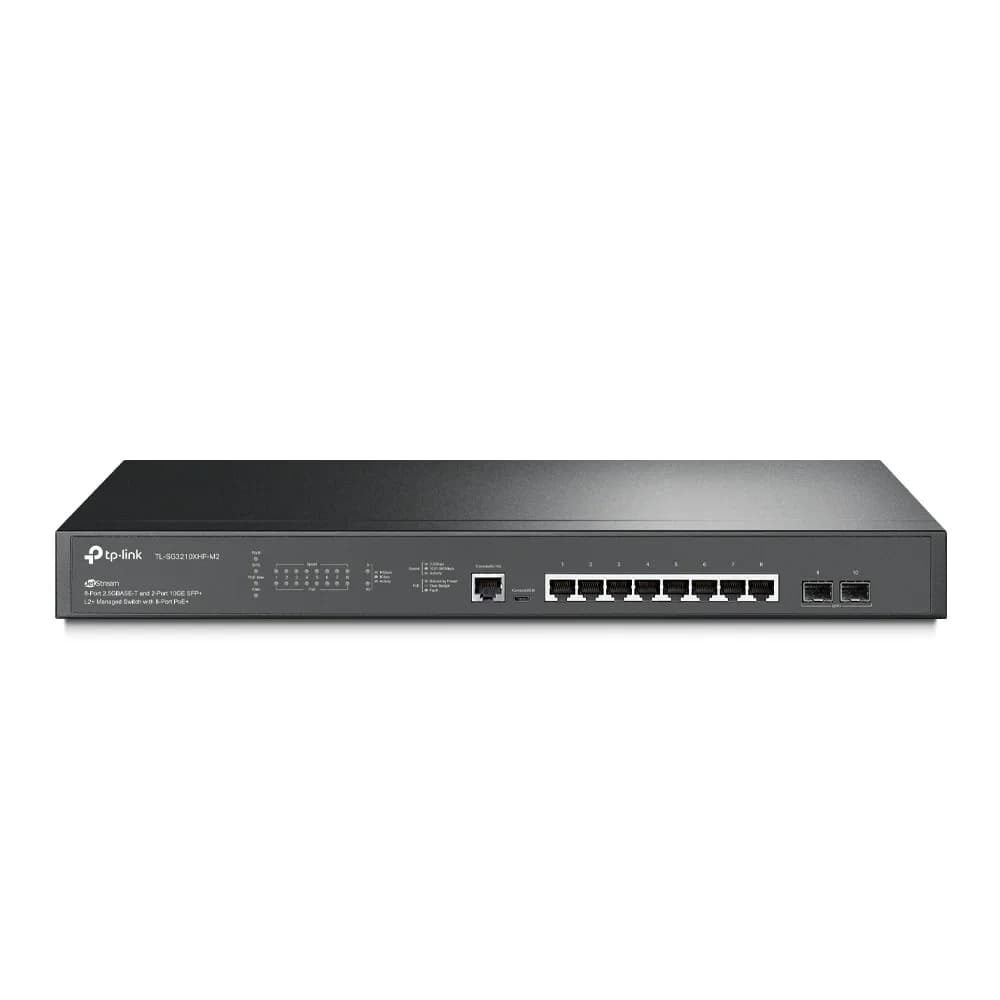
TP-Link TL-SG3210XHP-M2

TP-Link TL-SG3210XHP-M2

6.8/10verdict: buy

The TL-SG3210XHP-M2 is for people building a small rack-based network who need PoE+ and real managed-switch features. It suits setups with 2.5GbE access points or cameras and 10G SFP+ uplinks. It is a poor fit for quiet rooms because it has two fans.

Typically about £340 in the UK when we researched itSearch Amazon UK (opens in a new tab, affiliate link)

Affiliate link. As an Amazon Associate I earn from qualifying purchases. Details

Scores, criterion by criterion

CriterionWeightTP-Link LS1005G 5-Port Gigabit SwitchTP-Link TL-SG3210XHP-M2
Port speeds30%6/108/10
Management20%6/108/10
Port count and uplinks15%6/107/10
Noise and efficiency15%8/103/10
PoE10%5/108/10
Firmware and support10%6/105/10
Overall6.2/106.8/10

Specifications

SpecTP-Link LS1005G 5-Port Gigabit SwitchTP-Link TL-SG3210XHP-M2
Ports5 x 10/100/1000 Mbps RJ45 ports, auto-MDI/MDIX8x 2.5GbE RJ45 PoE+ ports, 2x 10G SFP+ slots, plus one RJ45 and one Micro-USB console port (not data ports)
Port speeds10/100/1000 Mbps per port, auto-negotiationRJ45 ports 100/1000/2500 Mbps; SFP+ slots 10 Gbps
ManagementUnmanaged, plug-and-play, no configuration neededL2+ managed; web management, Omada app, cloud or hardware/software controllers; 802.1Q VLAN, static routing, ACLs, 802.1X
PoE budgetNone240 W total PoE budget; 8 PoE+ ports (802.3af/at); 30 W per port
Uplinks (SFP/SFP+)None; RJ45 only, no SFP/SFP+ uplinks2x 10 Gbps SFP+
Switching capacity10 Gbps switching capacity, 7.4 Mpps packet forwarding rate80 Gbps switching capacity; 59.52 Mpps forwarding rate; 16K MAC table
CoolingFanlessTwo fans (Fan Quantity: 2), not fanless

Strengths and weaknesses

TP-Link LS1005G 5-Port Gigabit Switch

  • + Plug-and-play with no configuration
  • + Fanless and reported as quiet
  • + Two-year warranty from the UK seller
  • − Unmanaged: no VLANs or QoS
  • − Gigabit only, no SFP/SFP+ uplinks
  • − No PoE on any port

Skip it if:

  • Homelabbers who need VLANs, QoS or other management features
  • Buyers who want PoE for cameras or access points
  • Anyone who needs 2.5GbE, 10GbE or SFP/SFP+ uplinks
Read the full TP-Link LS1005G 5-Port Gigabit Switch review ›

TP-Link TL-SG3210XHP-M2

  • + Eight 2.5GbE PoE+ ports with a 240 W total budget
  • + L2+ management with VLANs, static routing, ACLs and 802.1X
  • + Two 10 Gbps SFP+ uplinks
  • − Two fans; one owner report calls it too loud for offices
  • − Cloud management needs a hardware controller or dedicated computer
  • − Update history and warranty terms aren't stated

Skip it if:

  • Buyers who need a silent or fanless switch for an office or desk
  • Anyone needing more than ten data ports on one switch
  • Buyers wanting cloud management without a hardware controller or dedicated computer
Read the full TP-Link TL-SG3210XHP-M2 review ›

More comparisons

Compare all network switches · Best network switches