Skip to content
sudopicks
esc

TP-Link LS108GP vs Ubiquiti UniFi Switch Lite 8 PoE

Researched, not hands-on tested.How we review ›

all judged against network switches at a similar price

The TP-Link LS108GP scores 6.0/10 overall, ahead of the Ubiquiti UniFi Switch Lite 8 PoE at 5.9/10.

The TP-Link LS108GP leads on port speeds and poE.

The Ubiquiti UniFi Switch Lite 8 PoE leads on management.

They score the same on port count and uplinks, noise and efficiency and firmware and support.

The biggest difference is management, where the Ubiquiti UniFi Switch Lite 8 PoE scores 8/10 to the TP-Link LS108GP's 5/10.

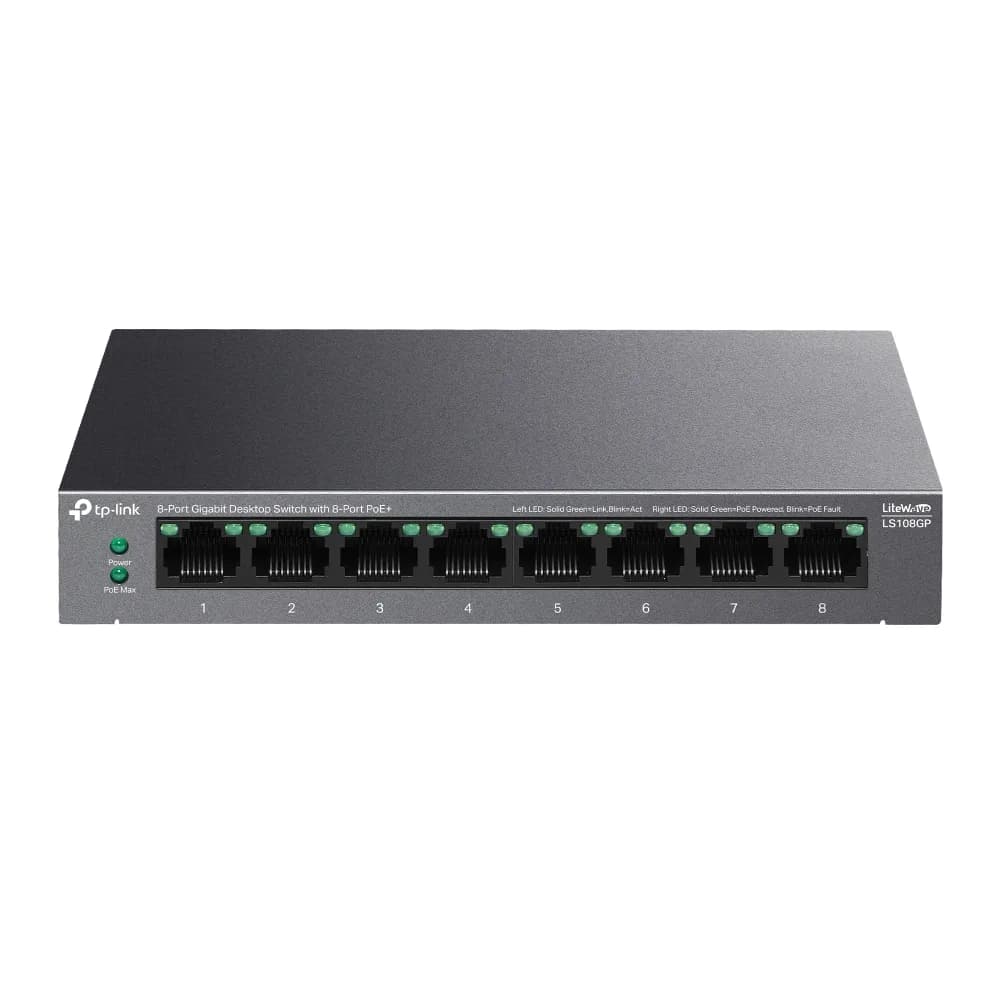
LS108GP

TP-Link LS108GP

6.0/10verdict: good, not the best

The LS108GP is for anyone who wants a small, silent, plug-and-play switch that also powers a few PoE devices such as access points or cameras. It suits desks, shelves and quiet rooms where a fan would be a nuisance. It doesn't suit buyers who need VLANs, faster-than-gigabit ports or a large PoE budget.

Typically about £39.99 in the UK when we researched itCheck price at Amazon UK (opens in a new tab, affiliate link)

Affiliate link. As an Amazon Associate I earn from qualifying purchases. Details
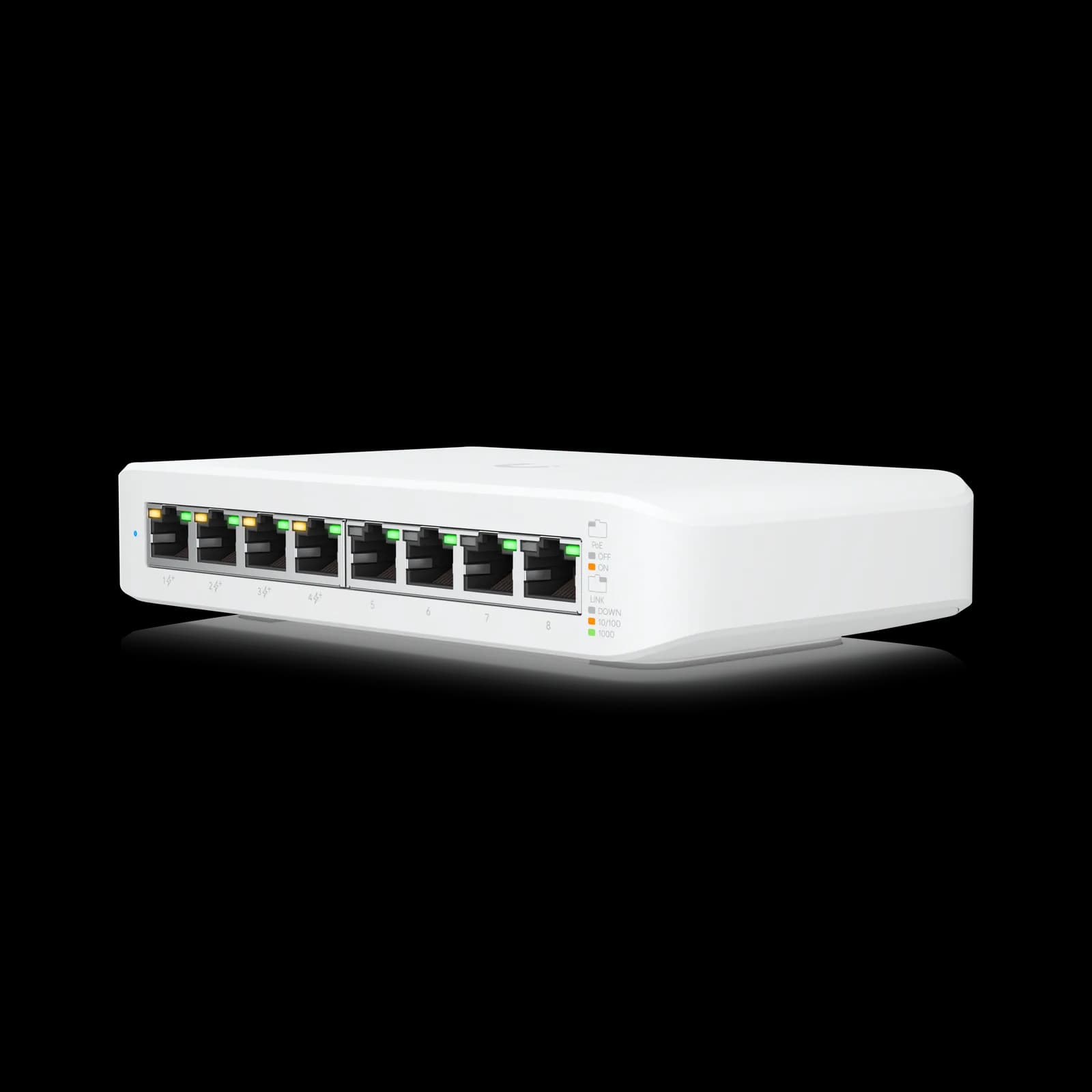
Ubiquiti UniFi Switch Lite 8 PoE

Ubiquiti UniFi Switch Lite 8 PoE

5.9/10verdict: good, not the best

The UniFi Switch Lite 8 PoE is for people already running, or planning, a UniFi setup who want a small, silent managed switch. It suits a desk, small office or home network with a few PoE devices such as access points or cameras. It is a poor fit for anyone who needs faster than gigabit speeds, fibre uplinks or lots of PoE power.

Typically about £111 in the UK when we researched itSearch Amazon UK (opens in a new tab, affiliate link)

Affiliate link. As an Amazon Associate I earn from qualifying purchases. Details

Scores, criterion by criterion

CriterionWeightTP-Link LS108GPUbiquiti UniFi Switch Lite 8 PoE
Port speeds30%6/104/10
Management20%5/108/10
Port count and uplinks15%5/105/10
Noise and efficiency15%9/109/10
PoE10%6/105/10
Firmware and support10%5/105/10
Overall6.0/105.9/10

Specifications

SpecTP-Link LS108GPUbiquiti UniFi Switch Lite 8 PoE
Ports8x 10/100/1000 Mbps RJ45 ports (ports 1-8 support 802.3af/at PoE+)8 RJ45 ports in total, of which 4 are PoE+
Port speeds10/100/1000 Mbps auto-negotiation, auto MDI/MDIX10/100/1000 Mbps on all ports
ManagementUnmanaged, plug-and-play; no VLAN support listedLayer 2 managed, configured through the UniFi Network Controller, in-band Ethernet management
PoE budget62 W total PoE budget, up to 30 W per port, 802.3af/at52 W total PoE budget; up to 30 W per PoE+ port (802.3at)
Uplinks (SFP/SFP+)not listedNo SFP or SFP+ port; RJ45 networking ports only
Switching capacity16 Gbps switching capacity, 11.9 Mpps forwarding rate, 4K MAC table, 16 KB jumbo frames16 Gbps switching capacity; 8 Gbps non-blocking line rate
CoolingFanless, metal casingFanless; heat dissipation 27.3 BTU/hr excluding PoE output

Strengths and weaknesses

TP-Link LS108GP

  • + Fanless metal case; owners praise silent operation
  • + All eight gigabit ports support 802.3af/at PoE
  • + Plug-and-play setup with IGMP snooping and QoS
  • − Shared 62 W PoE budget limits high-draw devices
  • − Unmanaged, with no VLAN support listed
  • − No SFP uplink or faster-than-gigabit ports listed

Skip it if:

  • Buyers who need VLANs or other managed-switch features
  • Anyone powering several high-draw PoE devices from one switch
  • Users who want 2.5GbE, 10GbE or SFP uplinks
Read the full TP-Link LS108GP review ›

Ubiquiti UniFi Switch Lite 8 PoE

  • + Fanless and quiet, praised by owners
  • + Layer 2 management with VLANs through UniFi Network Controller
  • + Easy setup and quick provisioning, per owners
  • − Only four of eight ports supply PoE
  • − Gigabit only, with no SFP or SFP+ uplink
  • − 52 W PoE budget may strain demanding devices

Skip it if:

  • Buyers who need 2.5GbE, 10GbE or SFP+ uplinks
  • Anyone powering many or high-demand PoE devices
  • People who want L3 routing on the switch itself
Read the full Ubiquiti UniFi Switch Lite 8 PoE review ›

More comparisons

Compare all network switches · Best network switches